
Create a Roleplay Agent from a File or Resource
You can create AI roleplay agents using uploaded training files and documents during agent creation. Fine-tuning workflows can also use file attachments so behavior stays aligned with specific source material, not only a free-form prompt.
<iframe src="https://www.youtube.com/embed/mL018sMBnhI" frameborder="0" allowfullscreen></iframe>
Watch: Create AI Roleplay Agents from Documents
Create a roleplay agent using a file
Open Roleplay → Agents (or Manage Agents) and start Create agent, filling in roleplay type, scenario, and other required fields.
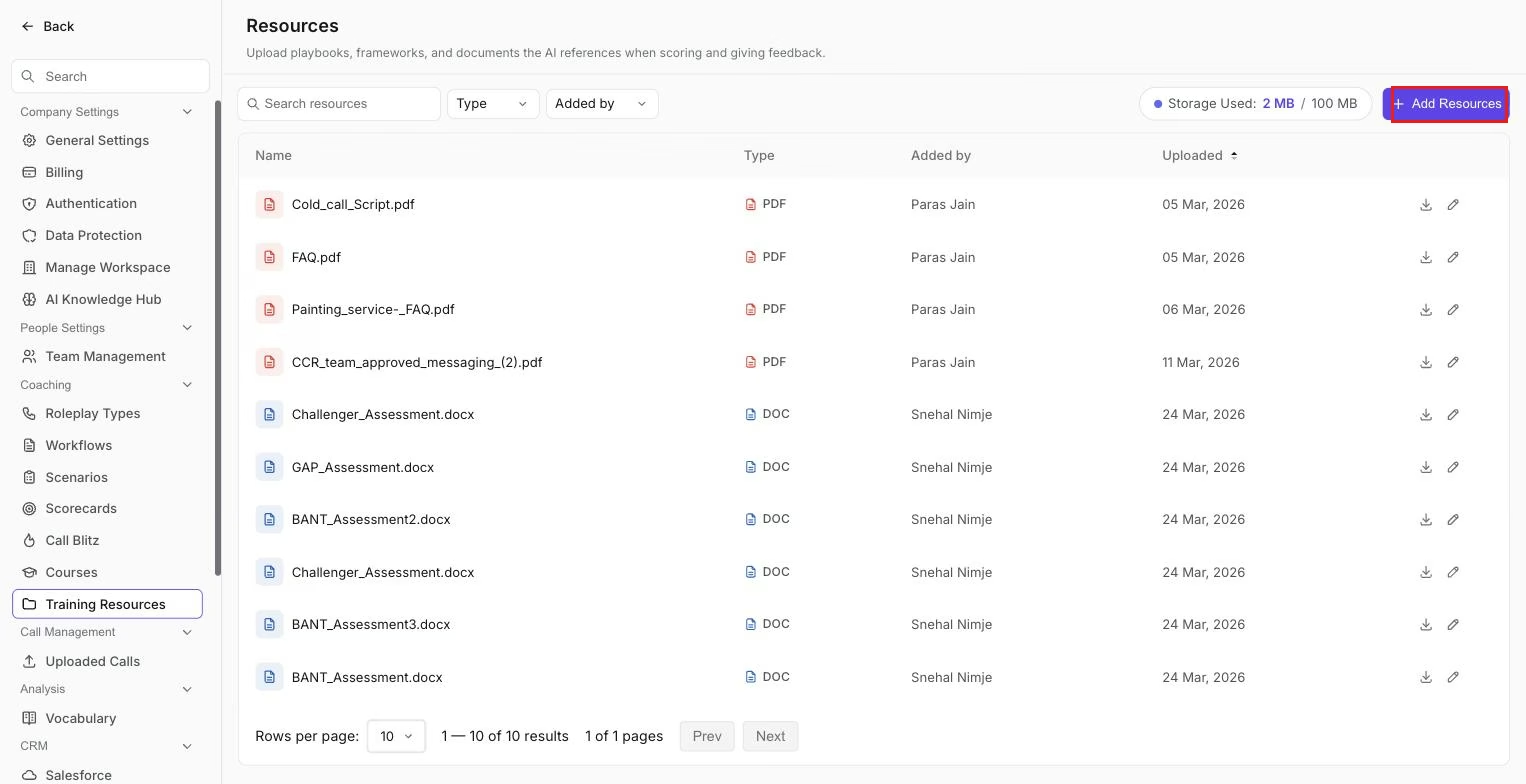
The Resources library, where uploaded playbooks and documents are stored and can be attached to an agent during creation.
Find Resources, Attachments, Training files, or a similar section in the creation flow, and add files: upload new documents or choose existing items from the Resources library. Complete the agent description or prompt so it's clear how the attachments should be used (for example, "Follow the attached pricing guardrails."). Generate or save the agent, then run a test roleplay to validate behavior.
Fine-tune an agent with file attachments
Open the existing agent you want to refine, then open the fine-tune, variations, refine, or edit section, whichever your workspace provides. Attach or update files the same way as in creation; prefer library resources for consistency across agents. Save your changes and test with representative scenarios.
Hope this article was helpful. For any queries, please write to support@outdoo.ai