
Outdoo Open API
Learn how to generate API tokens and authenticate custom integrations with Outdoo AI using the Open API.
Available integrations
Outdoo AI integrates with a range of tools out of the box. See the full list of integrations.
Custom integrations with the Open API
If you are using a custom tool, you can connect it to Outdoo AI using the Open API. See the API documentation for details.
Generating an API token
You must be an admin in Outdoo AI to generate a token.
- Navigate to Company Settings > Ecosystem > API Keys.
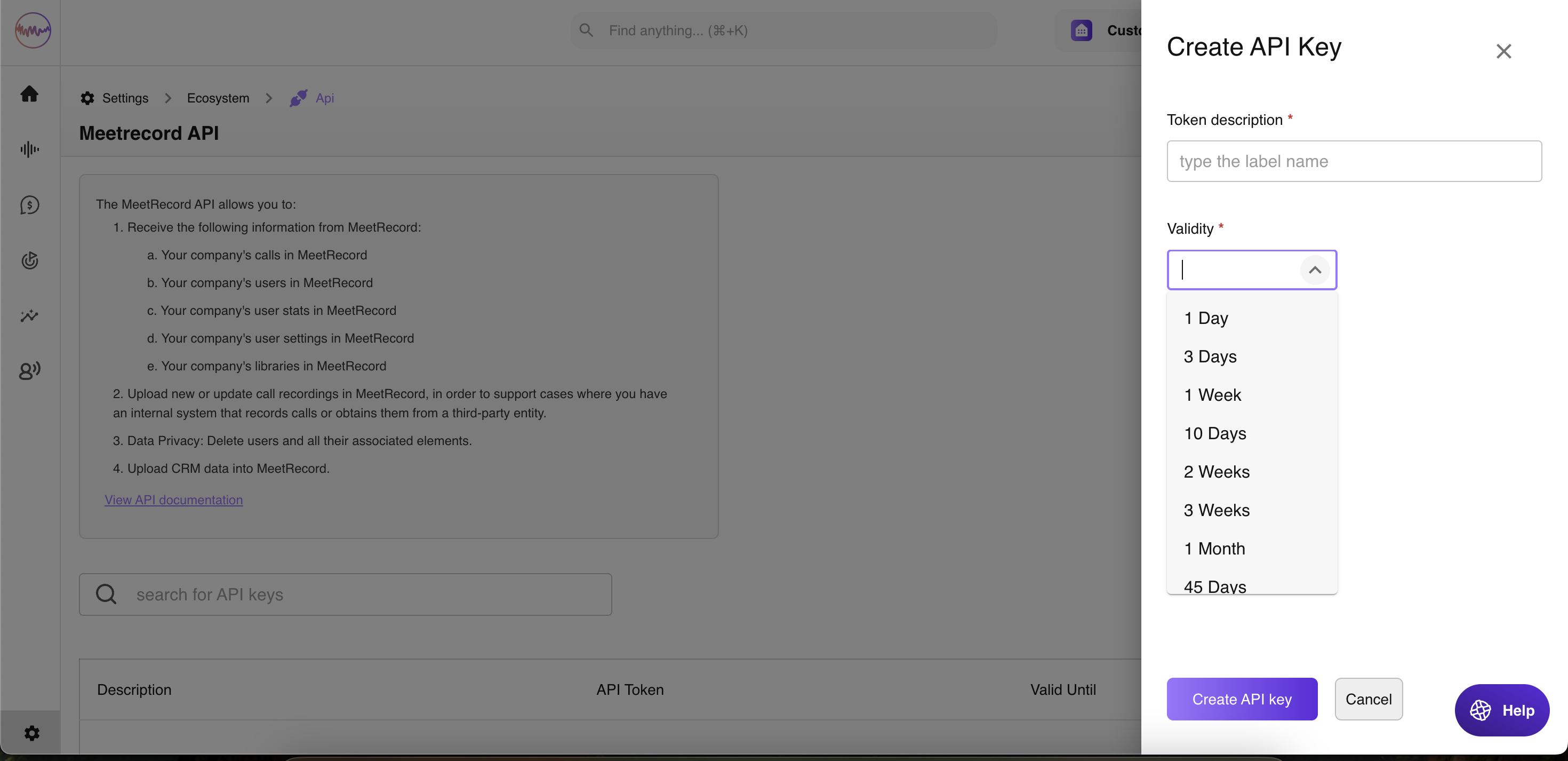
- Click Create API Key, assign it a name, and set a validity period.
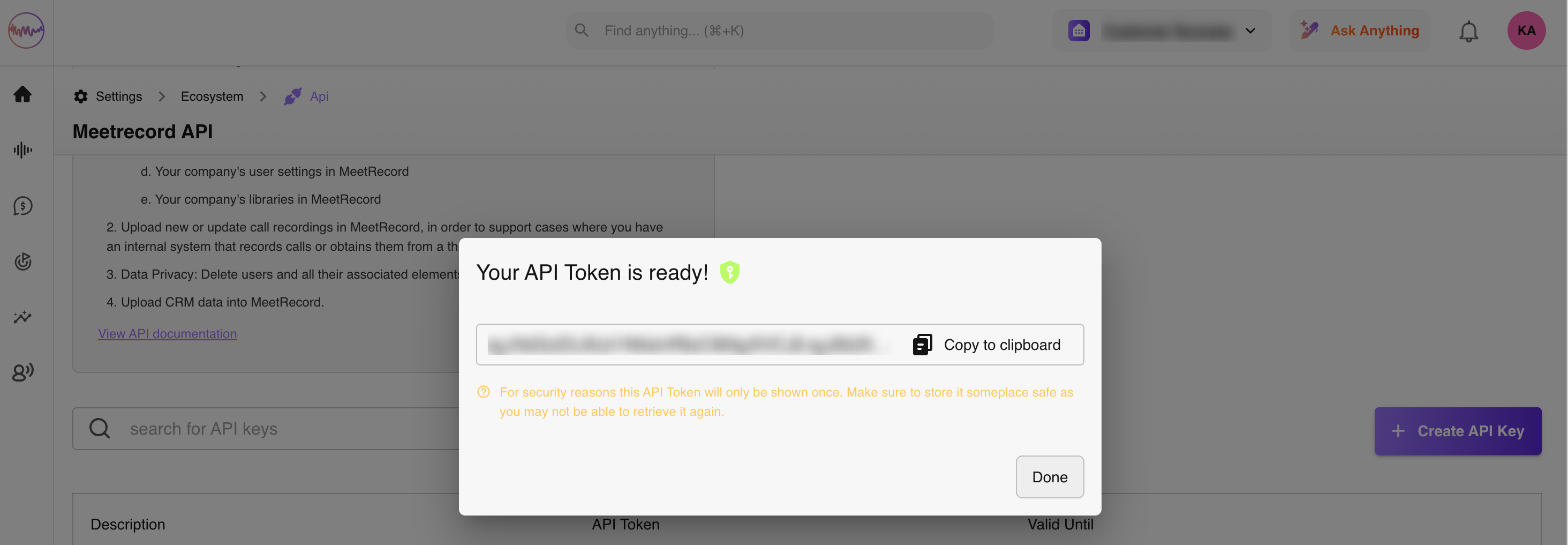
- On the next screen, copy the token and store it somewhere secure. The token is displayed only once.
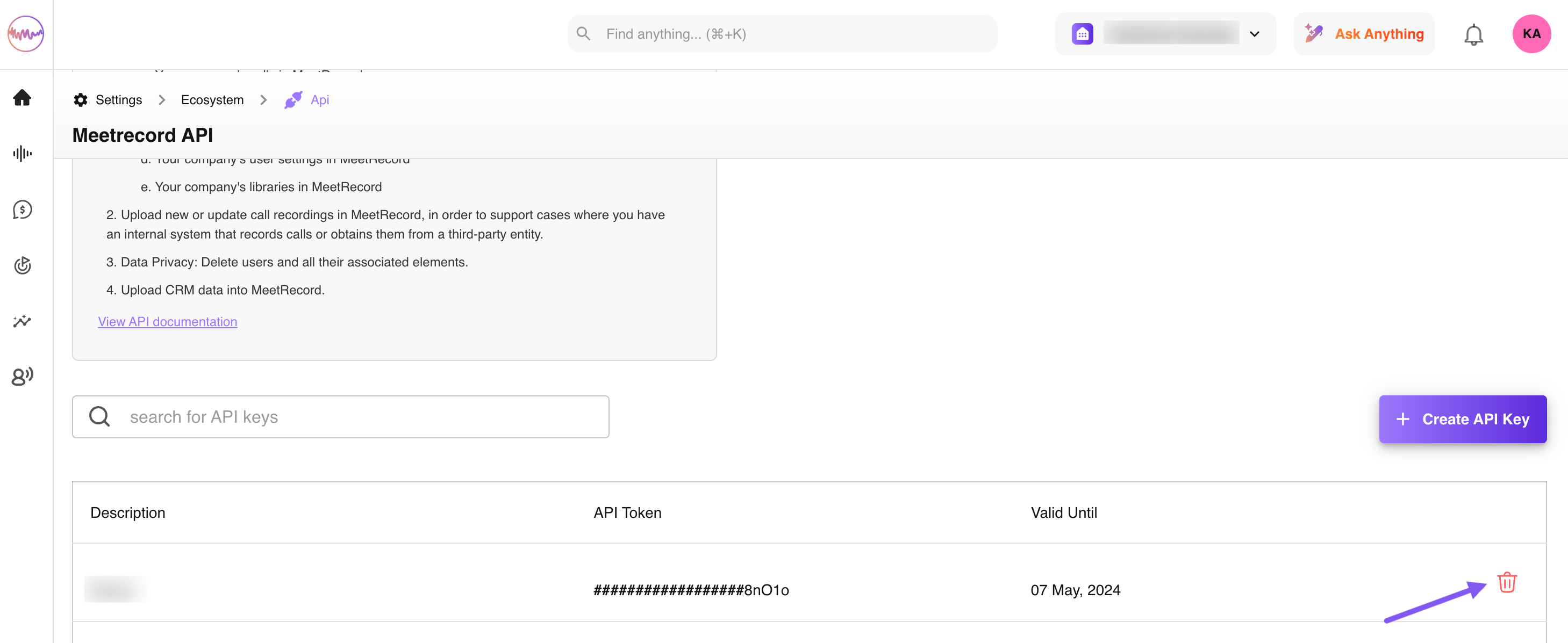
- Your token is now created and listed on the API Keys page. You can delete it at any time.
Use this token to authenticate your integration with Outdoo AI.