
Creating Your Account via Admin Invitation
To get started with Outdoo AI, you need an invitation from your organization's admin. This guide walks you through the steps to create your account.
Step 1: Wait for your admin invitation
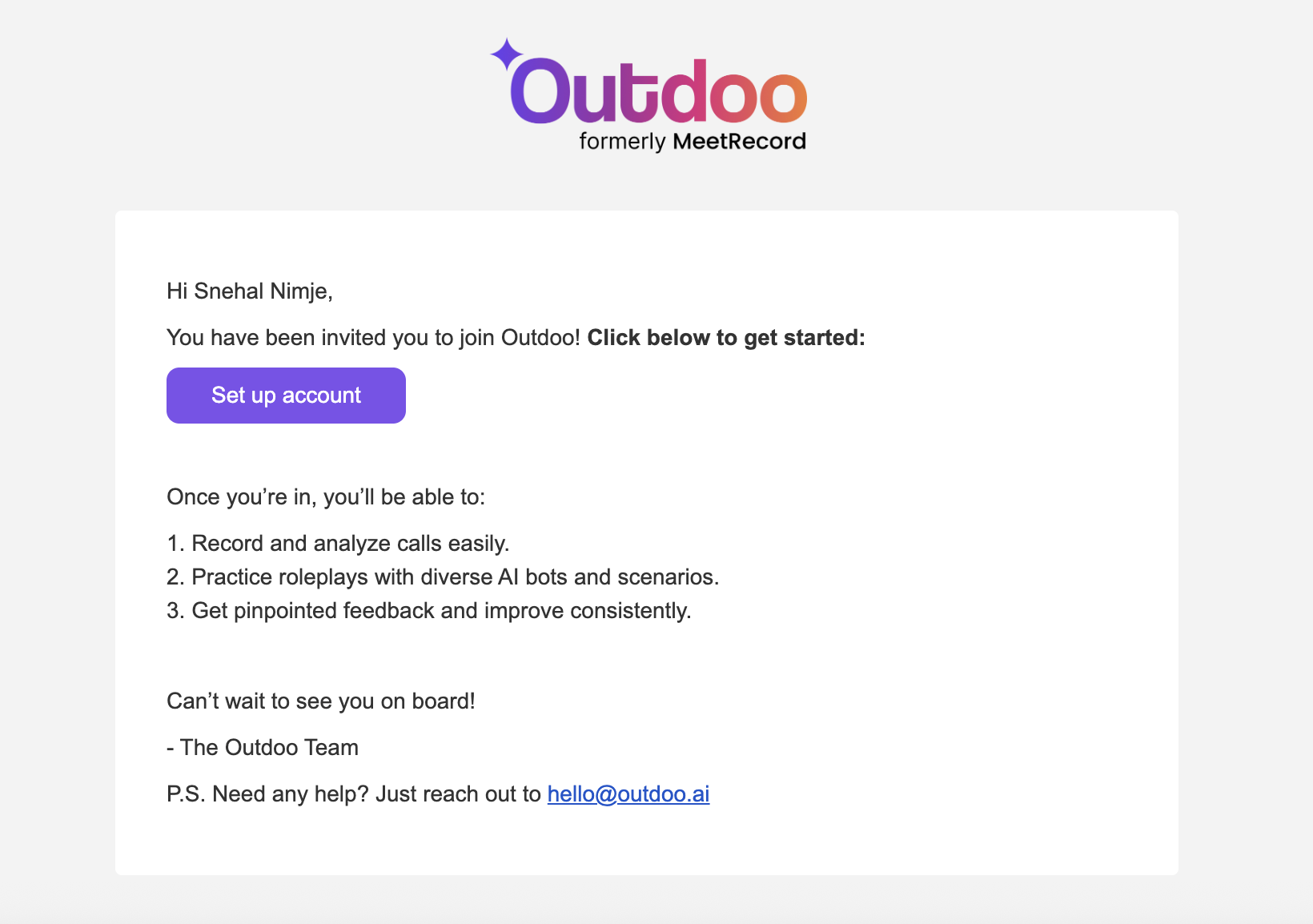
Your admin will send you an invitation by email. Watch your inbox for a message that includes a unique link to create your account.
Step 2: Click the invitation link
Open the email and click the provided link. It will take you to the Outdoo AI account creation page.
Step 3: Fill in your details
Enter your information and choose a password that meets the security requirements for a protected account.
Step 4: Connect your calendar
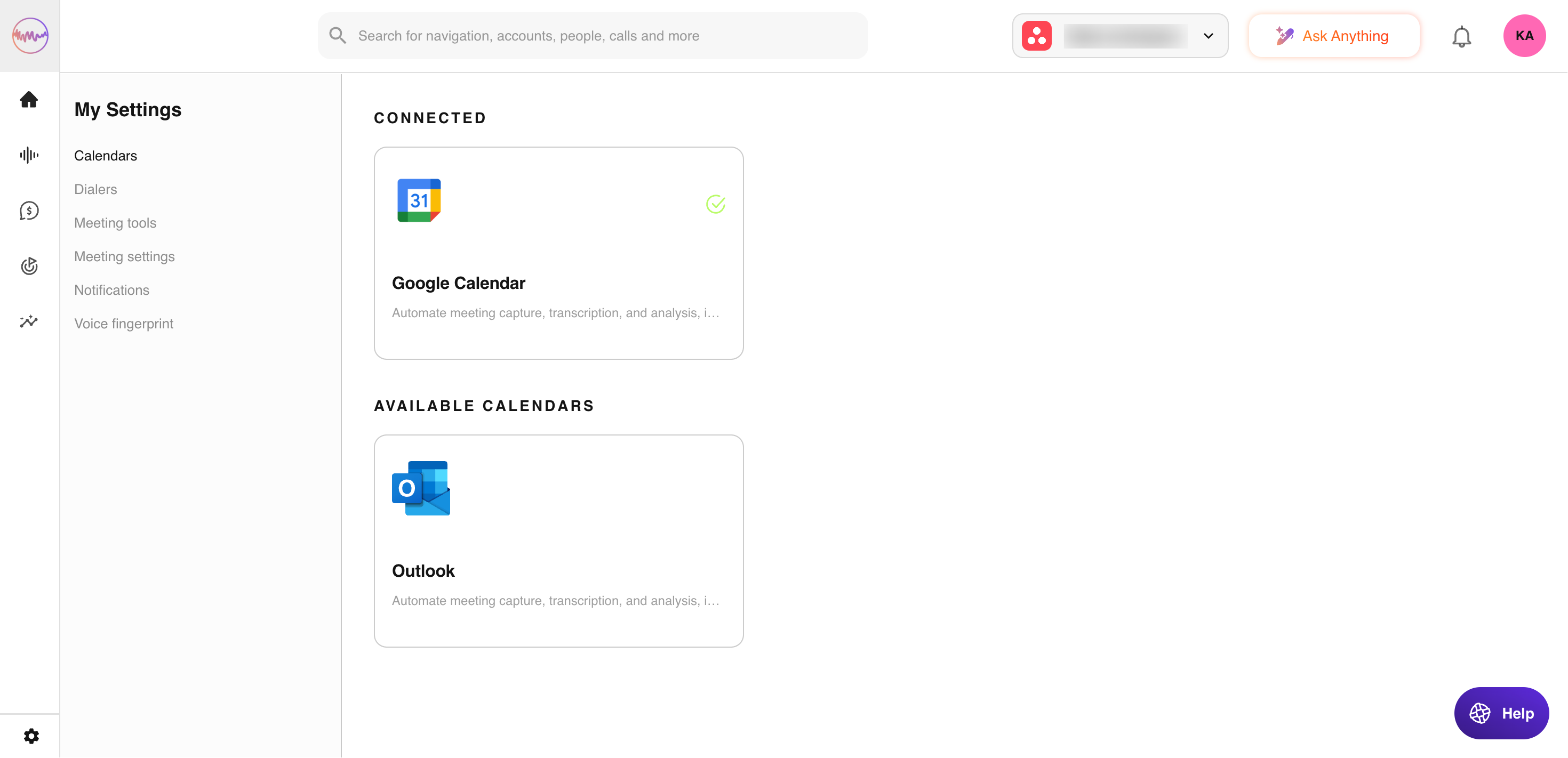
After your account is created, follow the onboarding steps inside the app to connect your calendar. This step does not apply to users with the Viewer role.
Need help?
If you run into any issues during account creation or have questions about using Outdoo AI, reach out to your admin or contact our support team at support@outdoo.ai.