
HubSpot and Outdoo AI
Learn how to integrate HubSpot with Outdoo AI to automatically sync meeting data with your CRM for better deal tracking and follow-ups.
How to Integrate HubSpot with Outdoo AI
This guide walks through integrating your HubSpot account with Outdoo AI. Once connected, meeting data syncs automatically with your HubSpot CRM for deal tracking, follow-ups, and sales insights.
Steps to Integrate Outdoo AI with HubSpot
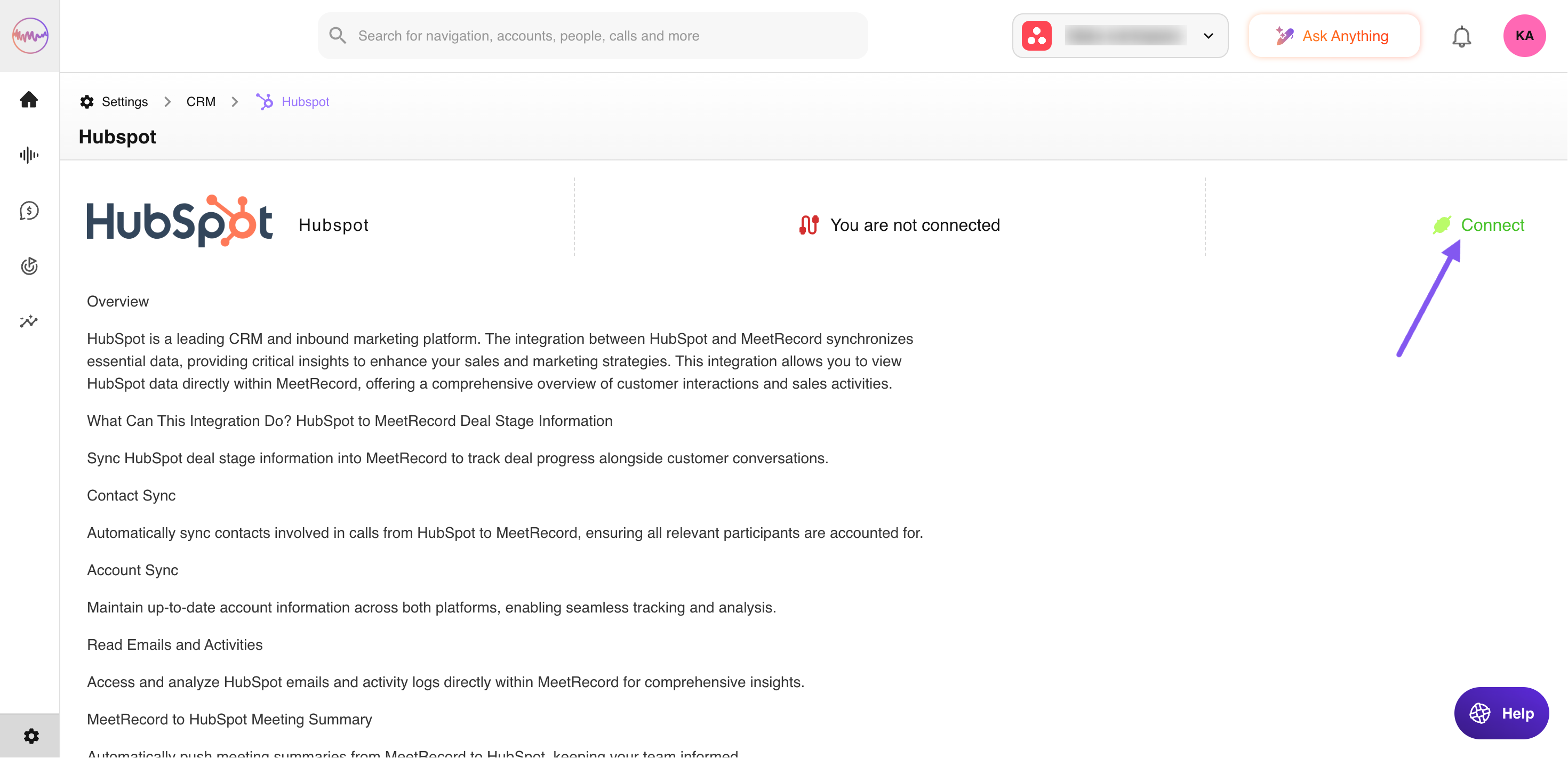
- Go to: Company Settings > CRM > HubSpot
- Click the Connect button to start the integration process.
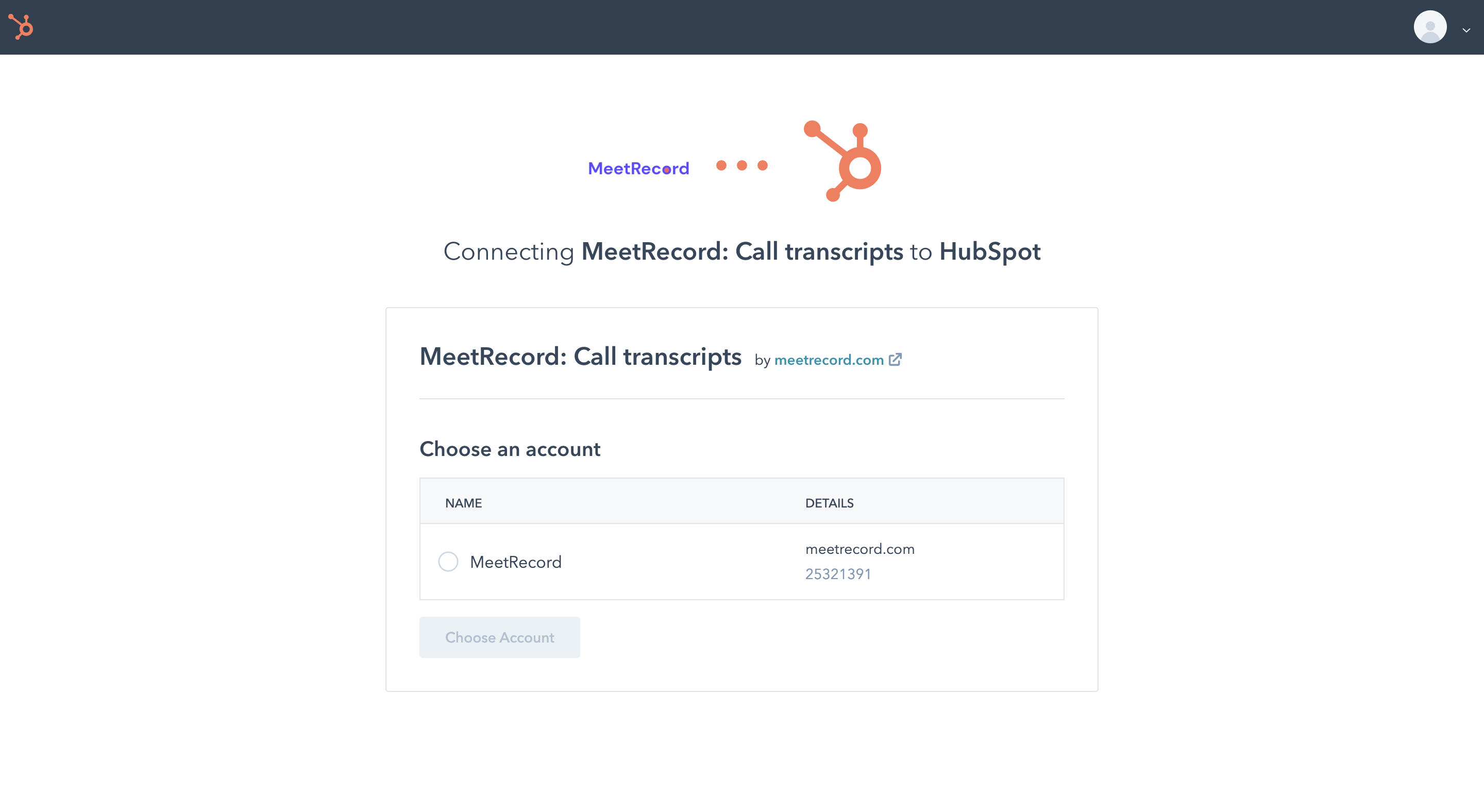
- A new page will open to authorize HubSpot. If you have multiple HubSpot accounts, choose the correct one and proceed.
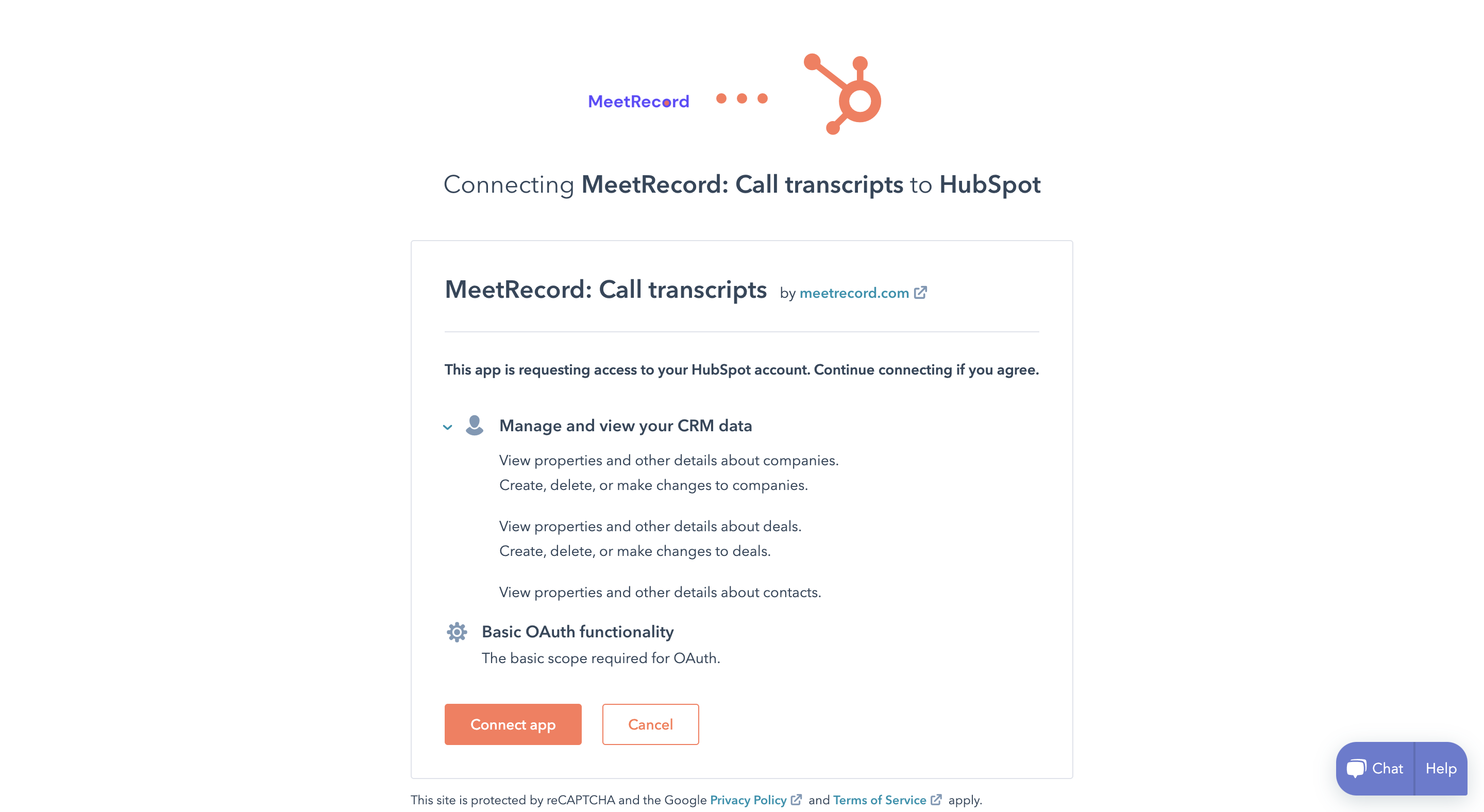
- Once authorized, click Connect app to complete the integration.
- You will be redirected to the Outdoo AI Integrations page, where HubSpot will now show as Connected.
Important Note
Make sure the lead's contact details are already present in HubSpot before the meeting. If Outdoo AI cannot find a matching email for participants in HubSpot, meeting-to-deal mapping will not happen.
Troubleshooting
If you are facing issues with the HubSpot and Outdoo AI integration, follow these steps:
- Disconnect and reconnect HubSpot here.
- Make sure the Contact associated with the Deal is updated.
- Check HubSpot for API limits applicable to your plan here. Write to HubSpot to increase your limit or upgrade your plan.