
Salesforce and Outdoo AI
Learn how to connect Outdoo AI with Salesforce to automatically sync meeting data, summaries, and recordings directly to your CRM for better deal visibility.
How to Integrate Outdoo AI with Salesforce
Connecting your Salesforce account lets you sync meeting data and get visibility into your customer conversations directly within Salesforce.
Steps to Integrate Outdoo AI with Salesforce
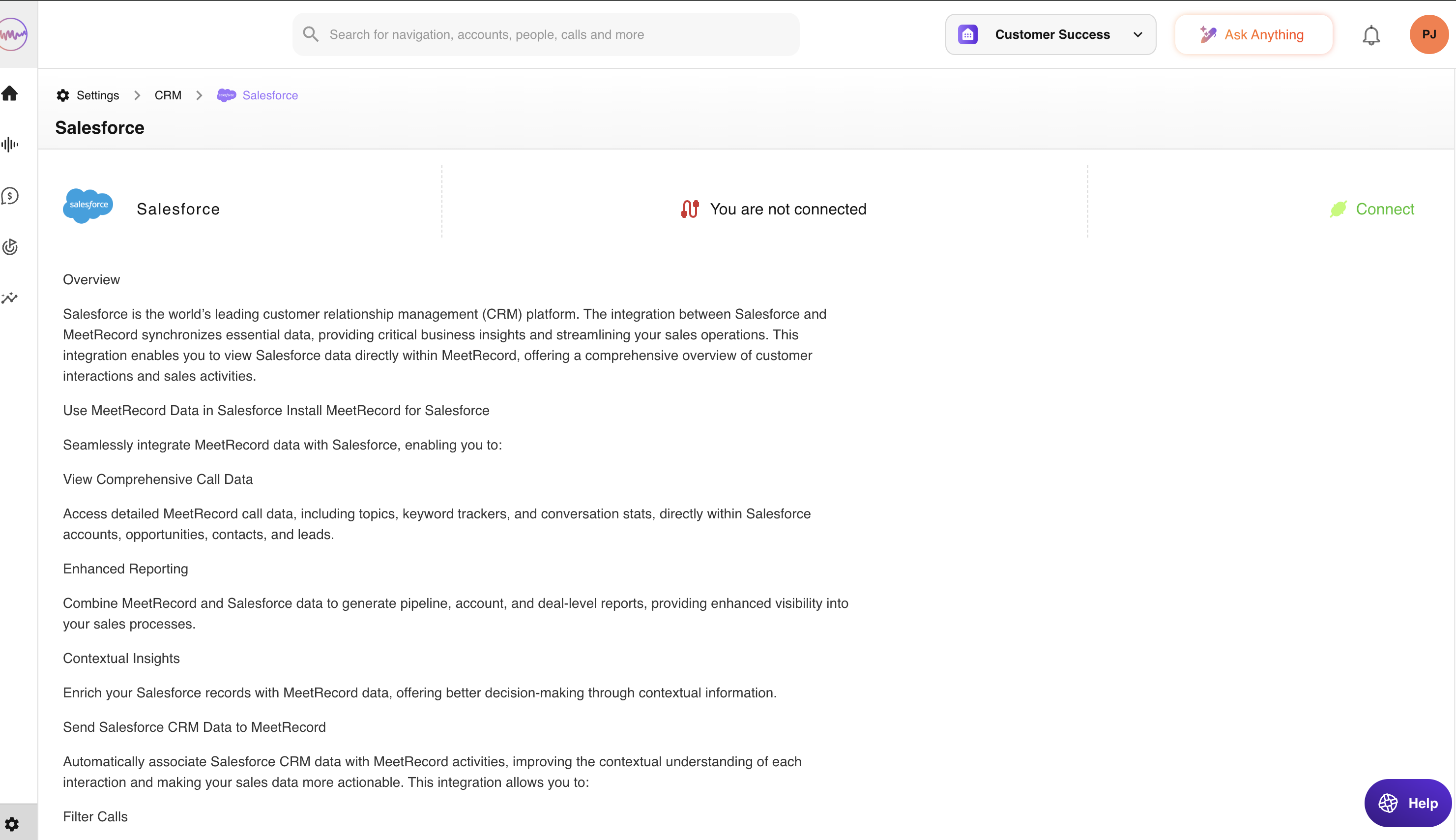
- Click Connect and follow the steps to initiate the integration process.
- When prompted, grant access permissions to allow Outdoo AI to sync data with your Salesforce account.
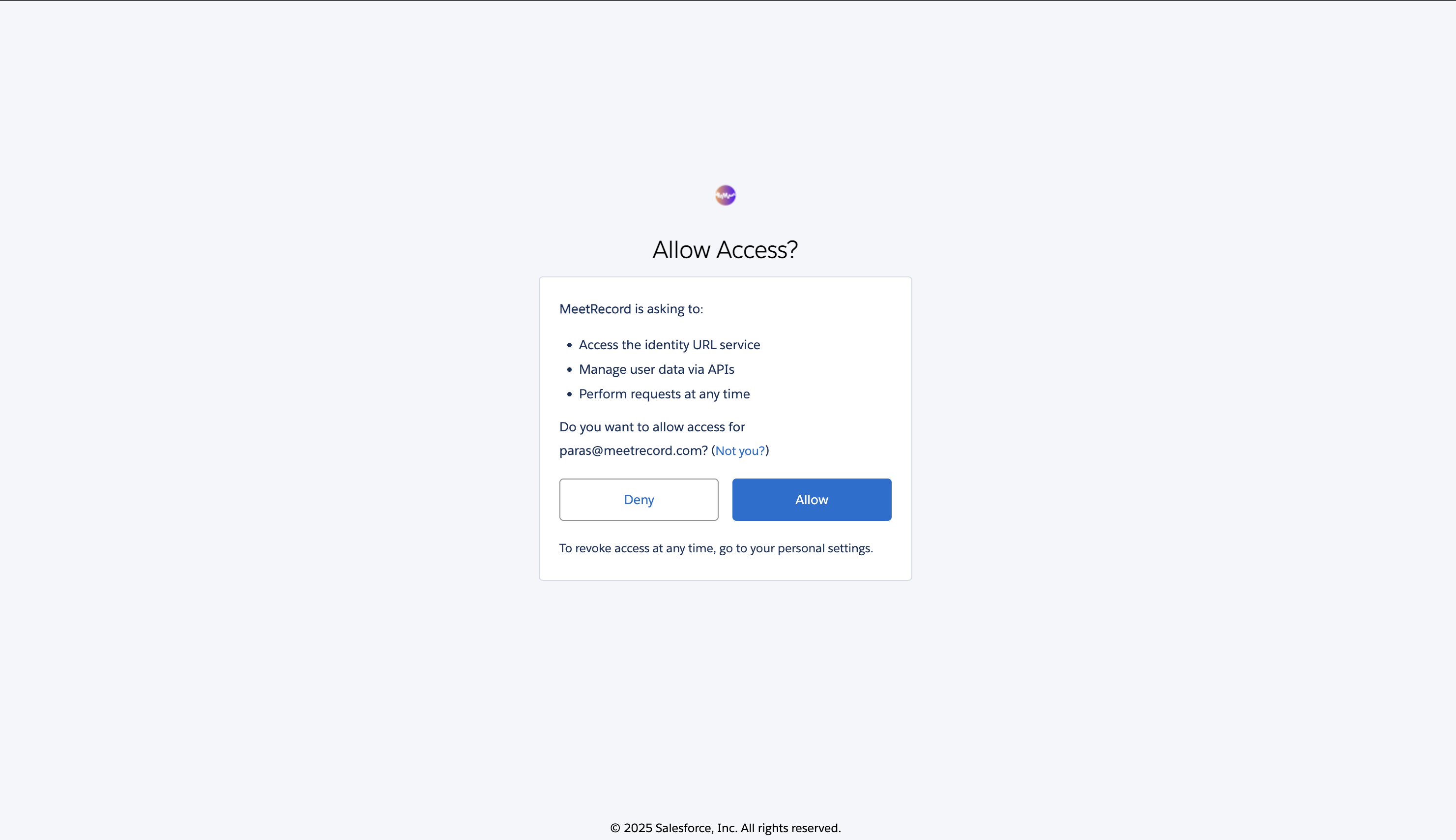
Your integration is now active, and meeting data will automatically start flowing into Salesforce.
What Data Gets Synced from Outdoo AI to Salesforce
Once the integration is complete, the following data from your meetings will be synced to the associated Salesforce records:
- Meeting Title and Date — the meeting title and timestamp are logged automatically.
- Participants — details of internal and external attendees.
- Meeting Summary and Notes — AI-generated or manually added summaries and notes.
- Trackers and Keywords — key moments captured based on pre-set keywords or trackers, such as objections, competitor mentions, or pricing discussions.
- Call Recording Link — a direct link to the recorded meeting for quick reference.
- Deal/Opportunity Association — meetings are linked to the corresponding Opportunity, Contact, or Account in Salesforce.
- Custom Fields (if configured) — any custom field mappings set up during the integration.
Common Use Cases for Sales Teams
- Deal Tracking — meetings associate automatically with deals and opportunities, giving you a clear record from first contact to close.
- Follow-ups — detailed meeting summaries and highlights let sales reps act quickly on action items and next steps.
- Team Visibility — meeting insights are accessible within Salesforce, so relevant team members stay informed without extra effort.
- Time Savings — manual data entry is replaced by automatic sync, freeing sales reps to focus on selling.
- Pipeline Analytics — meeting data including key topics, objections, and pricing discussions helps teams spot trends and improve forecasting.
- Historical Reference — all meeting notes, recordings, and insights are stored in Salesforce and available for future use.