
Delete a call
Learn how to permanently delete a call recording and all associated data from Outdoo AI, including permissions requirements and what gets removed.
Deleting a call removes the recording and all associated data from Outdoo AI permanently. Deleted calls cannot be recovered.
Only tech admins and managers can delete calls. If you need this access and do not have it, contact your Outdoo AI tech admin.
How to delete a call
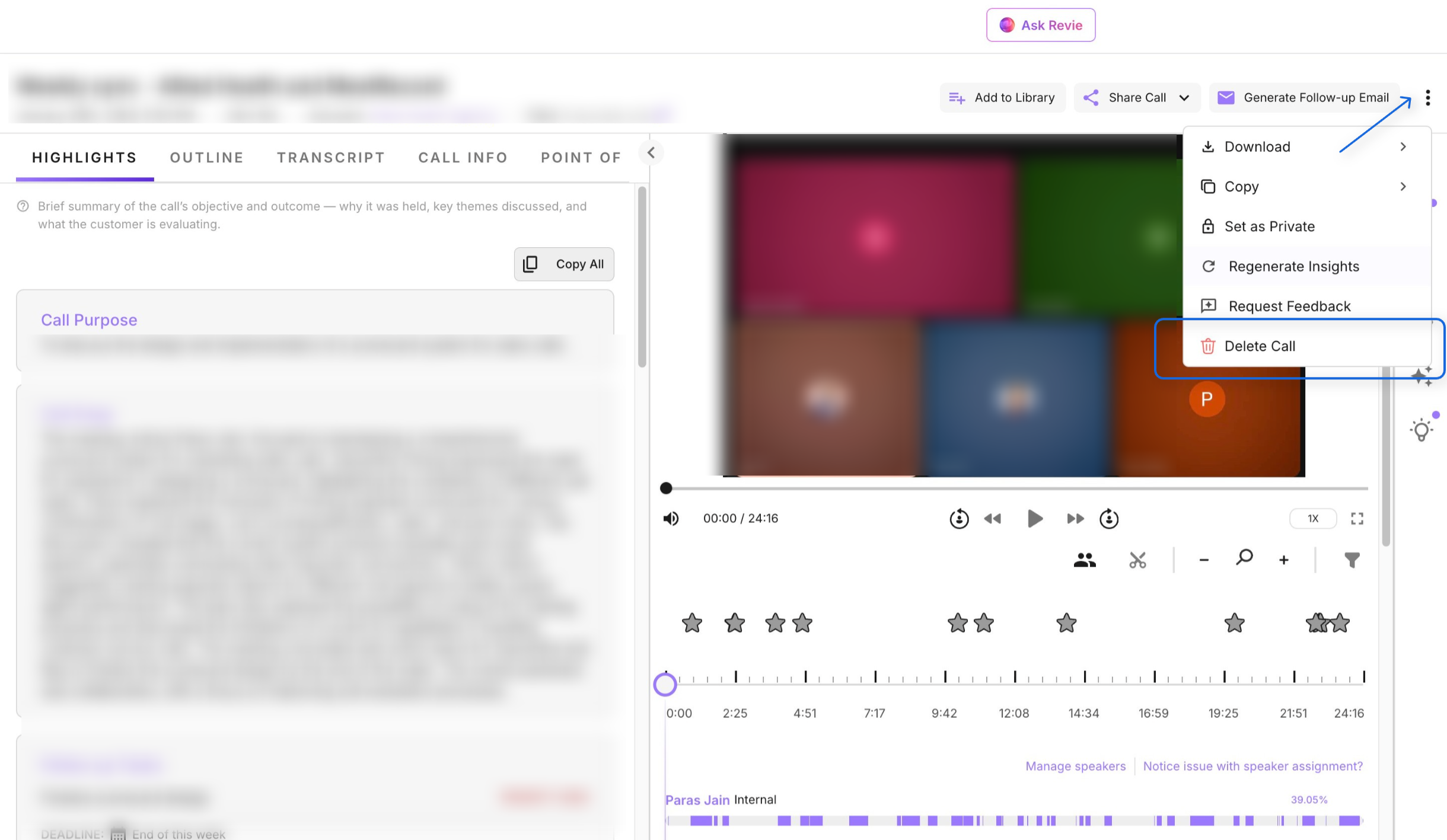
Open the call page, click the three-dot menu in the top-right corner of the page, and select Delete call.
What is removed when you delete a call
Deleting a call permanently removes all of the following from Outdoo AI:
- The recording, transcript, and any related media
- Notes, comments, and scores
- Call stats