
Close.io and Outdoo AI
Learn how to integrate Close CRM with Outdoo AI to fetch deal data and gain insights from your sales meetings in just a few steps.
Integrating Close CRM with Outdoo AI lets you fetch deal data and gain insights from your sales meetings.
Steps to Integrate Outdoo AI with Close CRM
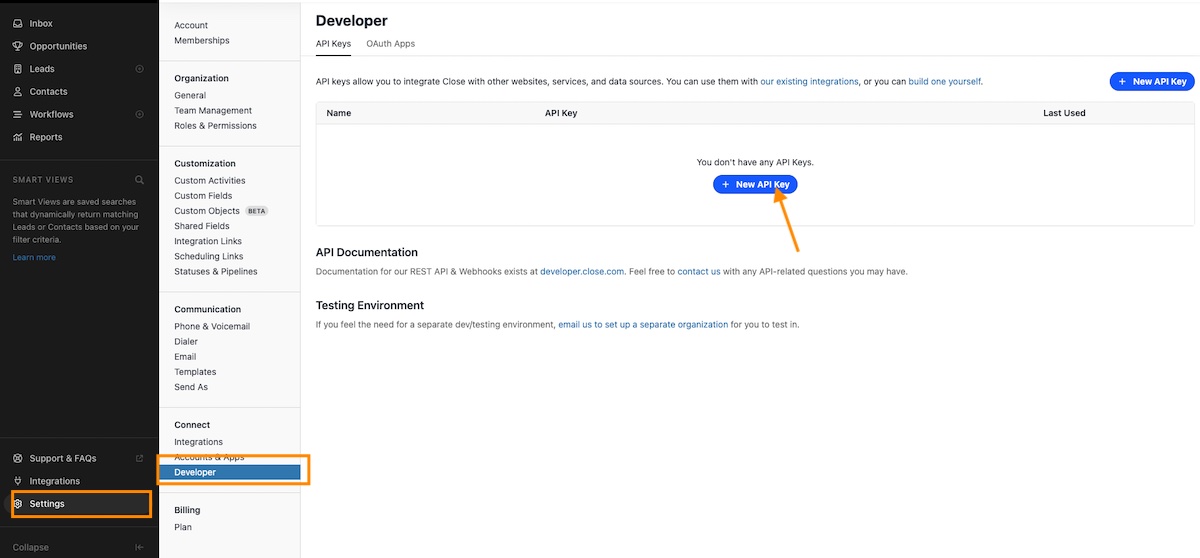
You must be an Admin in Close to create an API key. Go to Settings > Connect > Developer.
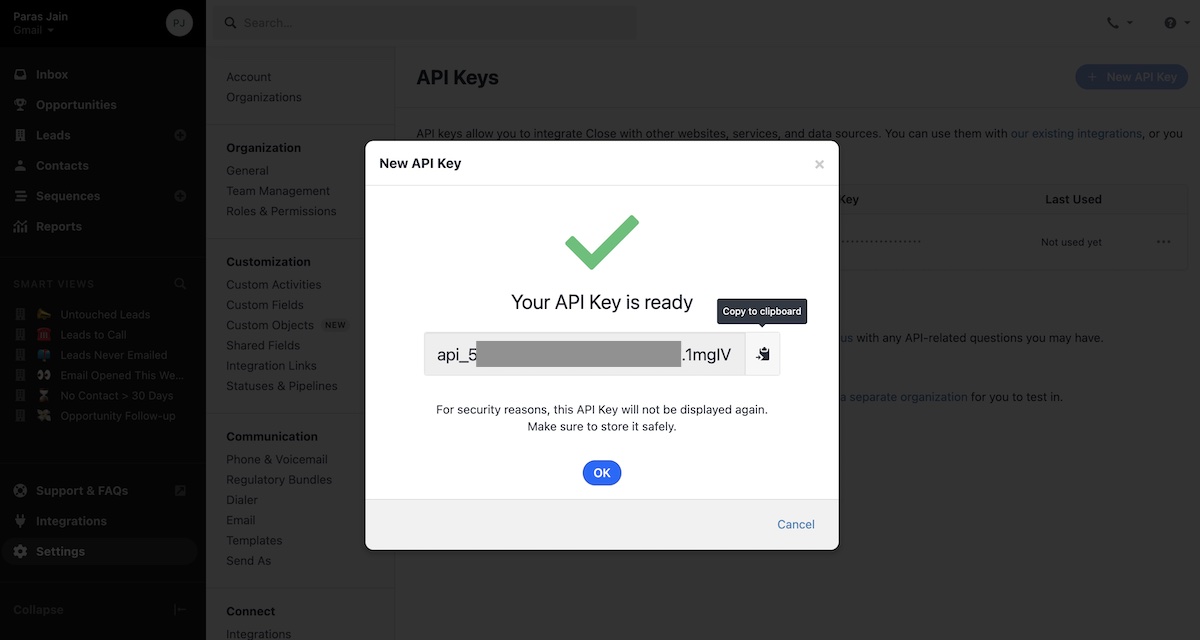
Create a New API Key, name it Outdoo AI, and copy the key. This API key will not be displayed again, so make sure you save it securely.
Integrate in Outdoo AI
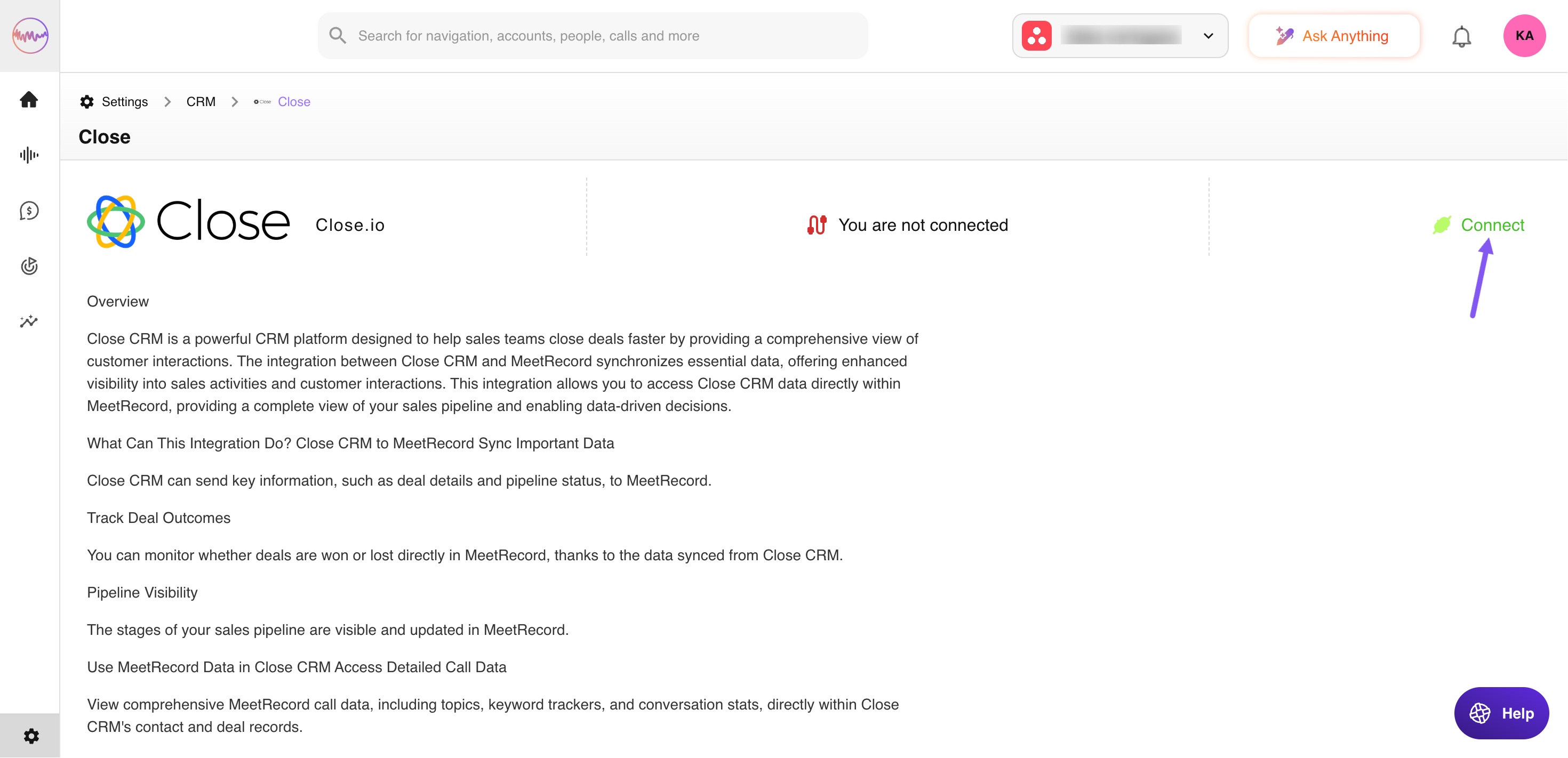
You must also be an Admin in Outdoo AI to complete the integration. In Outdoo AI, go to CRM > All CRMs > Close and paste the API key you copied earlier.
The icon will change from "Connect" to "Connected". Your Close CRM and Outdoo AI integration is complete.

If you have any questions or need assistance, reach out to support@outdoo.ai.