
Zoom Cloud Recordings and Outdoo AI
Learn how to connect your Zoom account with Outdoo AI to automatically sync and analyze scheduled meetings and Zoom recordings for conversation insights.
If you use Zoom as your primary video conferencing tool, connect it with Outdoo AI so that scheduled meetings and Zoom recordings are analyzed automatically.
Steps to Integrate Zoom with Outdoo AI
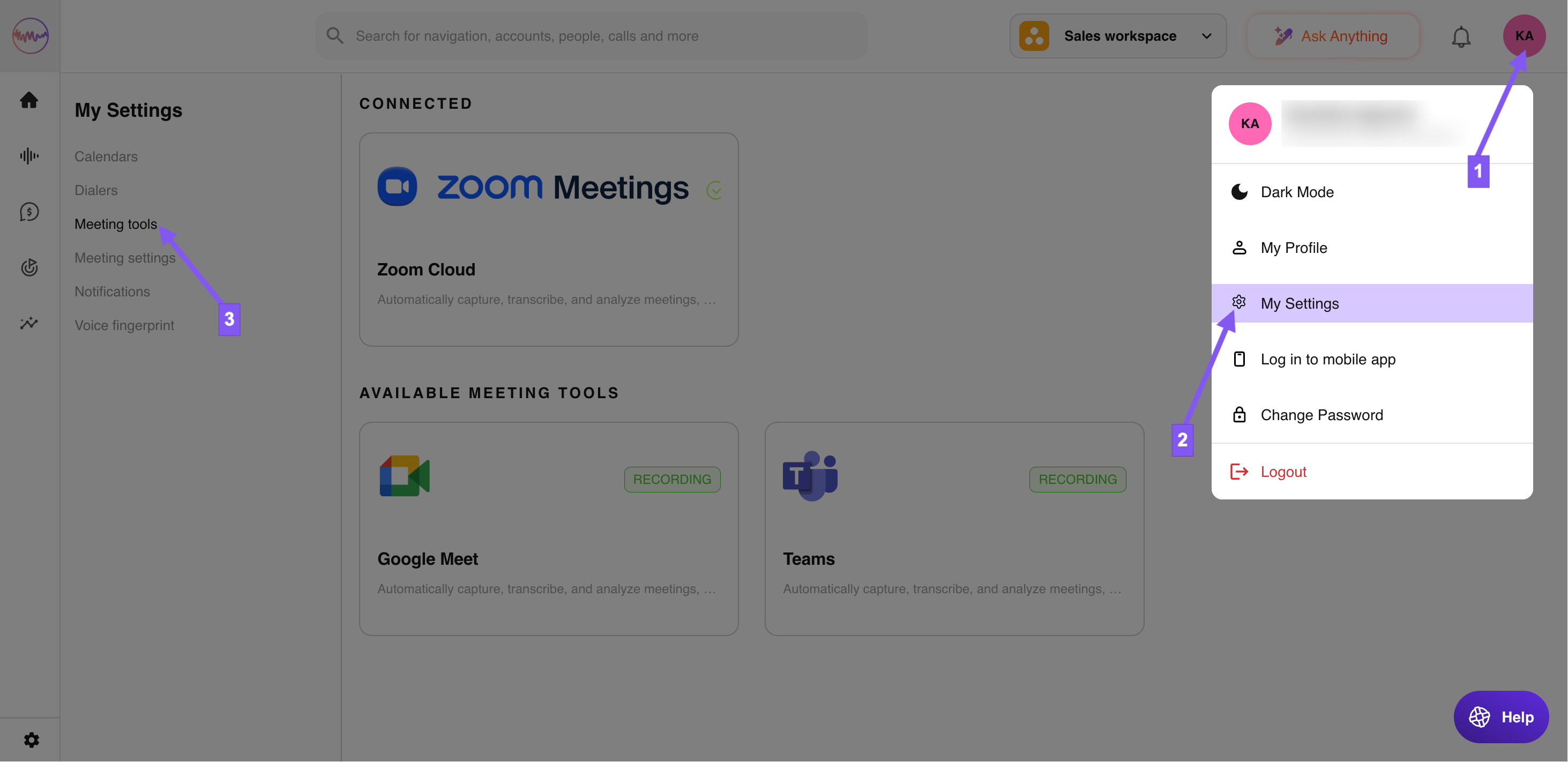
- **Go to Profile > My Settings > Meeting Tools**\
Click on your profile icon at the top right corner of the screen, select My Settings, and go to Meeting Tools from the dropdown menu.
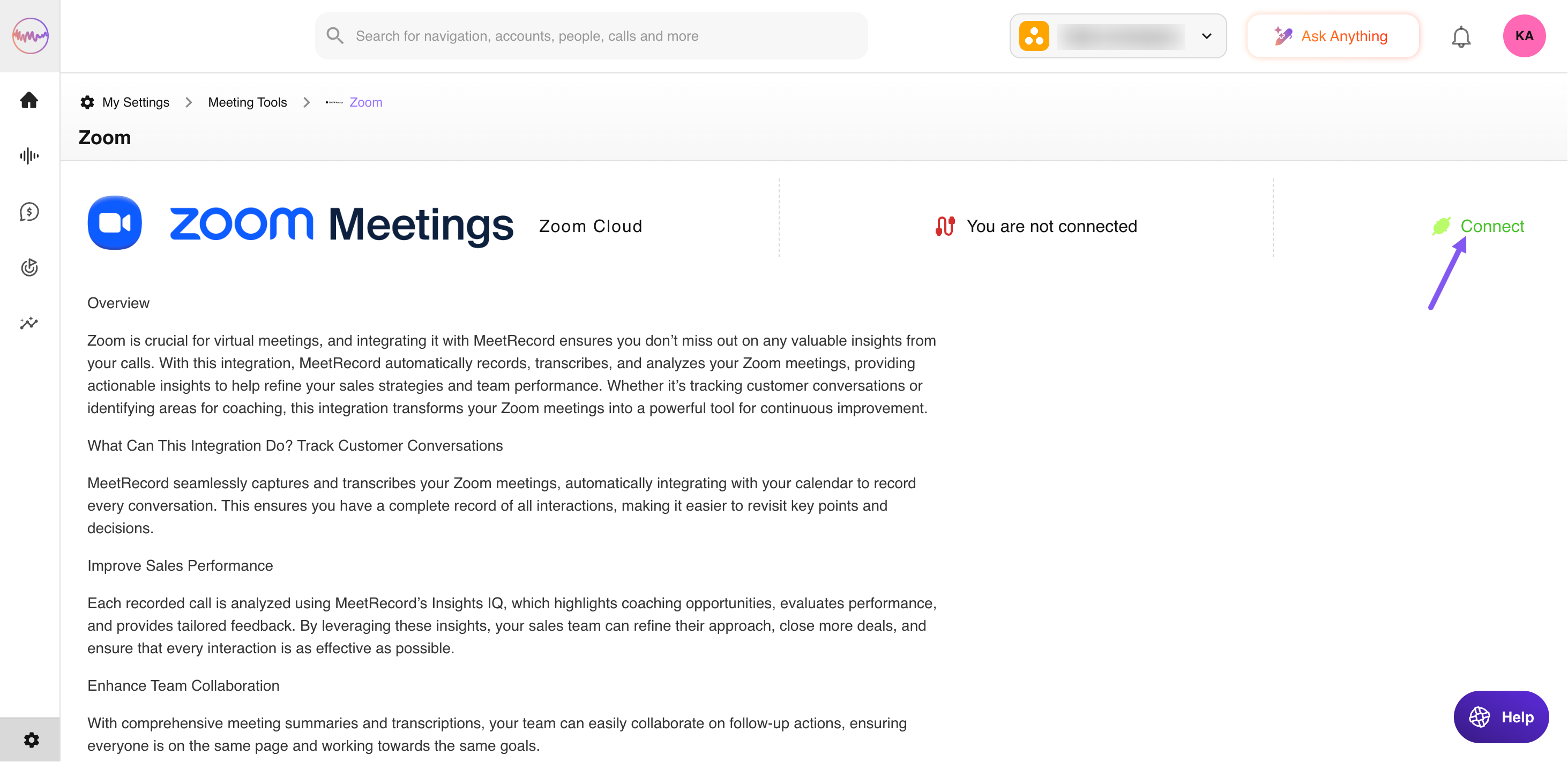
- **Click the Connect button**\
Locate the Zoom integration and click Connect.
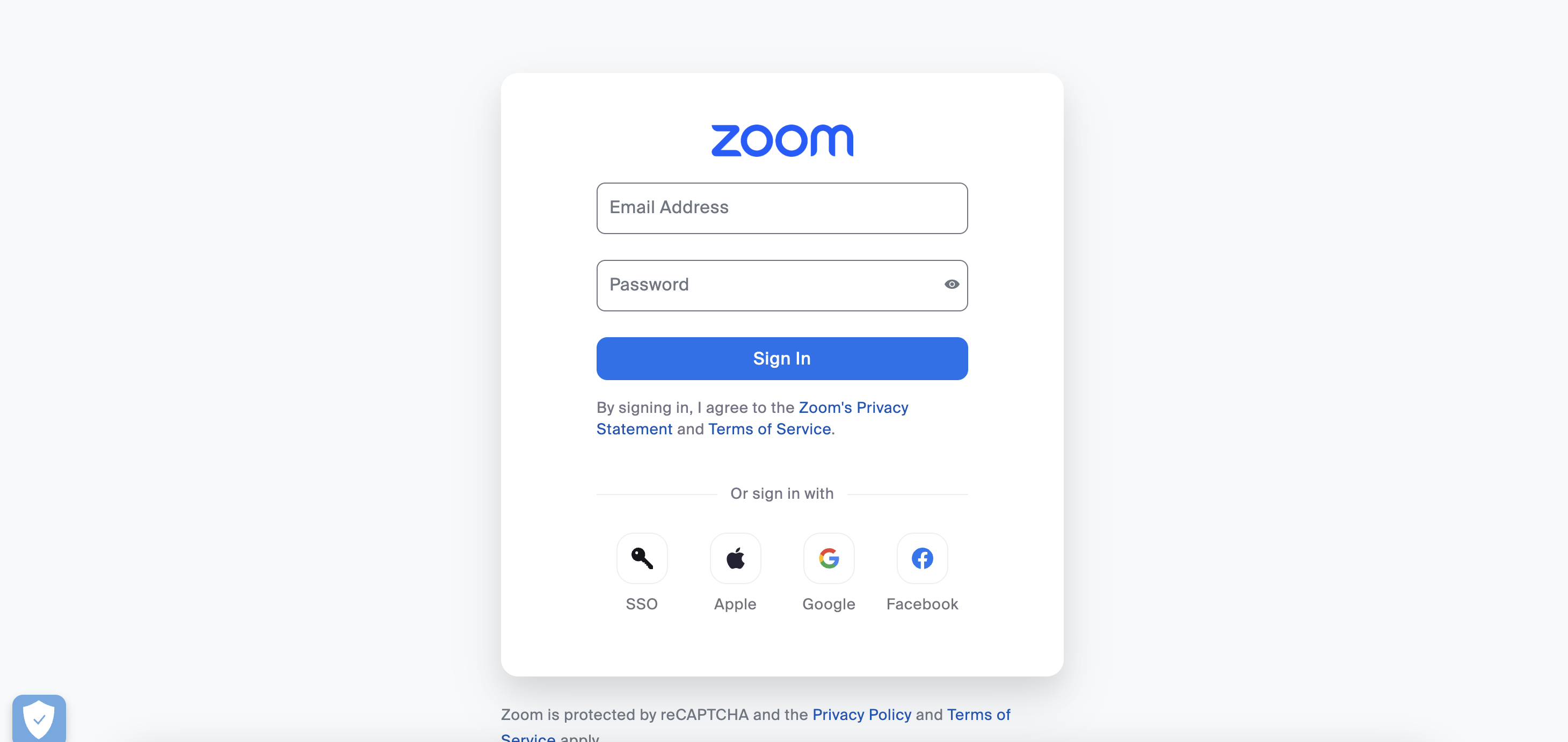
- **Log in to Zoom (if prompted)**\
If you are not already logged into your Zoom account, you will be asked to log in.
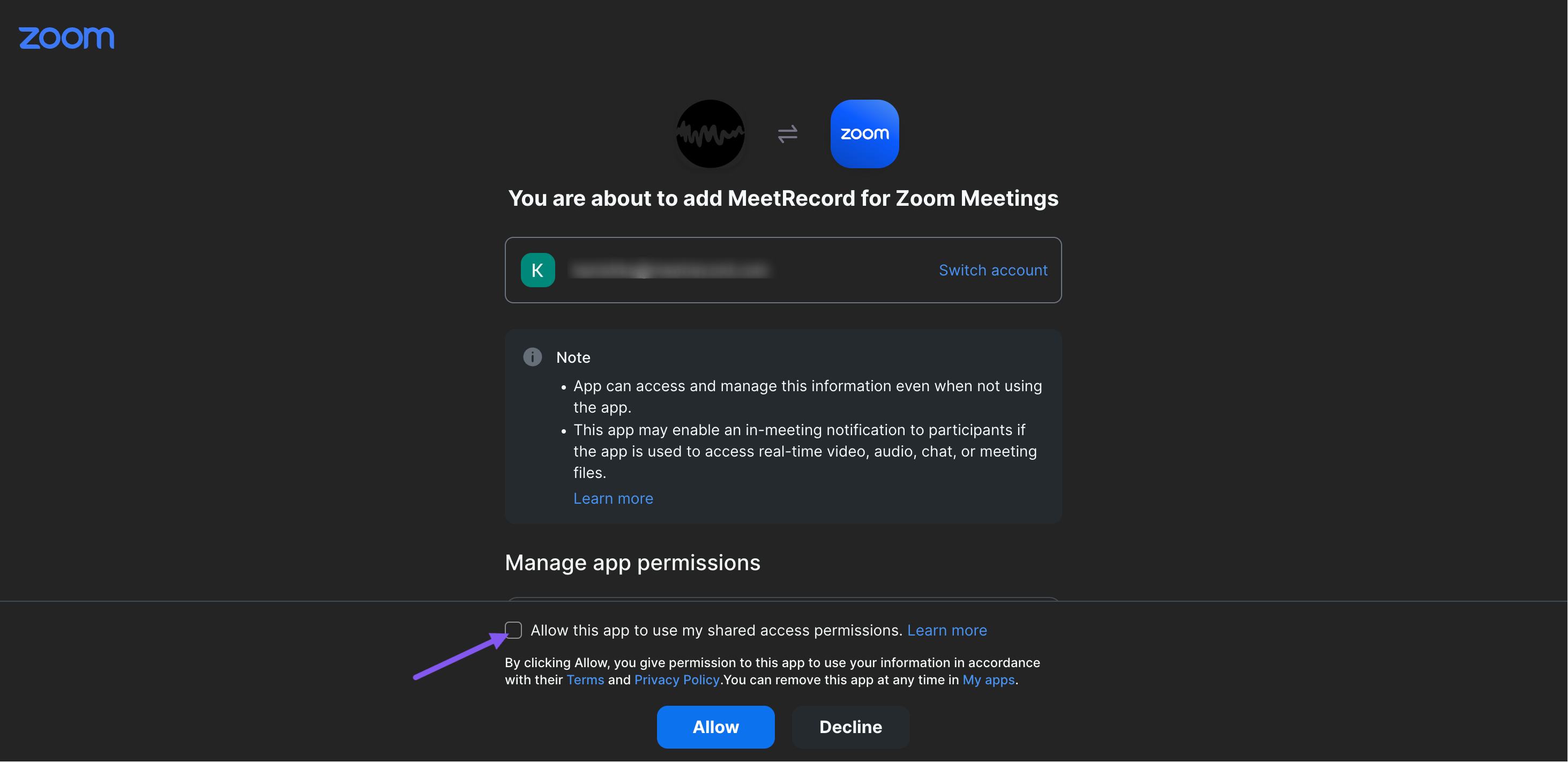
- **Approve Outdoo AI on the Zoom Meetings page**\
You will be redirected to Zoom to authorize the integration. Click Allow to approve Outdoo AI's access.
Your Zoom account is now connected with Outdoo AI. Scheduled meetings and Zoom recordings will automatically sync for conversation analysis.
Need help? Reach out to the support team at support@outdoo.ai.