Best Practices: Set Up Outdoo AI for Support Teams
Learn how to automatically generate support alerts from calls and create support tickets directly from call comments using Outdoo AI trackers and mentions.
Generate support alerts from calls
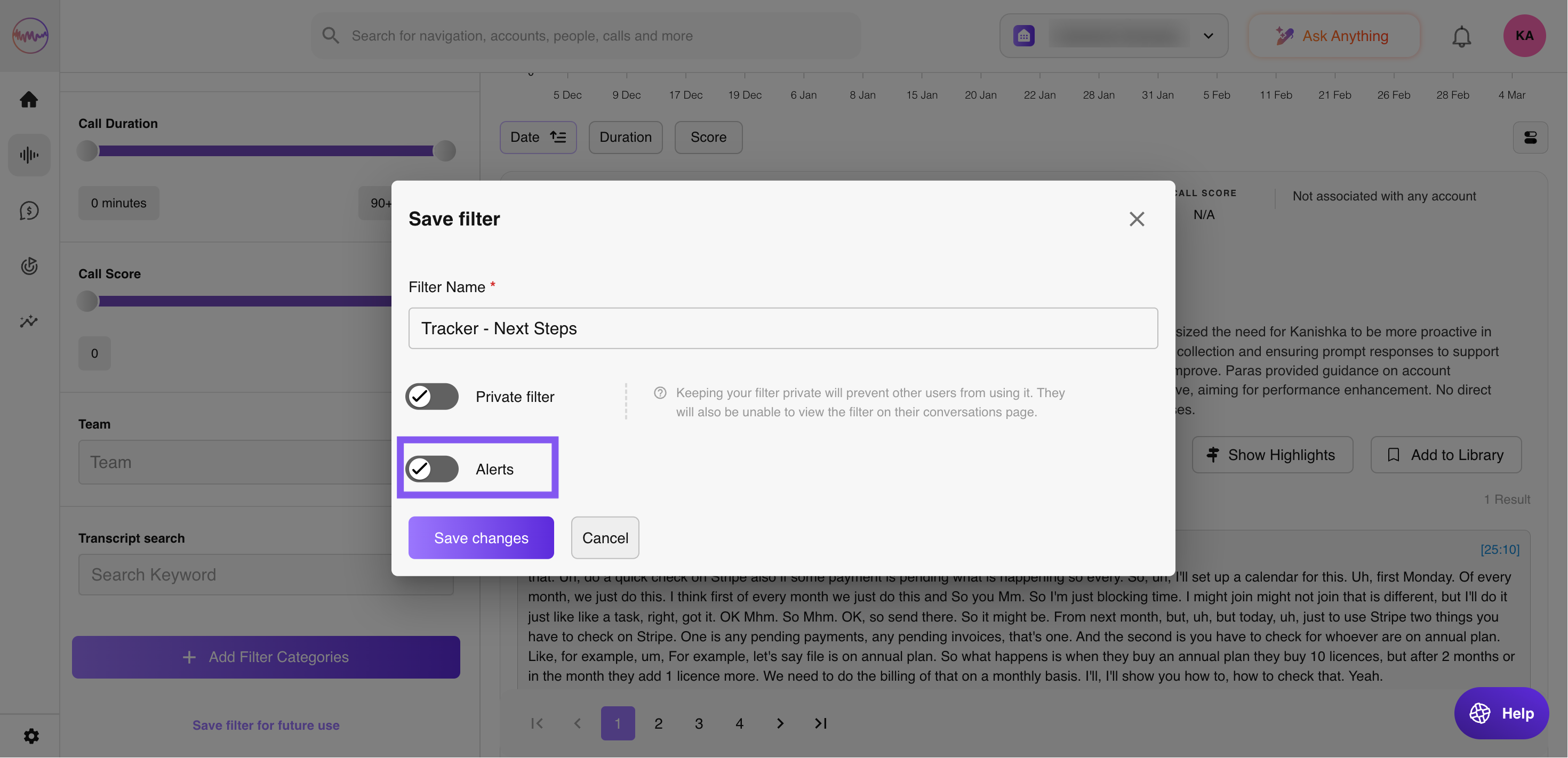
Set up automatic support alerts using Outdoo AI trackers to identify customer issues directly from calls:
- Review a sample of calls to identify instances where customers mention problems or challenges.
- Set up a tracker for each word or phrase customers use to describe an issue.
- Configure the tracker to generate alerts immediately when each call is complete.
This setup allows the support team to receive issue alerts directly on the call page, often before the sales team even reaches out.
Automatically create support tickets from call comments
Streamline support ticket generation directly from Outdoo AI call comments:
- Create an Outdoo AI user for your support team, such as "[Company Name] Support Bot" or "Need CSM Help." Assign the user your support team's email address, but make sure it is not set to record.
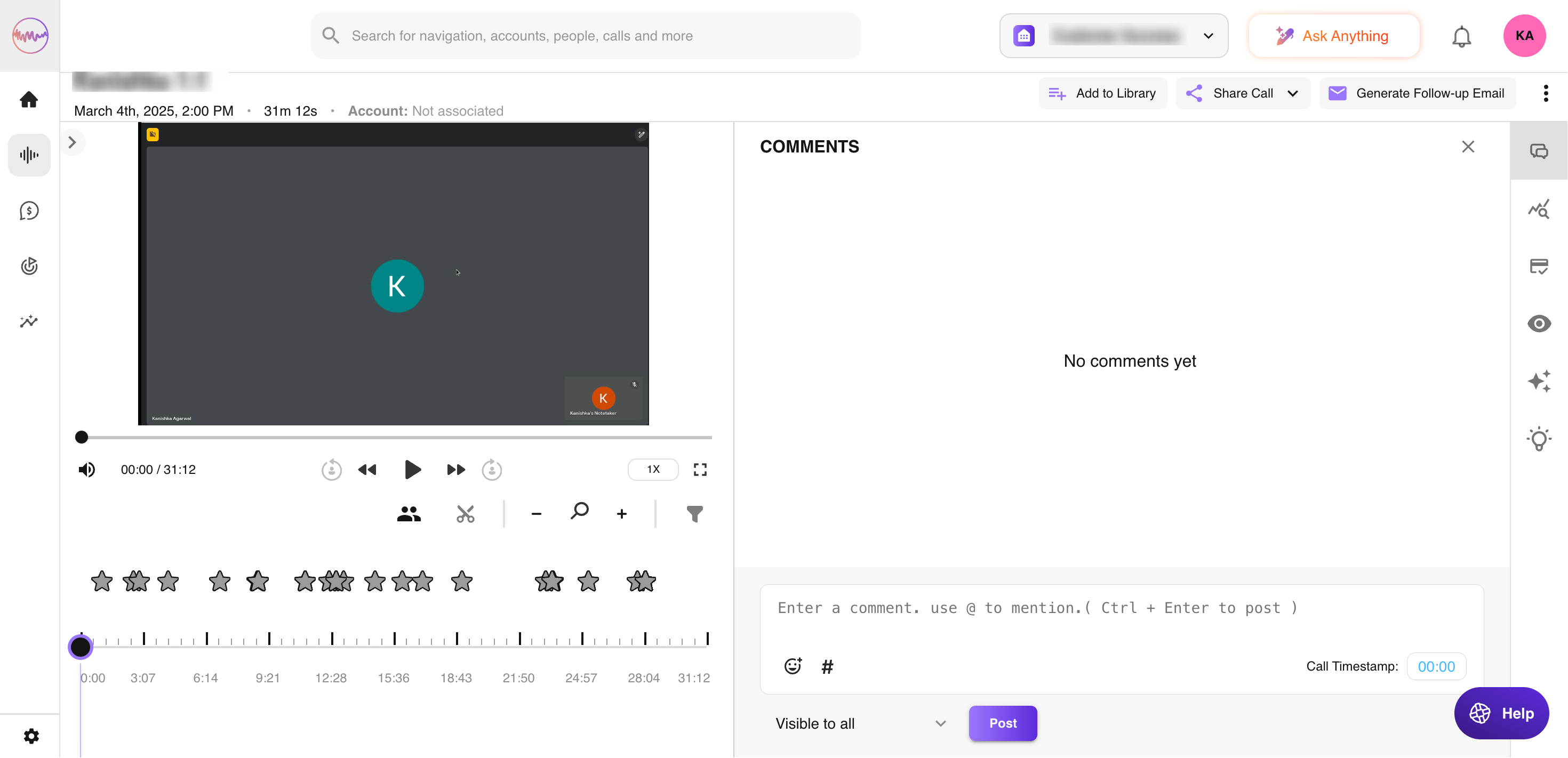
- During calls, add comments and use @mention to tag the support user name. This action will automatically create and send an email to your support email address.