
AI Knowledge Hub settings
AI Knowledge Hub is where you configure the intelligence Outdoo applies to your calls, including competitor tracking and customer story detection. These two signals feed directly into your deal intelligence and win/loss analysis.
Go to Company Settings > AI Knowledge Hub. This section requires admin access.
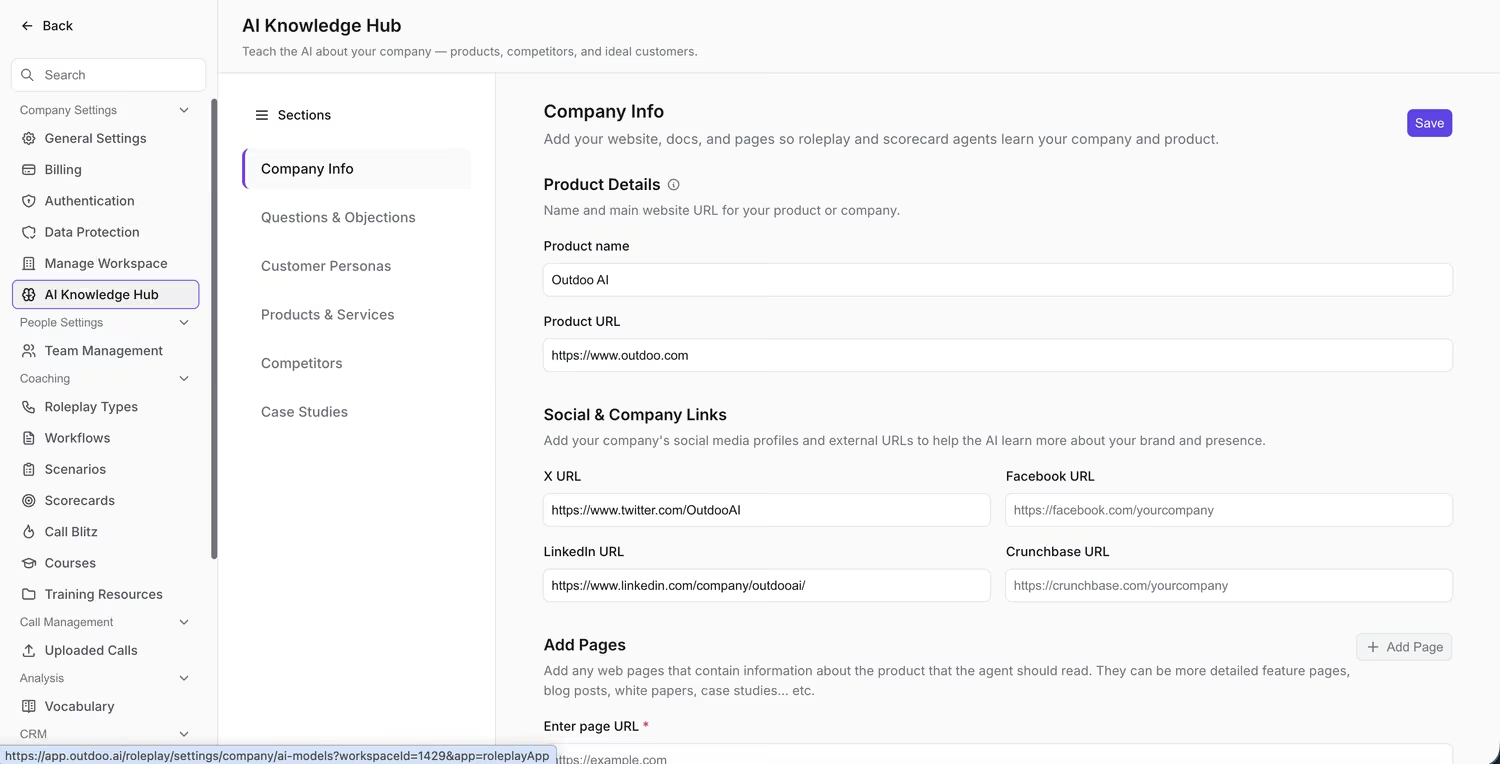
Competitors and Customer Stories are two of the Sections in the AI Knowledge Hub.
Competitors
Define the competitors you want Outdoo to track across calls. When a competitor name is mentioned in a conversation, Outdoo logs it, surfaces it in call summaries, and includes it in the win/loss analysis under the Competitor Mentions metric.
To add a competitor:
- Go to Company Settings > AI Knowledge Hub > Competitors.
- Click Add Competitor.
- Enter the competitor name and any common variations or aliases (for example, "Gong" and "Gong.io").
- Set the detection method to keyword matching, AI detection, or both.
- Save.
Outdoo begins detecting the competitor in new calls. Historical calls are not retroactively re-analyzed when you add a new competitor.
Customer stories
Outdoo detects when customers share stories: extended monologues where a customer describes a problem, a past experience, or a workflow. These are logged as data points in the Interaction metrics (Longest Customer Story) and can indicate whether a team member is drawing out useful information during calls.
In the Customer Stories configuration, you can adjust the detection method and set the minimum duration that qualifies as a customer story for your team's calls.
How this affects your analysis
The competitors you define here appear in:
- Call summaries and call page highlights
- Tracker data in Insights
- Win/Loss > Competitor Mentions metric
- Deal boards (competitor mention flags on individual deals)
Keep your competitor list current. If a new competitor enters your market and you start losing deals where they are mentioned, the signal will not appear in your data until you add them here.
Hope this article was helpful. For any queries, please write to support@outdoo.ai