
Deactivate a user
Learn how to deactivate a user in Outdoo AI and remove their access to the platform through Company Settings.
Follow these steps to deactivate a user in Outdoo AI:
- Go to Company Settings.
- In the settings menu, select People Settings.
- Click Team Management to view the list of users.
- Locate the user you want to deactivate and open their profile.
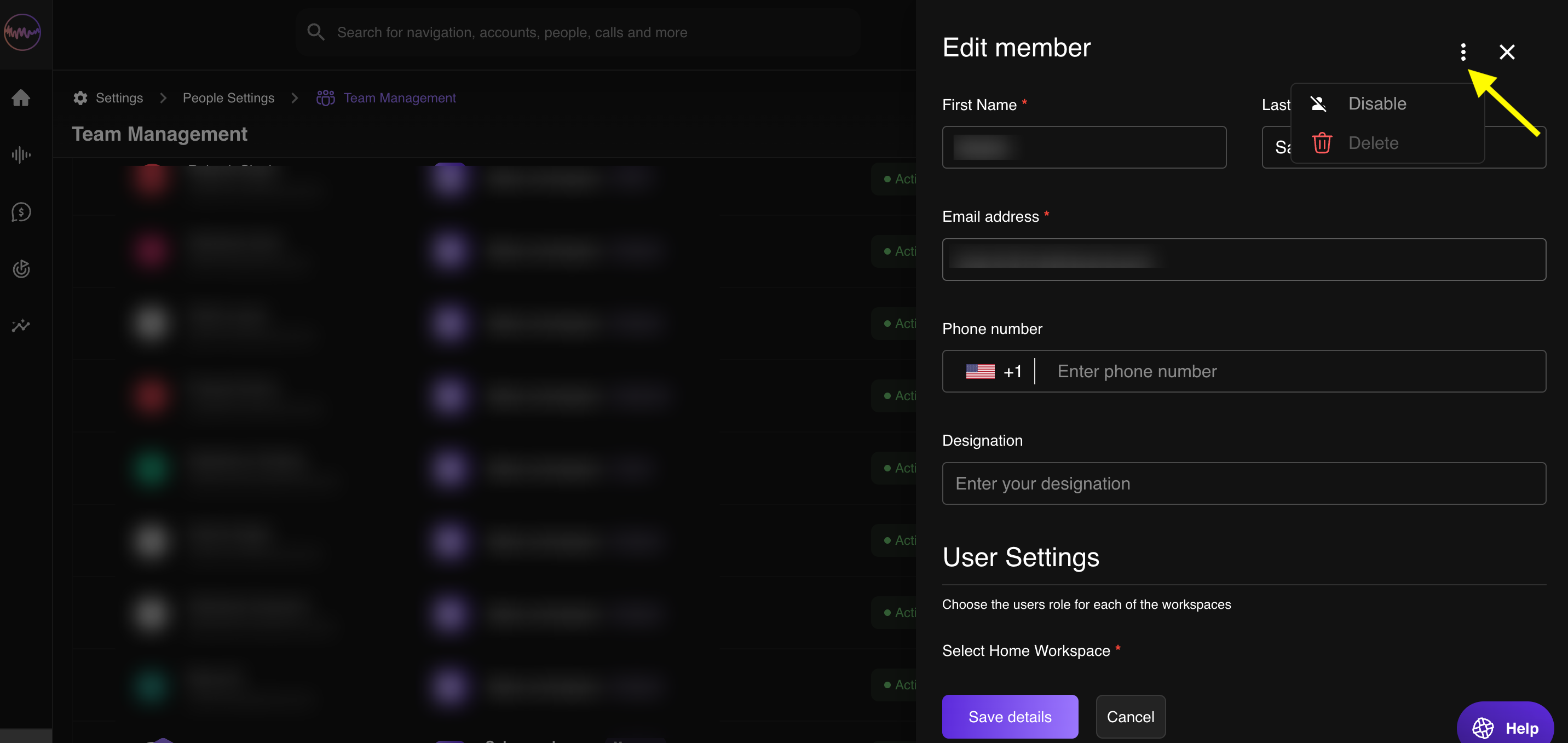
- Click the three-dot menu in the user's profile and select Disable User.
Once completed, the user will no longer have access to Outdoo AI.