
Create and Manage Streams
Learn how to create and manage streams to organize and filter conversations in your library, and how to access and interact with calls within streams.
Creating a Stream
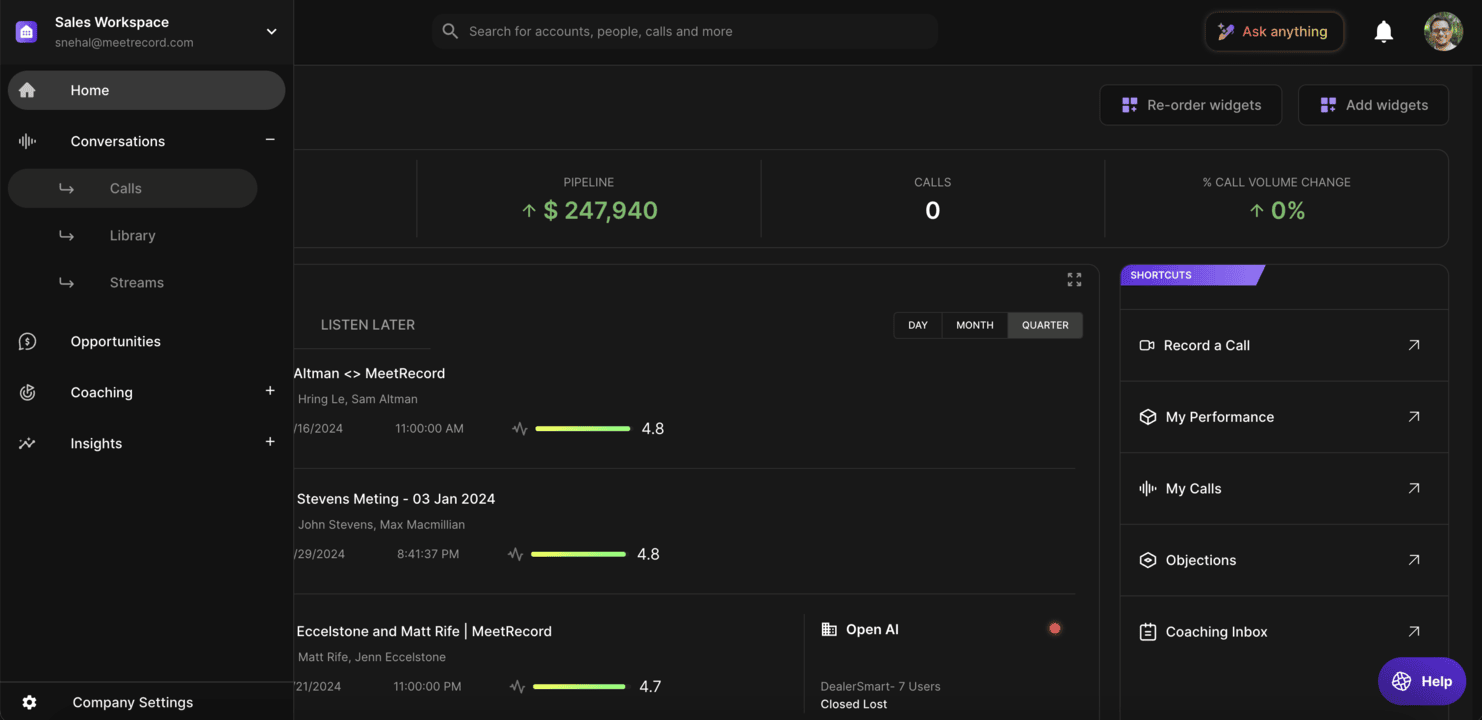
- Access the Library:
- Go to Conversations > Streams > Your Library or Conversations > Streams > Company Library
- Create a Stream:
- Click Add Stream at the top
- Define Stream Settings:
- Name the stream, set its location, and configure filters and notifications
- Save the Stream: Click Create Stream
Managing Streams
Edit a Stream
- Navigate to the library containing the stream
- Click the Options Icon next to the stream and select Edit
- Make changes and click Save
Viewing and Using Streams
- Access Streams:
- Go to Conversations > Streams > Your Library or Company Library. Streams are marked with a stream icon
- Explore Calls:
- Click on a stream to view collected calls. Recent calls are listed at the top
- Interact with Calls:
- Hover over a call card to add it to a folder, or click to open the call page
Calls marked as private remain inaccessible in streams unless you have explicit access.