
How to Practice a Call Blitz
This article explains how a Blitz session works, what learners see, and how the adaptive AI creates a realistic training experience.
Watch: Run a Real Call Blitz with Back-to-Back AI Roleplay Agents
What happens during a Call Blitz
When a learner starts a Call Blitz, they land in a high-tempo practice environment built to feel like a real outbound calling block rather than a quiz.
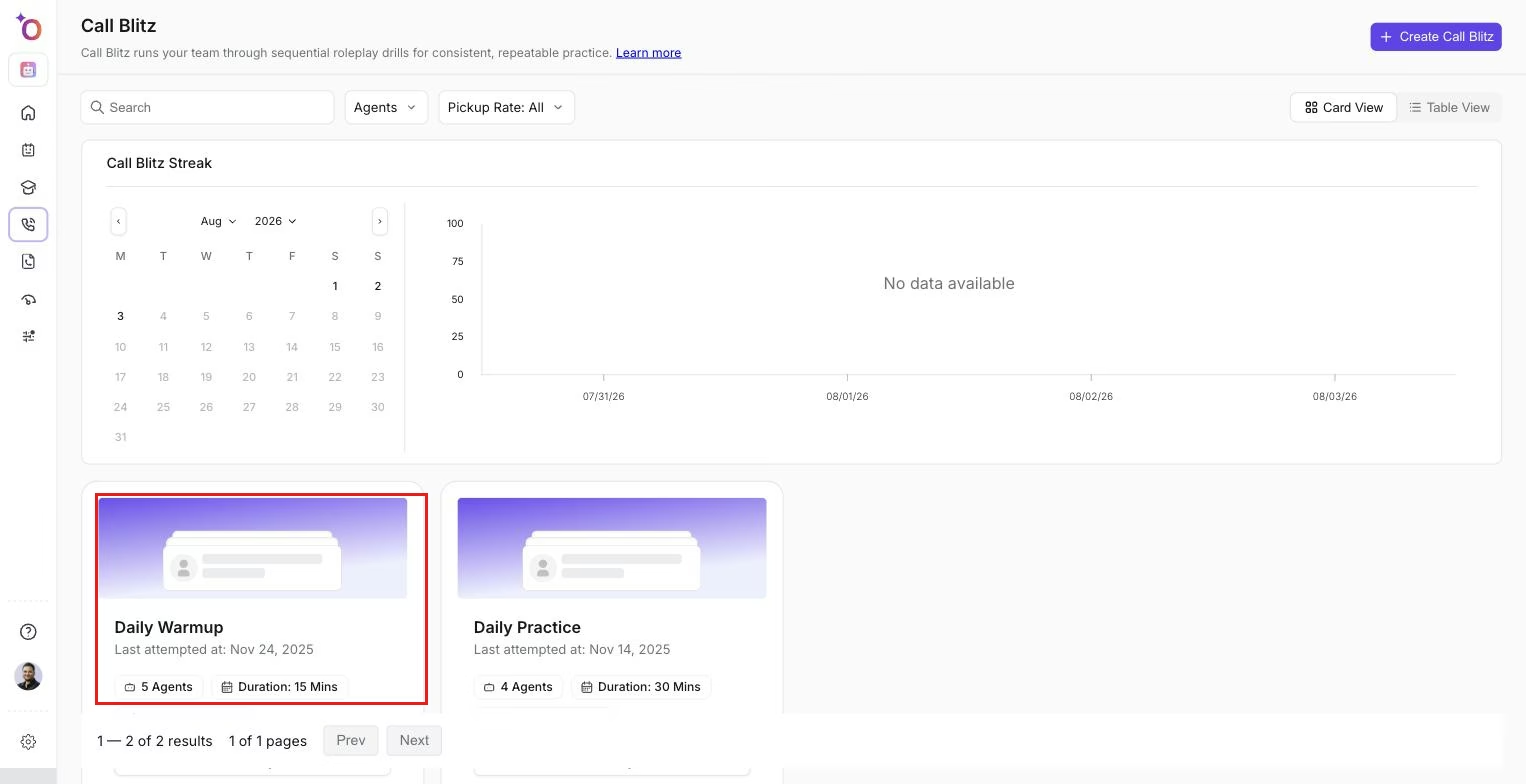 The Call Blitz list a learner sees before starting a session.
Once inside, roleplay agents appear back-to-back in a preset sequence. The system simulates real call dynamics using pickup rate logic, and each call lasts only within the defined practice window. Learners receive feedback after each interaction, and skill reinforcement happens through these repeated cycles.
A Blitz is designed to mimic real-life rhythm and stress, where quick thinking and adaptability matter.
Experience overview
A live Blitz session includes a lineup of all roleplay agents in the Blitz, a countdown timer showing how much time remains, call-by-call transitions with no manual setup needed, and pickup simulation based on the Blitz settings. Learners get instant feedback after each call, and depending on the program rules, they may be able to restart or repeat the Blitz.
How to run a Call Blitz
Step 1: Launch your assigned Blitz
Learners navigate to their Blitz list and choose the one they want to start. They will see the Blitz title, description, duration, included agents, and instructions. Click Start Blitz to begin.
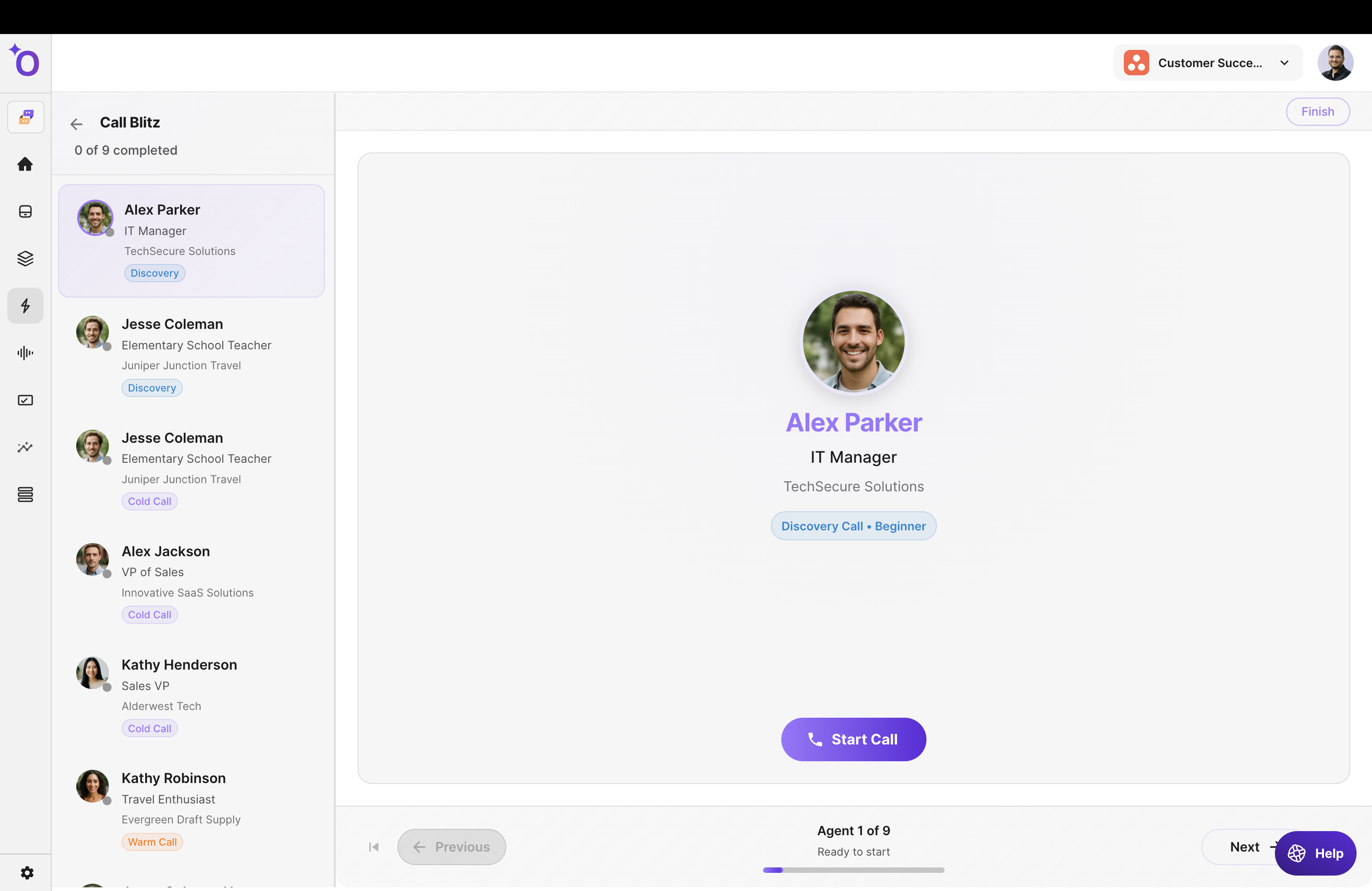
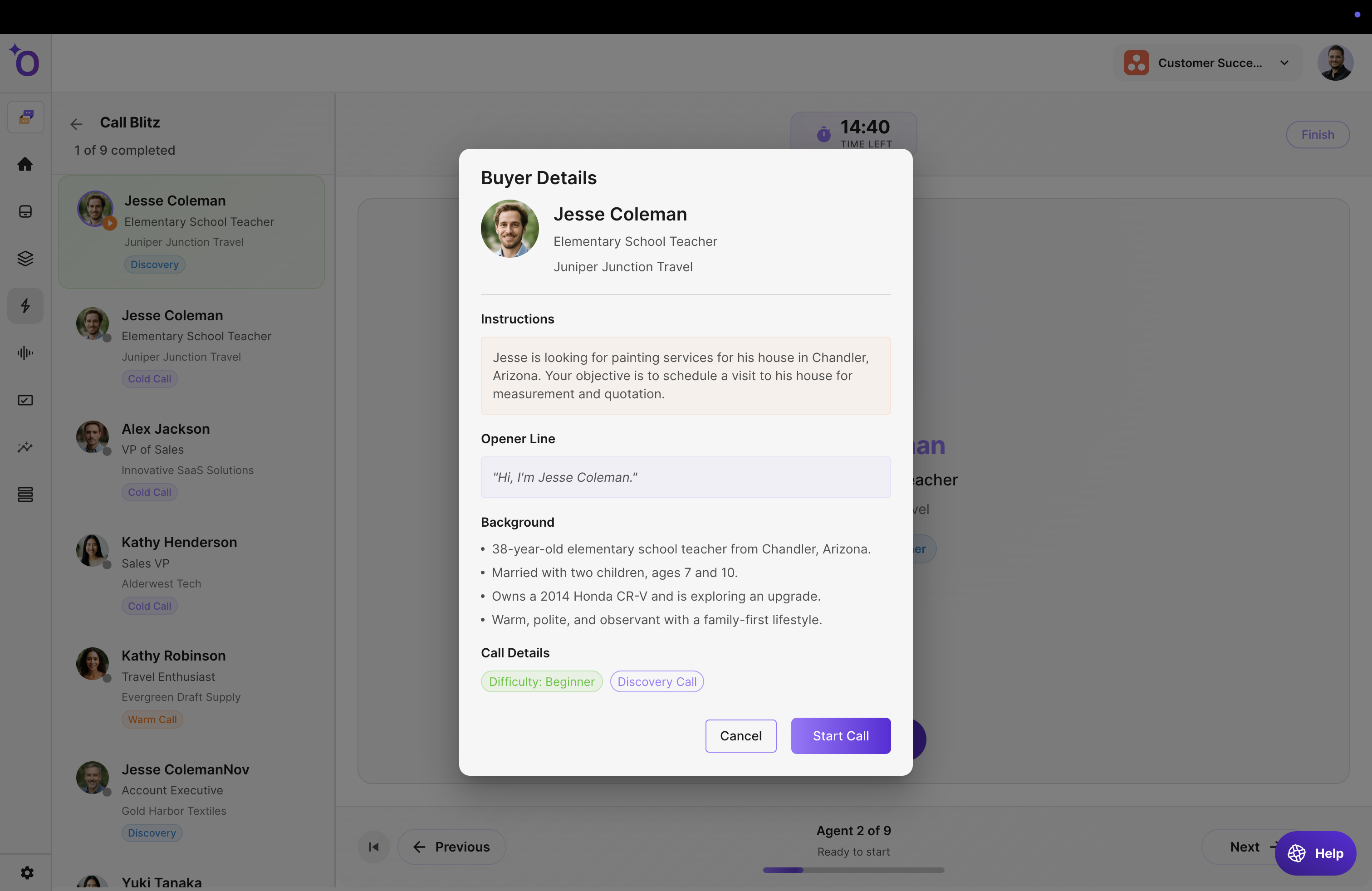
Step 2: Review instructions for agent 1
Before the first call begins, the learner sees the roleplay agent's name, scenario context, key instructions, and the call type (cold call, discovery, demo, and so on). Click Start Call to initiate the first conversation.
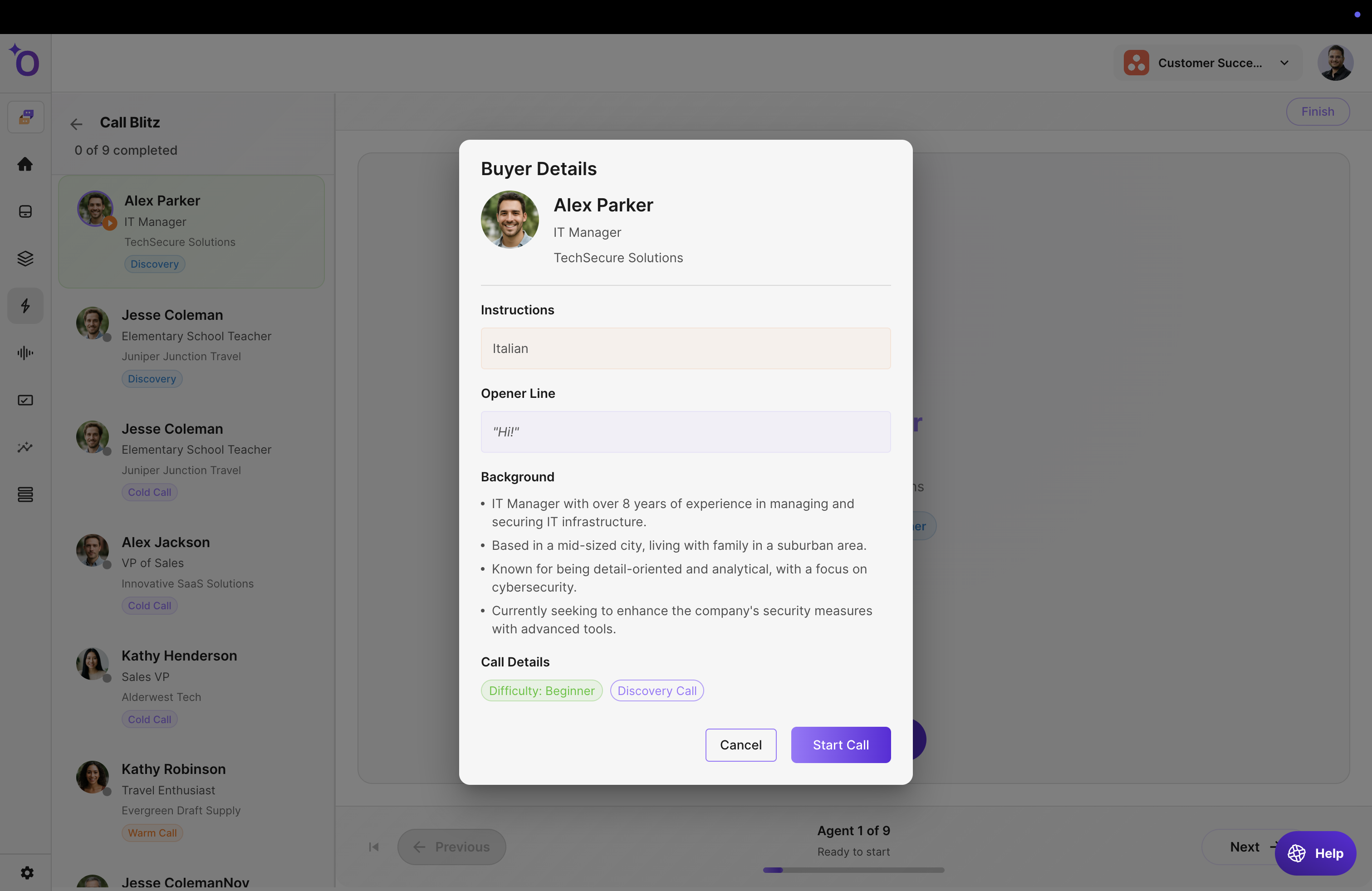
Step 3: The call connects (based on pickup rate)
Outdoo simulates real outbound behavior. A high pickup rate means the agent answers quickly; a low pickup rate means delayed or occasional connection. This makes the session feel like a true outbound calling experience.
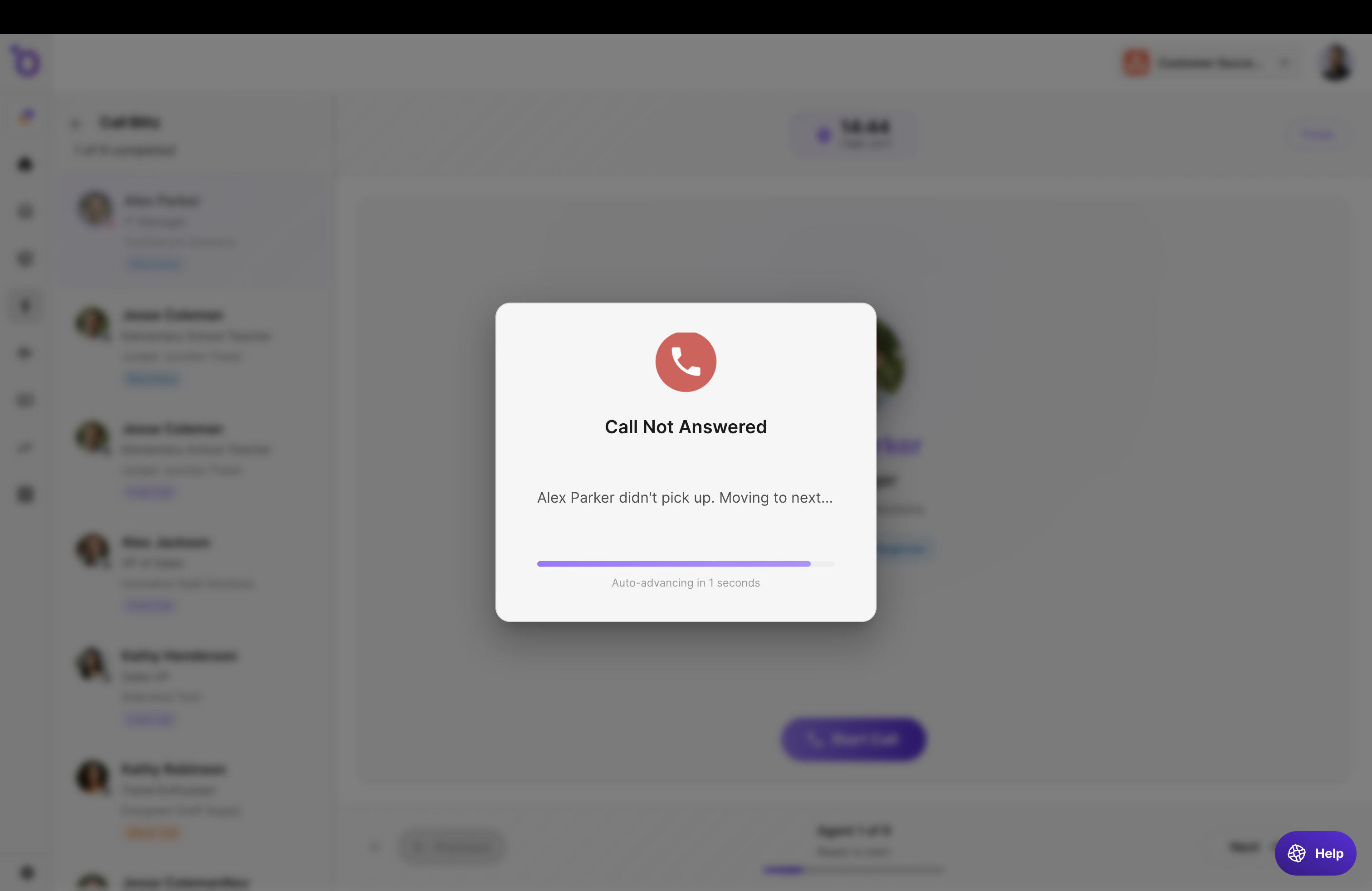
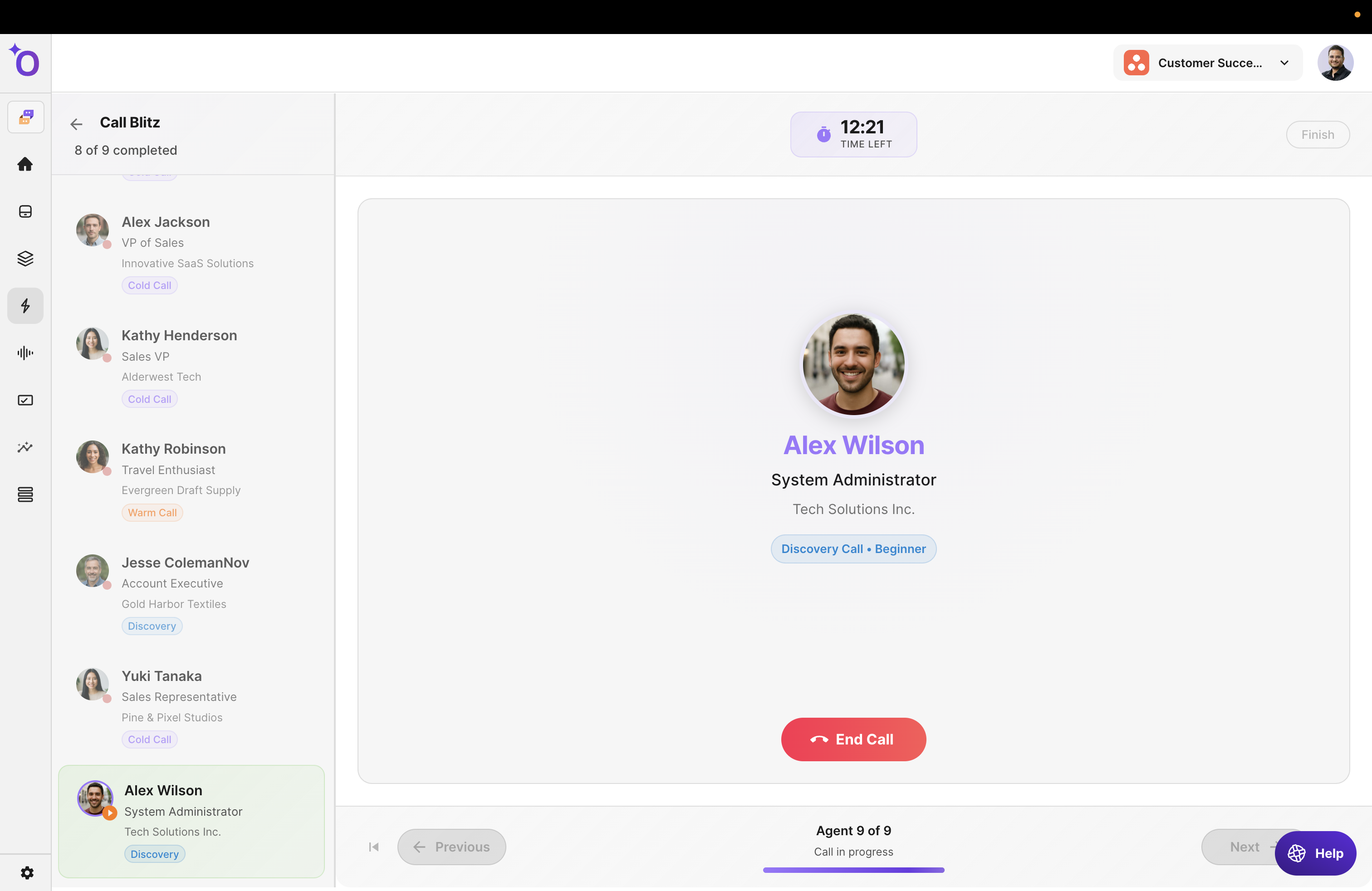
Step 4: Move through agents back-to-back
After finishing one call, the next agent appears instantly with no manual setup or loading required, and each call fits within the overall Blitz duration. Learners repeat this process until they complete all agents or the practice window ends.
Step 5: Receive feedback
After each call, reps may receive skill scoring based on the assigned scorecard, a summary of strengths and areas for improvement, and insights on discovery, objections, tone, rapport, and more.
Common questions
Question | Answer |
|---|---|
Can learners repeat a Blitz? | Yes, repeats can be allowed based on how the Blitz was configured. |
What if the learner runs out of time? | The Blitz ends, and their progress is recorded. |
Are all calls scored? | Only if scorecards were added to the agents. |
Does agent order matter? | Yes. The sequence is defined during Blitz creation. |
Can reps pause a Blitz? | Pausing is not recommended due to the rapid-fire structure. |