
Creating a Roleplay Agent: All the ways to do it
Outdoo gives you several ways to create a roleplay agent. The right method depends on what you already have: a call, a transcript, a document, or just a scenario in your head. This article maps each method and when it makes sense.
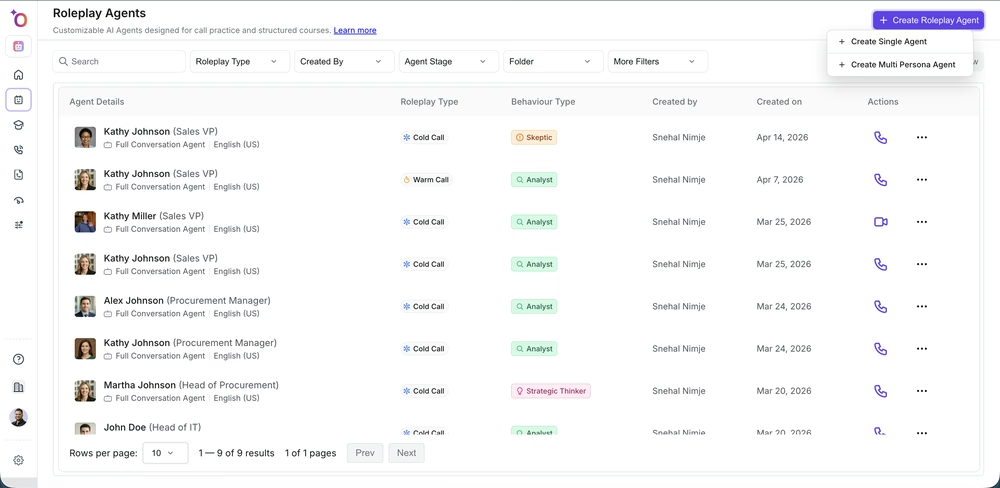
Start from a prompt
Write a description of the buyer persona, the scenario, and the objections you want to practice. This is the fastest way to get started and works well when you are building a training scenario from scratch.
Best for: new agents when you do not have existing calls to pull from, or when you are designing a specific training scenario.
See: Create a roleplay agent from a prompt
Start from a call or transcript
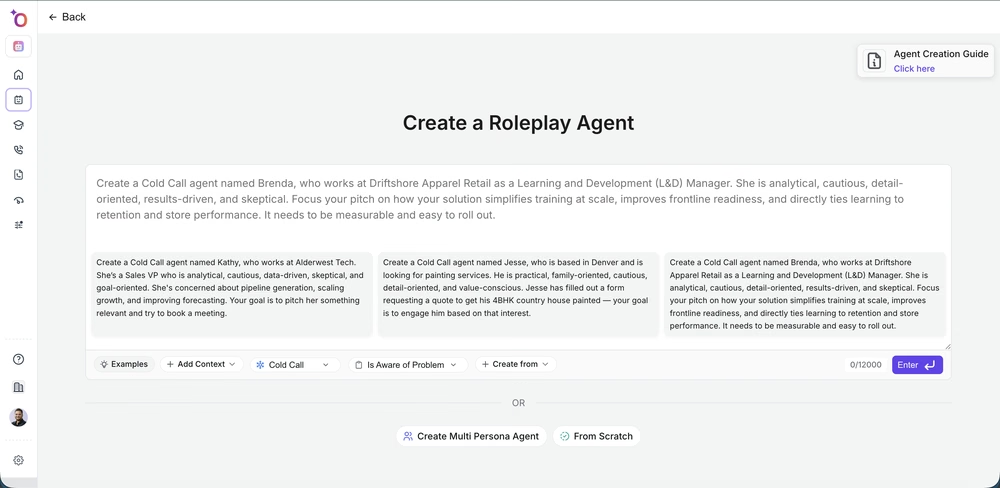
Upload a recorded call or paste a transcript. Outdoo analyzes the conversation and generates an agent that matches the buyer's language, objections, and tone. This creates agents grounded in real customer behavior rather than theoretical scenarios.
Best for: replicating a difficult call your team regularly encounters, building agents from your best (or worst) recent calls, or capturing a specific buyer persona from a specific vertical.

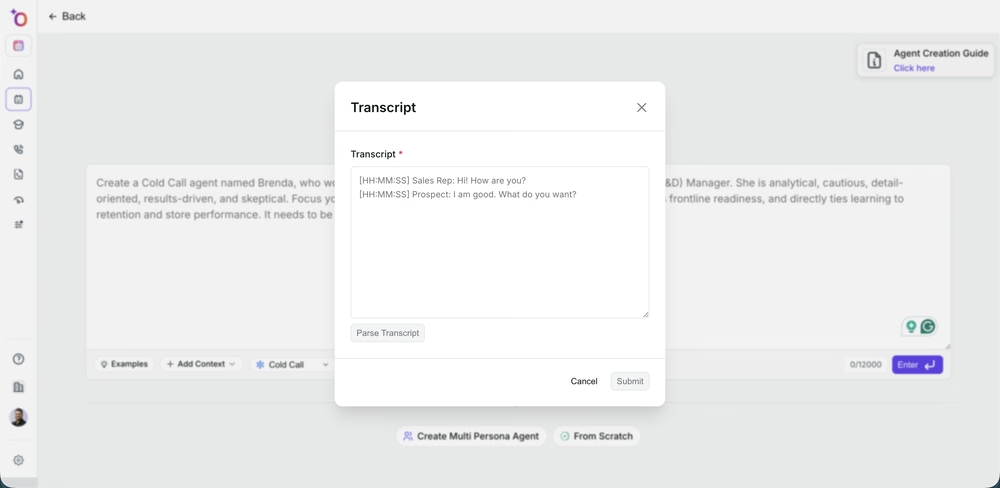
See: Create a roleplay agent from existing calls | Create from a call transcript
Start from a file or resource
Upload a battlecard, persona document, playbook, or product brief. Outdoo generates an agent whose behavior reflects the content of the document: the buyer's priorities, the likely objections, the messaging you want reps to practice against.
Best for: aligning roleplay practice to your official sales playbook, using competitive intelligence documents to build competitor persona agents, and turning static enablement content into interactive practice.

See: Create a roleplay agent from a file or resource
Customize the persona
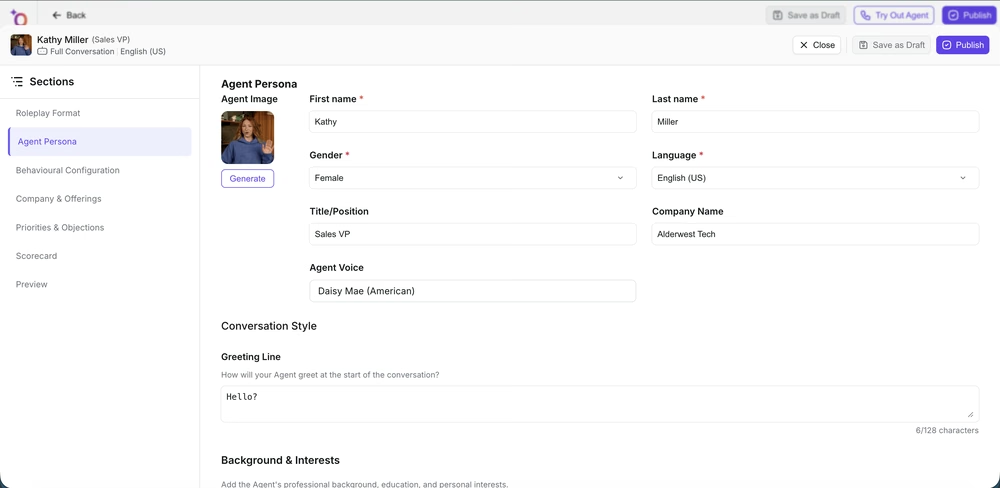
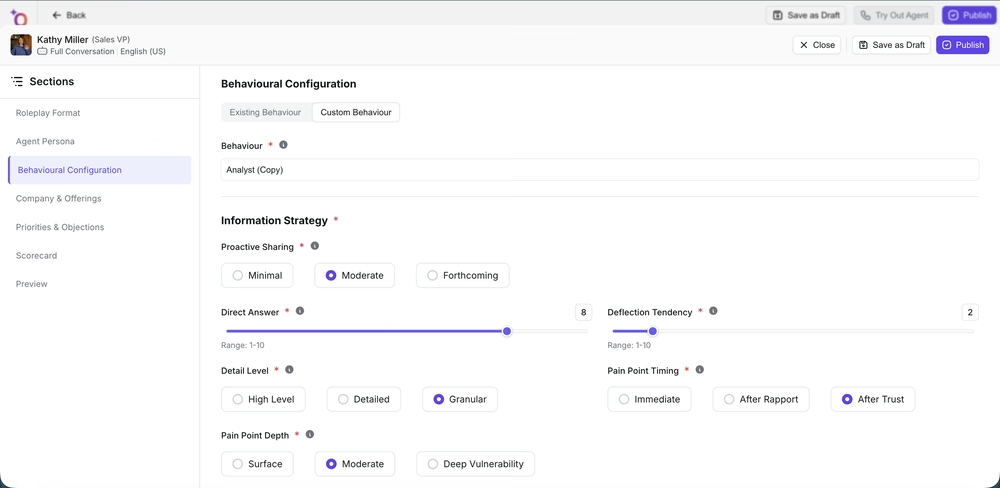
Whichever method you start with, you can fully customize the agent's persona: role, company, seniority, emotional tone, and specific objections to raise.

Start from a template
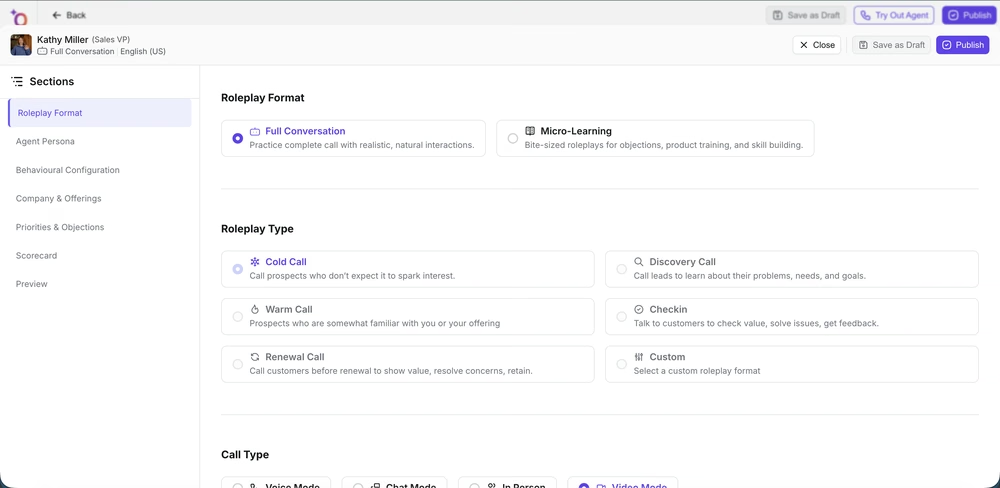
Outdoo includes pre-built templates for the most common call types: cold call, discovery, objection handling, renewal, and more. Pick the closest match and edit it to fit your specific context.
Best for: teams getting started quickly, standardizing agent creation across multiple people, and building a base agent that you can clone and customize for different verticals or personas.
See: Create a roleplay agent using templates
Create a micro-learning agent
Micro-learning agents are short, focused practice scenarios designed for a single skill or objection. They drop you into a specific moment (like a pricing objection) and score you on how you handle just that moment.
Best for: targeted reinforcement coaching, call blitz drills, and practice sessions that fit into 5 minutes rather than 15.
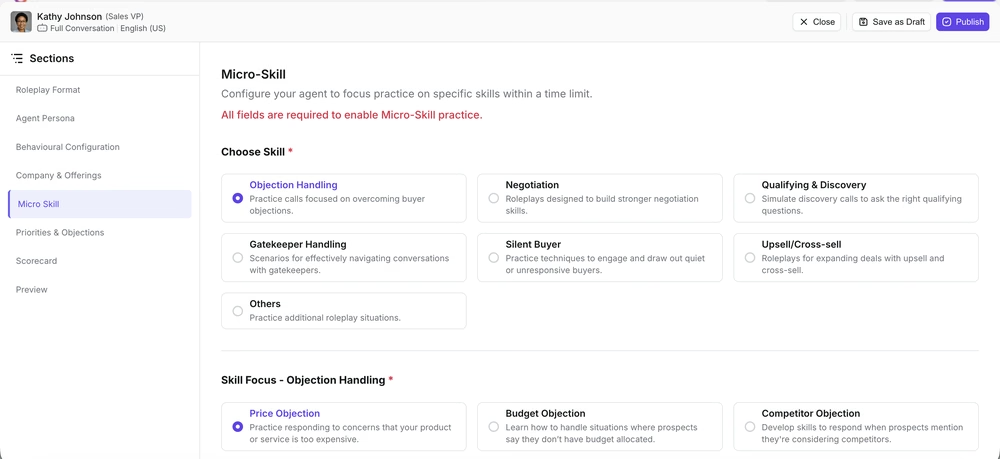
See: Create a micro-learning roleplay agent
Create a gatekeeper agent
A gatekeeper agent simulates the person between your rep and the decision-maker: an assistant, receptionist, or skeptical mid-level contact.
Best for: SDR and outbound teams who frequently encounter gatekeeping situations.
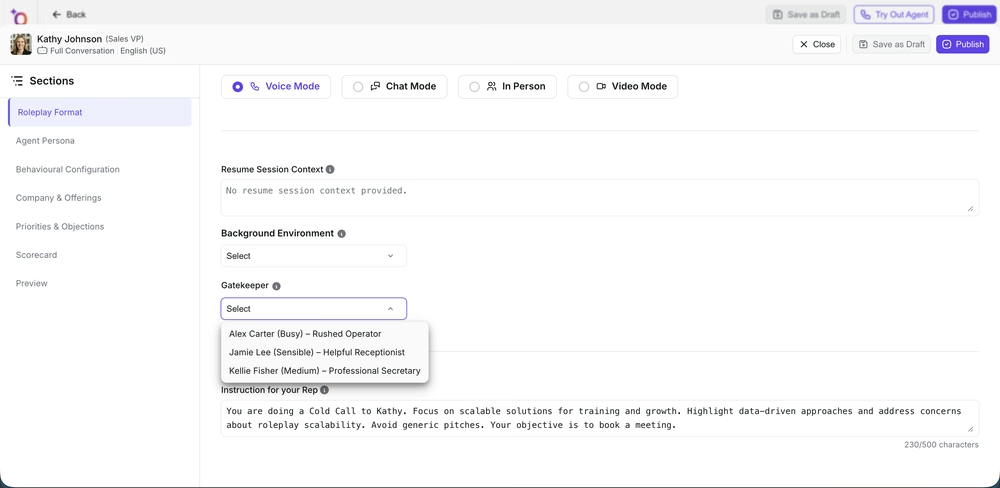
See: Create a gatekeeper agent
Create a video avatar agent
Video avatar agents use a lifelike AI face that responds in real time. Reps have a face-to-face conversation with a visual AI persona, which is the closest simulation to a video meeting.
Best for: teams who primarily sell through video meetings and want practice that mirrors that format.

See: Create a video avatar agent
Create an in-person agent
In-person agents are used when a human plays the buyer role. Outdoo facilitates the session and scores the rep afterward, without needing the AI to simulate the buyer in real time.
Best for: manager-led roleplay sessions, peer practice, and complex scenarios where you want a human buyer.

See: Create an in-person roleplay agent
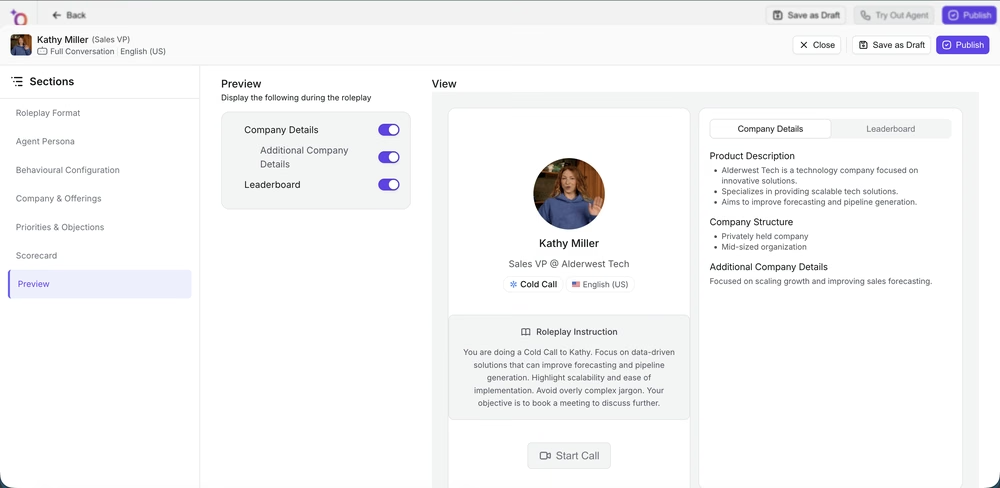
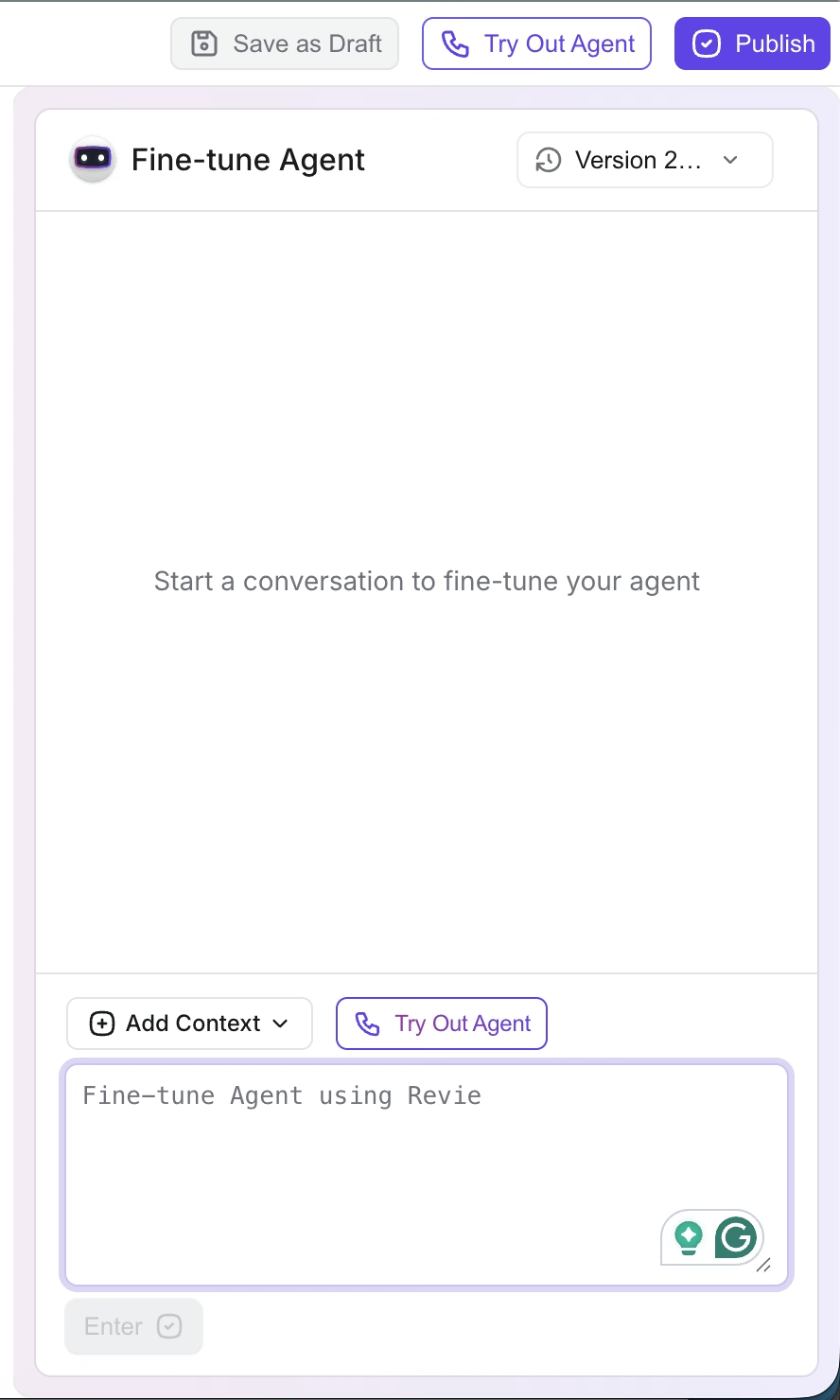
Preview and fine-tune before publishing
Before publishing any agent, use the preview screen to test the conversation and fine-tune the agent's responses.
Clone and reuse existing agents
Once you have a working agent, clone it and edit it for a different persona, vertical, or scenario. This is faster than building from scratch every time.
See: Clone and reuse roleplay agents | Create variations of a roleplay agent
Which method should you use?
Situation | Recommended method |
|---|---|
No existing content, starting fresh | Template or prompt |
You have a recorded call that captures the scenario well | From a call or transcript |
You have a persona doc, battlecard, or playbook | From a file or resource |
You need a quick 5-minute drill | Micro-learning agent |
Practicing for an enterprise multi-stakeholder meeting | Multi-persona agent |
Reps sell primarily over video | Video avatar agent |
Manager-led or peer roleplay practice | In-person agent |
Scaling an existing agent to a new vertical or persona | Clone and edit |
If you need help choosing the right method for your use case, contact us at support@outdoo.ai.