
Disable access to a shared meeting link
Learn how to revoke access to a meeting link you've shared by expiring it in just a few clicks using the Shares & Views feature.
If you need to revoke access to a meeting link you shared with a customer or internal user, follow these steps:
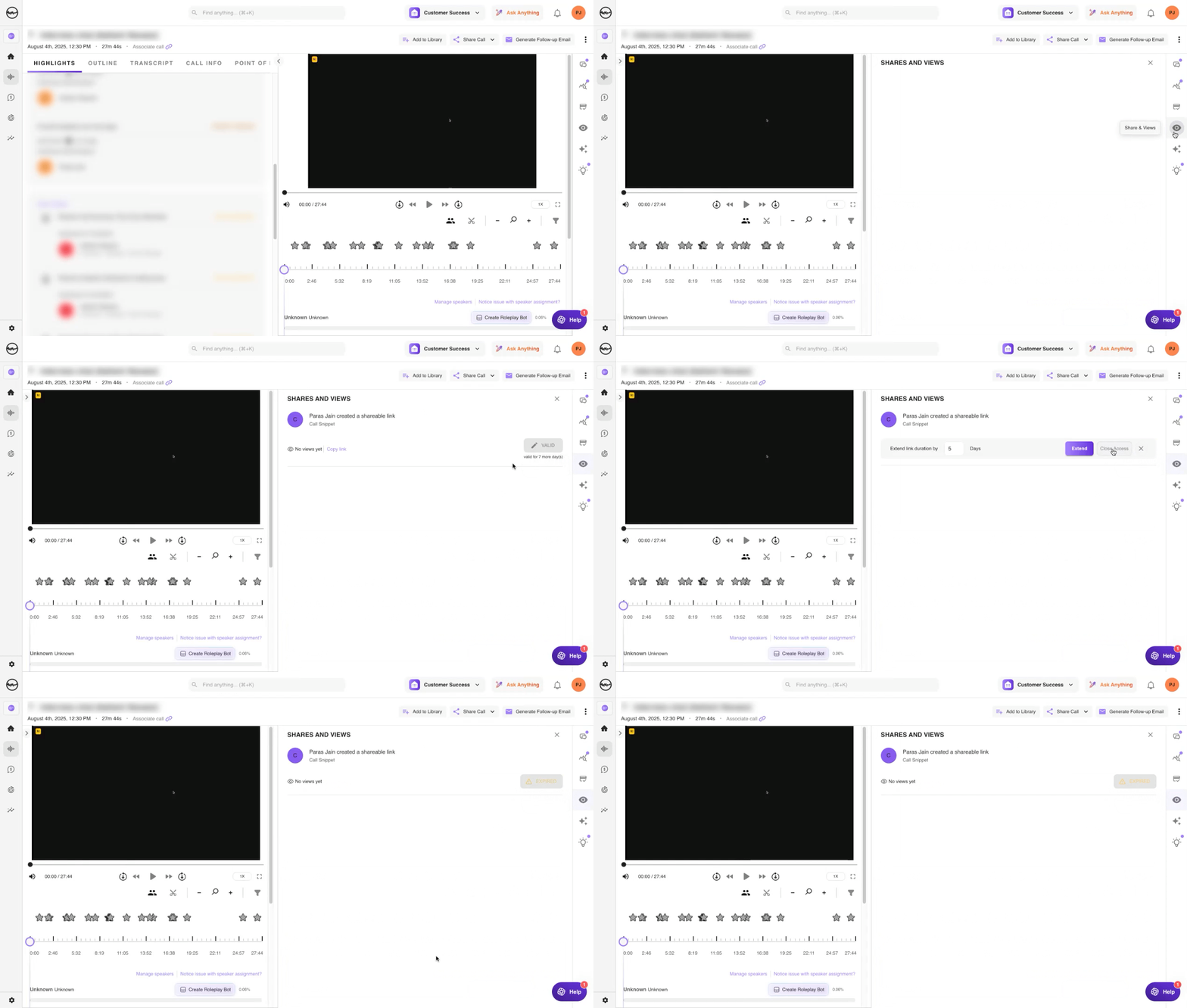
- Go to the original meeting page.
- Click Shares & Views in the right navigation bar.
- Find the link you want to expire and click the edit icon.
- Click Close Access. The status will change to EXPIRED.
For any assistance, write to support@outdoo.ai.