
Create a Roleplay Agent Using Templates
Learn how to quickly set up roleplay agents using pre-built templates with customizable personas, scenarios, objections, and scorecards for consistent team training.
When to use templates
Use templates when you want:
- Fast setup with built-in structure
- Consistency across team training
- Standardized scenarios (cold call, discovery, demo)
- Micro-learning skill drills
- Onboarding modules
Steps to create from a template
Templates start you with a ready-made structure so you only need to adjust the details that matter for your scenario.
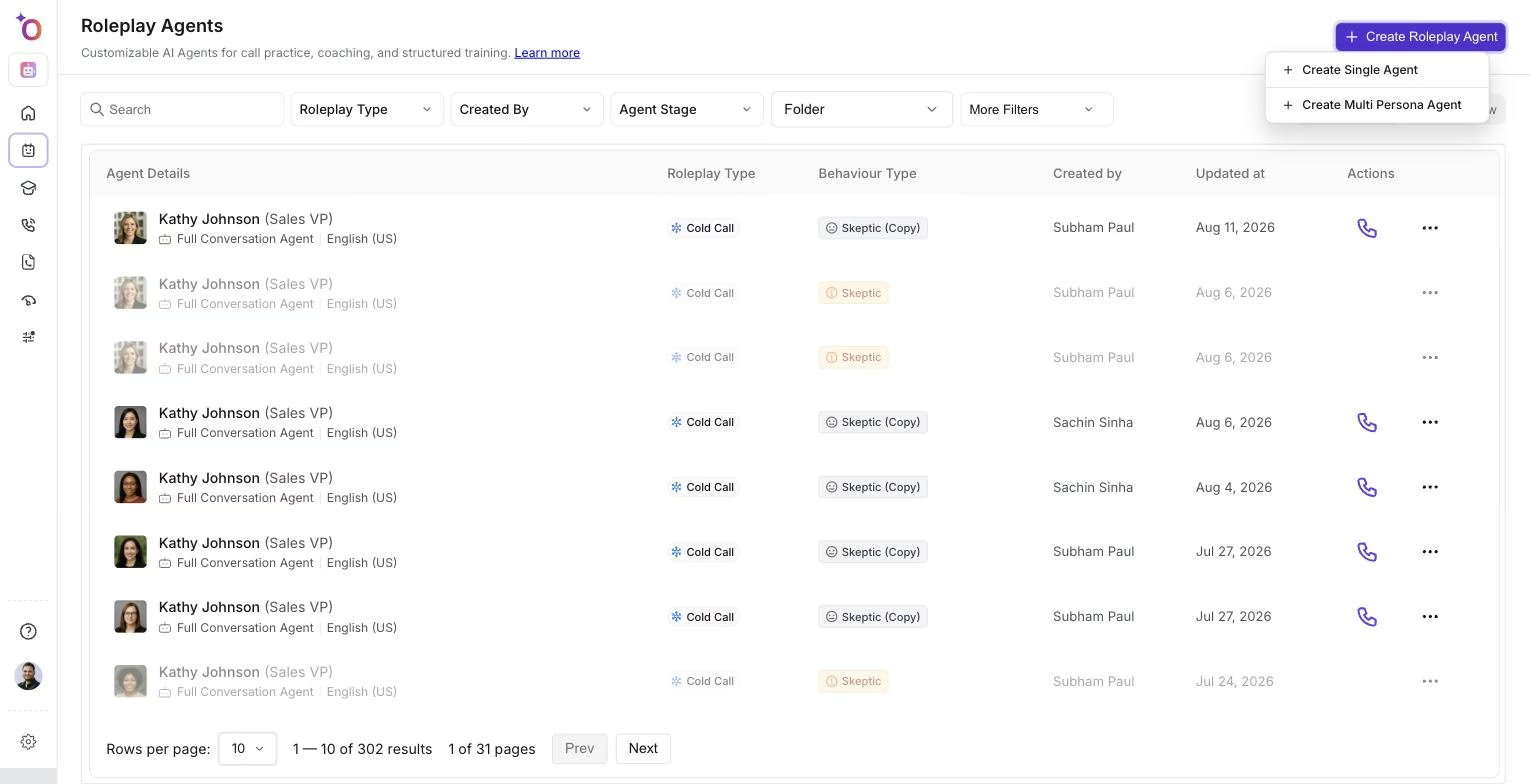 The Create Roleplay Agent menu, the starting point for building an agent from a template.
Step 1: Choose a template
Popular templates include:
- Cold Call
- Discovery
- Qualification
- Objection Handling
- Negotiation
Step 2: Define persona details
Set:
- Background
- Role
- Experience level
- Emotional state
Step 3: Add personality traits
Examples:
- Direct
- Professional
- Skeptical
- Fast-paced
Step 4: Select or create a scenario
Options include:
- Problem aware
- Solution aware
- Unaware
- Custom scenarios
Step 5: Add objections and priorities
Customize:
- Opinions
- Preferences
- Buying concerns
Step 6: Add scorecards
Choose criteria for:
- Discovery
- Objections
- Rapport building
- Closing behaviors
Step 7: Add coaching instructions and environments
Optional settings:
- Background setting
- Mid-call starting context
Step 8: Save and share
Your template-based agent is ready to use.
Related articles
- Intro to Roleplay Agents
- Creating a Roleplay Agent: All the ways to do it
- Creating roleplay agents: overview