
Sign In to Complete Your Set Up
Learn how to sign in to your Outdoo AI account, set up your password, and complete essential configuration steps like calendar and voice fingerprint setup.
Set up your password or sign in with Google or email
If prompted to create a new password, enter a password that meets the requirements below.
Password rules
Your password must be 12 characters or more. It can be any combination of letters, numbers, and symbols (ASCII-standard characters only) and must include at least 3 of the following:
- 1 uppercase character
- 1 lowercase character
- 1 digit
- 1 special character
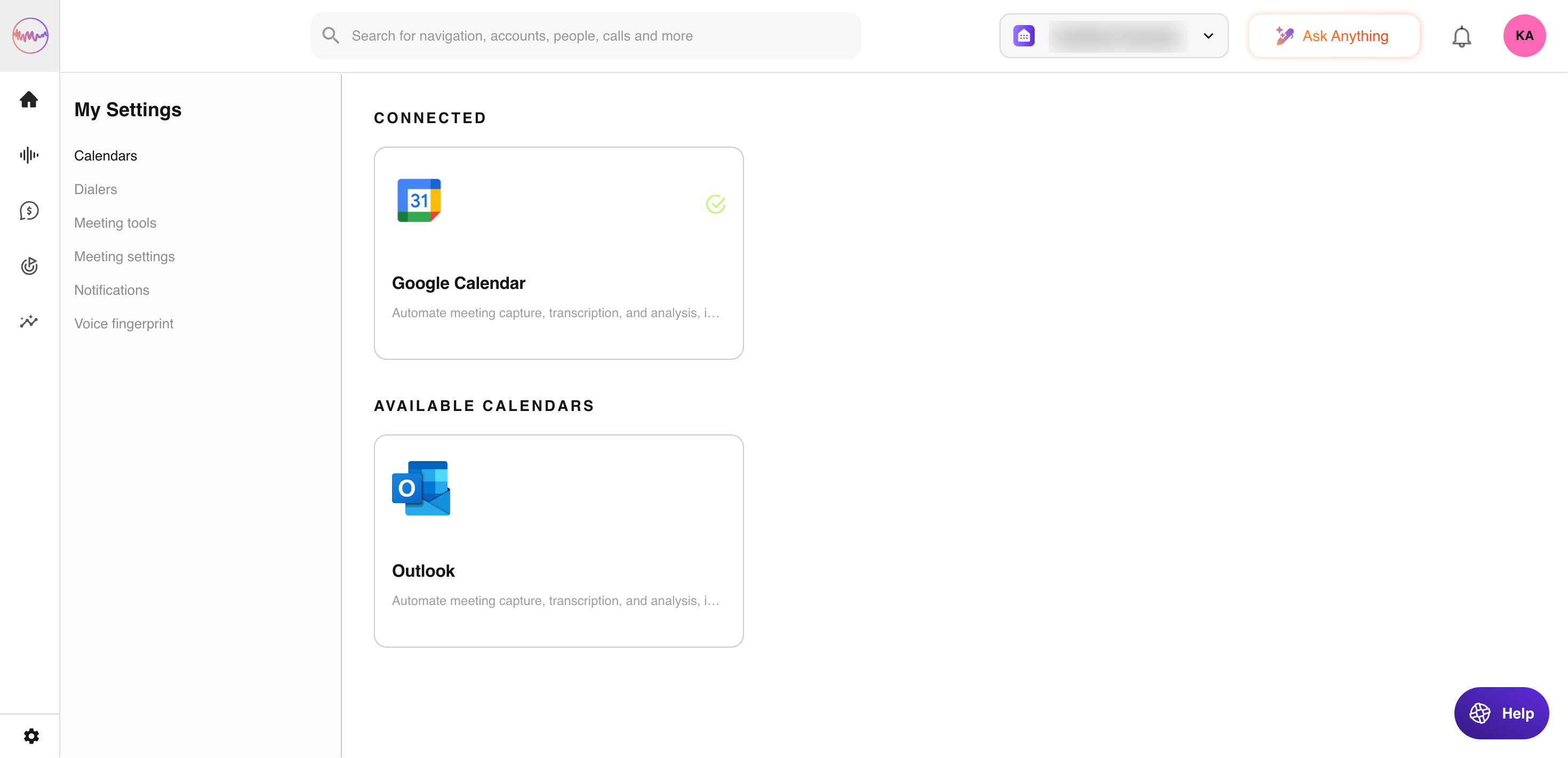
Connect Outdoo AI to your calendar to record your scheduled calls
My Profile > Calendars — This is required for Outdoo AI to record your calls according to the business rules defined by your admin.
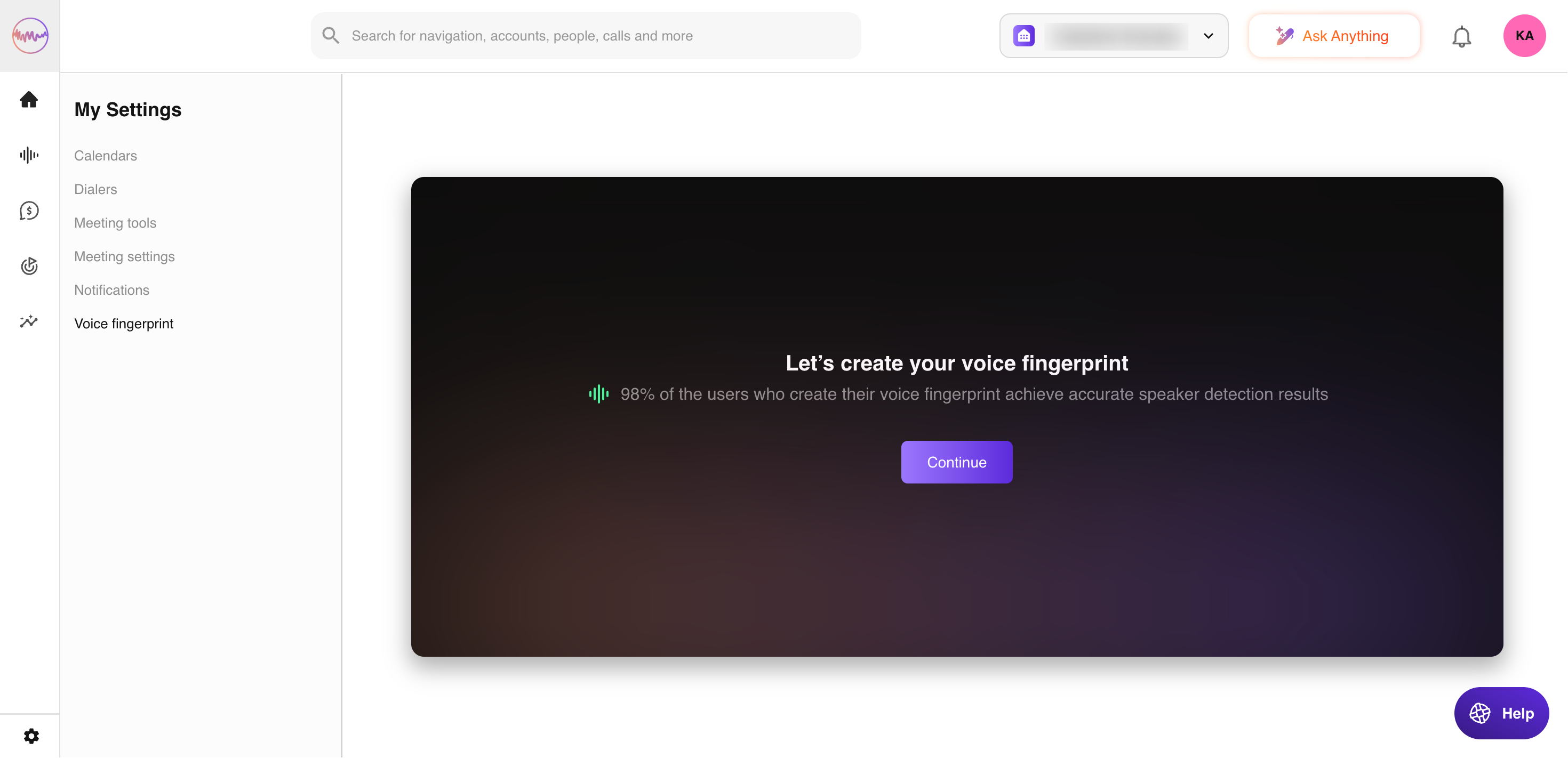
My Profile > Voice Fingerprint
This section appears when your Outdoo AI admin has enabled voice fingerprinting in your organization. It allows Outdoo to use a sample of your voice recordings to better recognize you on telephony calls.
If you need further help, contact support at support@outdoo.ai.