
Mastery Cheat Sheet for Sales Teams
The quick reference for reps getting the most out of Outdoo every day.
Before a call
Practice the conversation, not a script
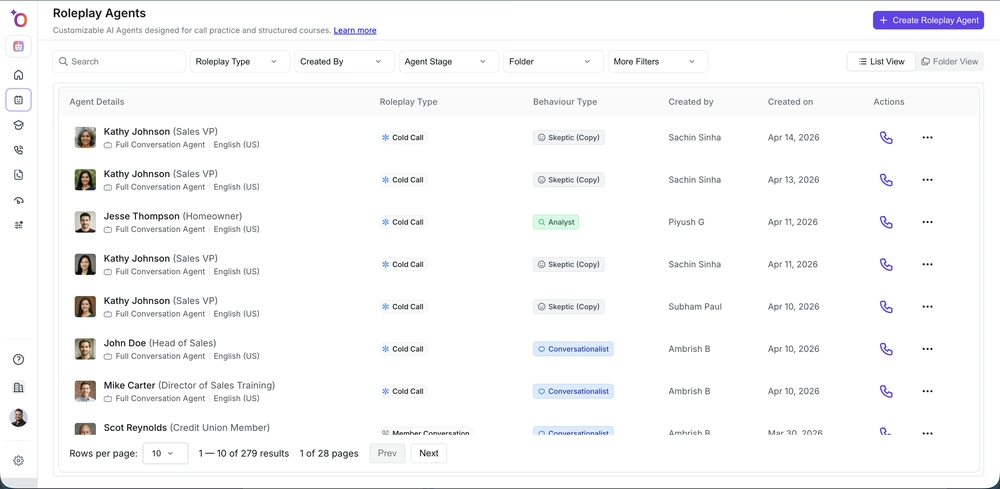
Go to Roleplay and find the agent that matches your upcoming call type — discovery, cold call, demo, renewal. Run it at least once before a high-stakes meeting. The AI will push back the way a real buyer does. Read the scorecard after, not before, so you are not just gaming the simulation.
Review the account before you dial
If your CRM is connected, Outdoo pulls deal context — previous calls, open opportunities, contacts. Check the call library for any prior conversations your team has had with this account. It takes two minutes and saves you from starting a conversation your colleague already had last quarter.
During a call
Let the notetaker handle notes
Outdoo's notetaker joins your scheduled calls automatically and captures the transcript. You do not need to type anything. Stay in the conversation. If a point matters, flag it — you can add a timestamp comment after the call.
Do not stress about trackers
Keyword trackers are running in the background. Topics like pricing, competition, and next steps get flagged automatically. You will see them highlighted in the transcript after the call ends.
After a call
Check your score before moving on
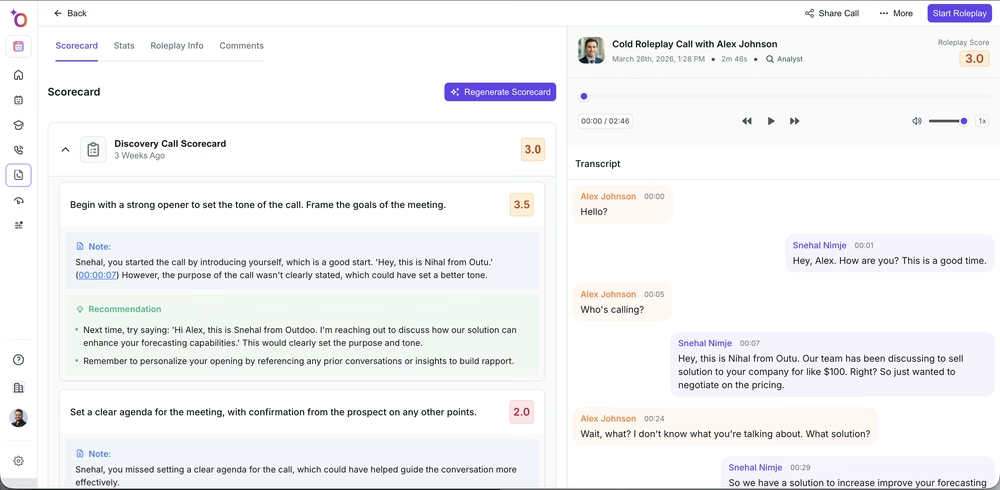
Go to Conversations and open the call. Your AI scorecard is there. Look at where you dropped points — not to beat yourself up, but to pick one thing to practice in your next roleplay. One specific gap, one focused practice session.
Review the transcript at 2x speed
If you need to recap what happened, the transcript is searchable. Jump to the moment pricing came up, or find where you lost momentum. You do not have to re-listen to the whole call.
Update your CRM correctly
If your team uses software simulation for post-call workflows, run the CRM update simulation before you do it for real the first time. It is a short walkthrough of the exact fields your team uses, and far better than guessing and creating bad data.
Add the call to a library folder if it is useful
If the call caught a tricky objection in a useful way, add it to the right folder. Your teammates and new hires will find it when they are preparing for the same conversation.
For your own development
Check your talk ratio
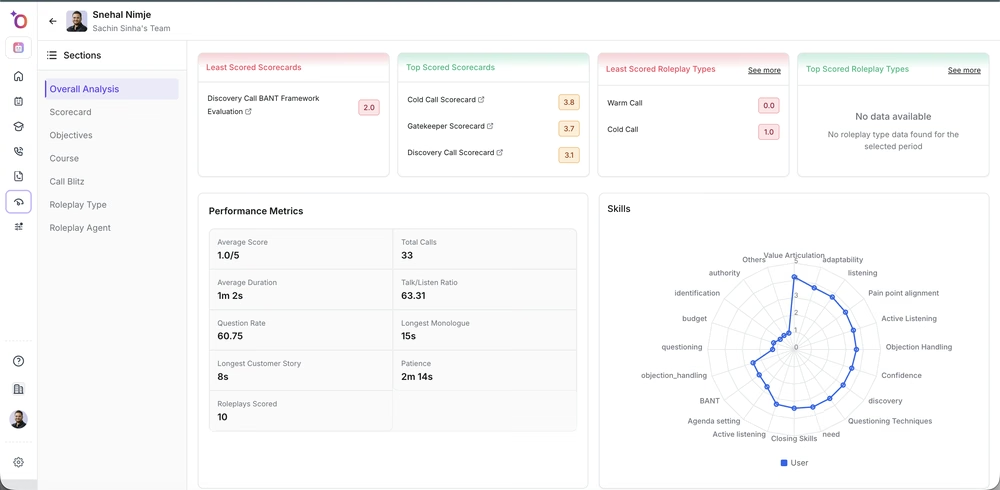
Go to Insights > Teams > Interactions. You can see your talk-to-listen ratio, your longest monologue, and how you compare to the team. Most reps are surprised by how long their monologues actually are.
Complete assigned courses before the deadline
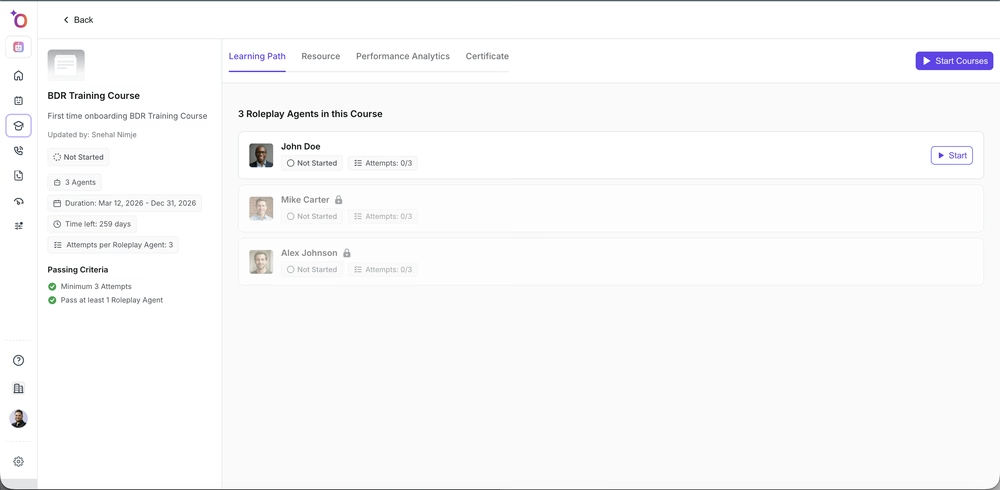
Courses show up in your training queue. Each one has roleplays, resources, and sometimes a simulation step. Certifications are tracked and visible to your manager — completion is not enough, accuracy matters.
Use the mobile app when you are between calls
The Outdoo mobile app lets you run a quick roleplay, check your scorecard, and review feedback without being at a desk. Ten minutes between meetings is enough for one targeted practice session.
If you need help, contact us at support@outdoo.ai.