
My Settings
To access your settings in Outdoo AI, go to the top navigation bar, click your name, and select "My Settings." Here you can view the configurations set up for you. Most of the information is read-only, but you may need to visit this section to complete your setup, opt into voice identification, or find your business or tech admin's contact details.
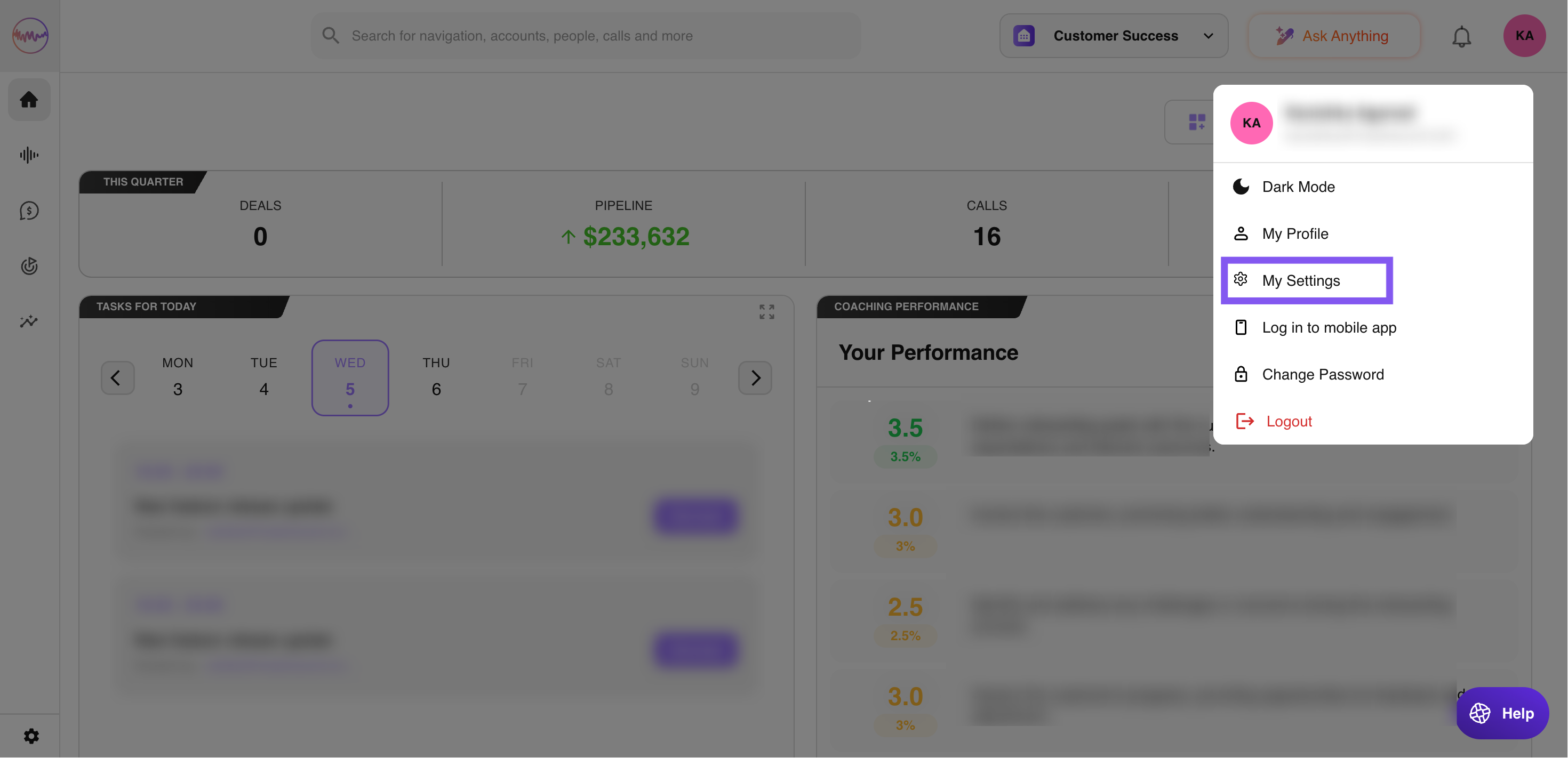
Settings overview
The settings available to you depend on your organization's configuration and may include the following.
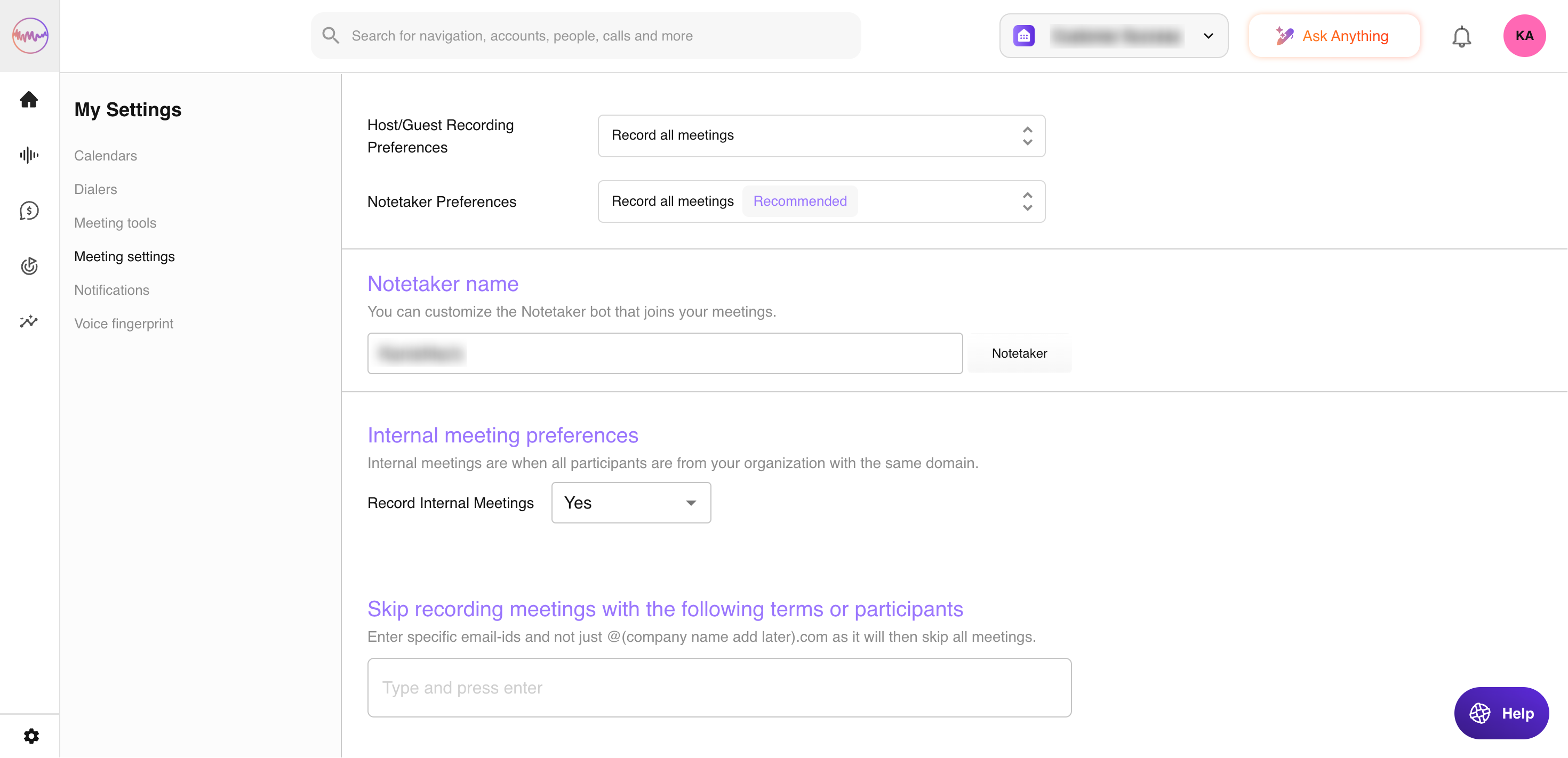
My Settings > Meeting Settings
This section indicates whether you are set up for meeting recording and highlights any issues. You can customize your Notetaker bot's name to personalize how it appears in your meetings. You can also choose whether to record internal meetings where all participants share your organization's domain. To skip recording specific meetings, enter individual email addresses or keywords. Avoid using general domains like "@company.com" as this will cause all meetings with that domain to be skipped.
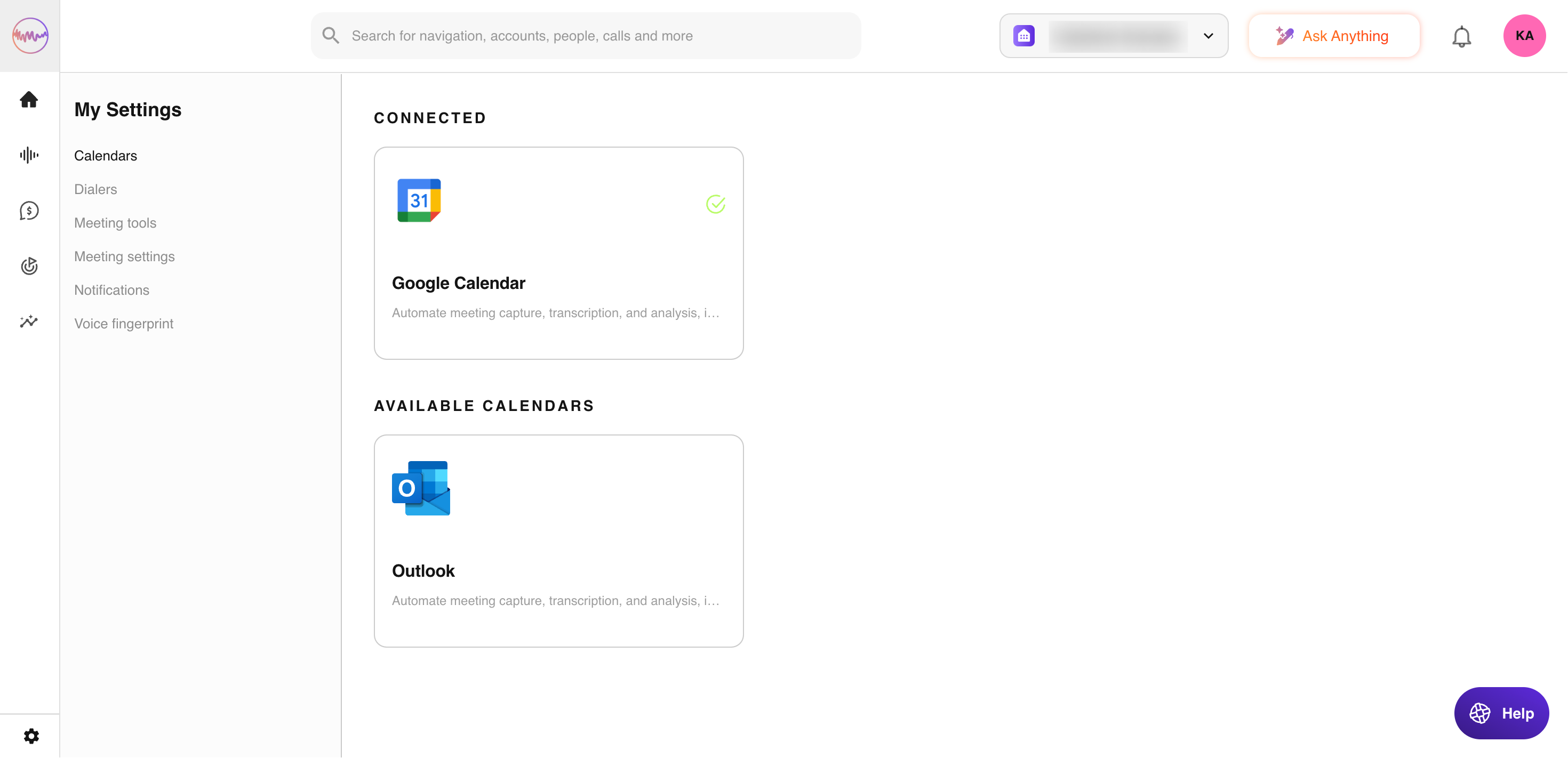
Calendars
Shows whether your calendar is integrated and whether events are being imported into Outdoo AI.
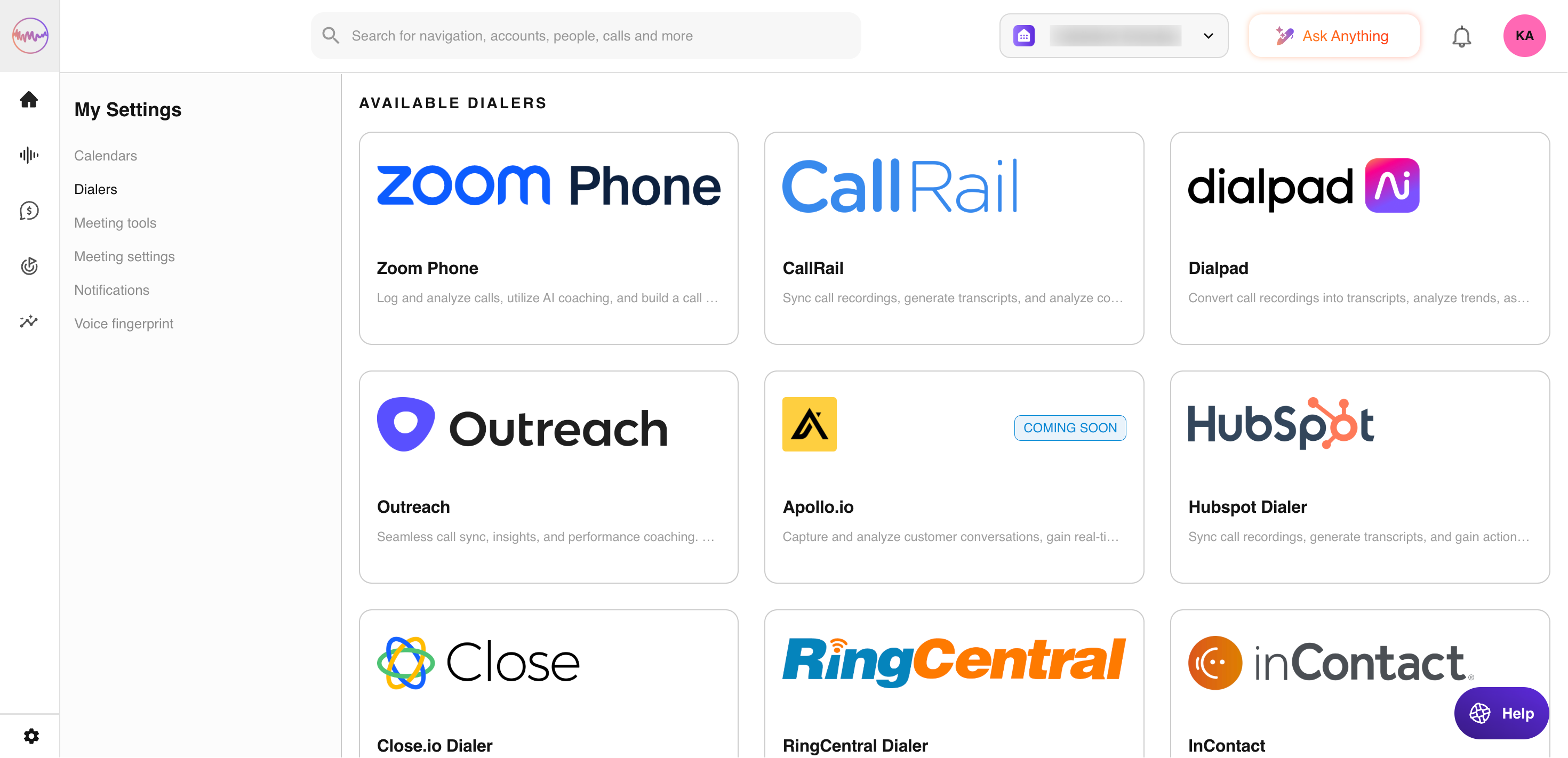
Dialers
Shows whether your dialer is integrated and whether calls are being imported into Outdoo AI.
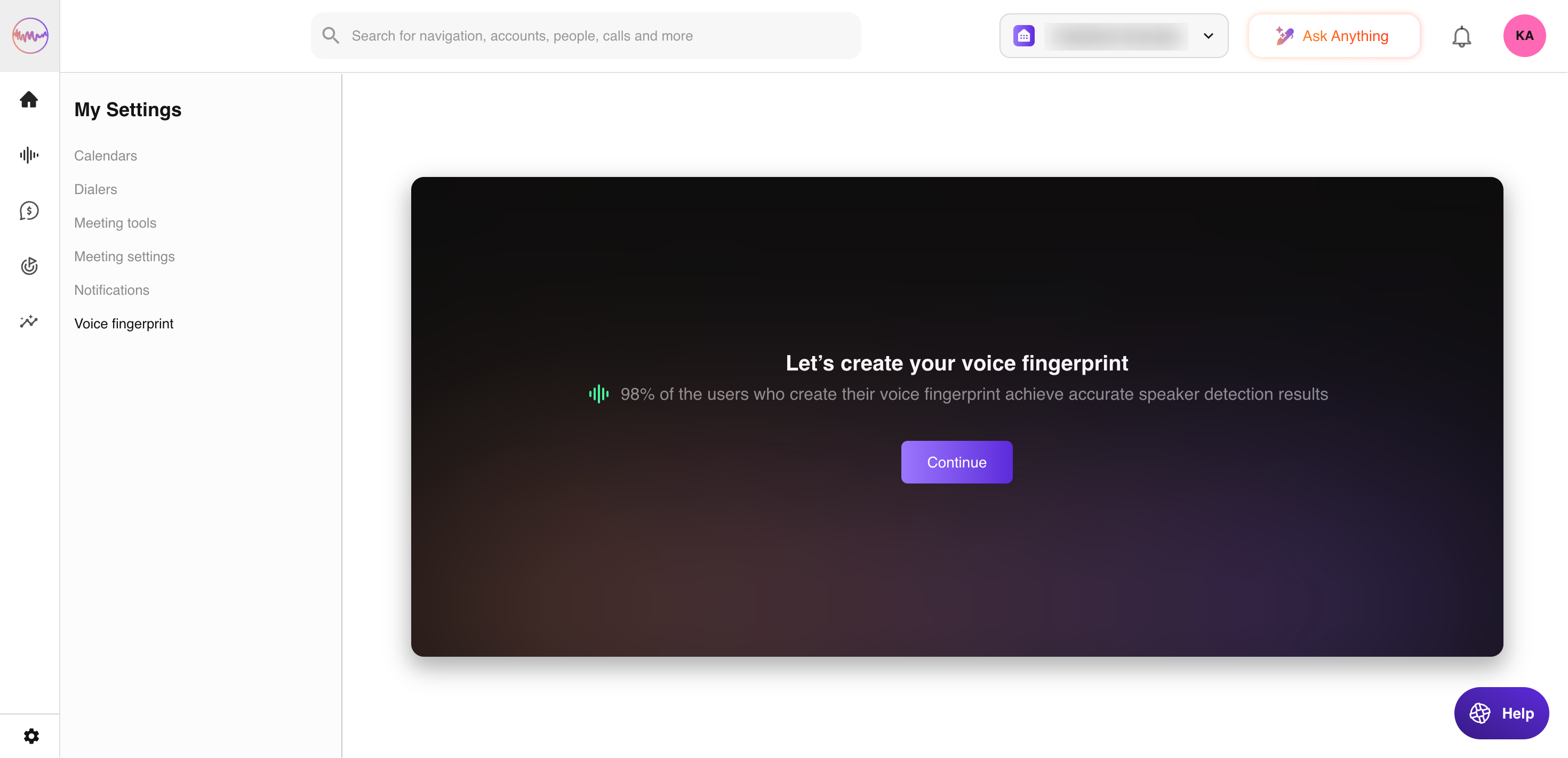
Voice Fingerprint
This section appears when your Outdoo AI admin has enabled voice identification in your organization. The feature uses a sample of your voice recordings to improve recognition on telephony calls. To opt in, click "Create Voice Fingerprint."
If you need further help, contact support at support@outdoo.ai.