
Analyze team performance
The Insights section gives you data on what is happening in your team's calls and how individual reps are performing over time. It covers activity, conversation quality, email responsiveness, tracker mentions, and how much coaching each rep is receiving.
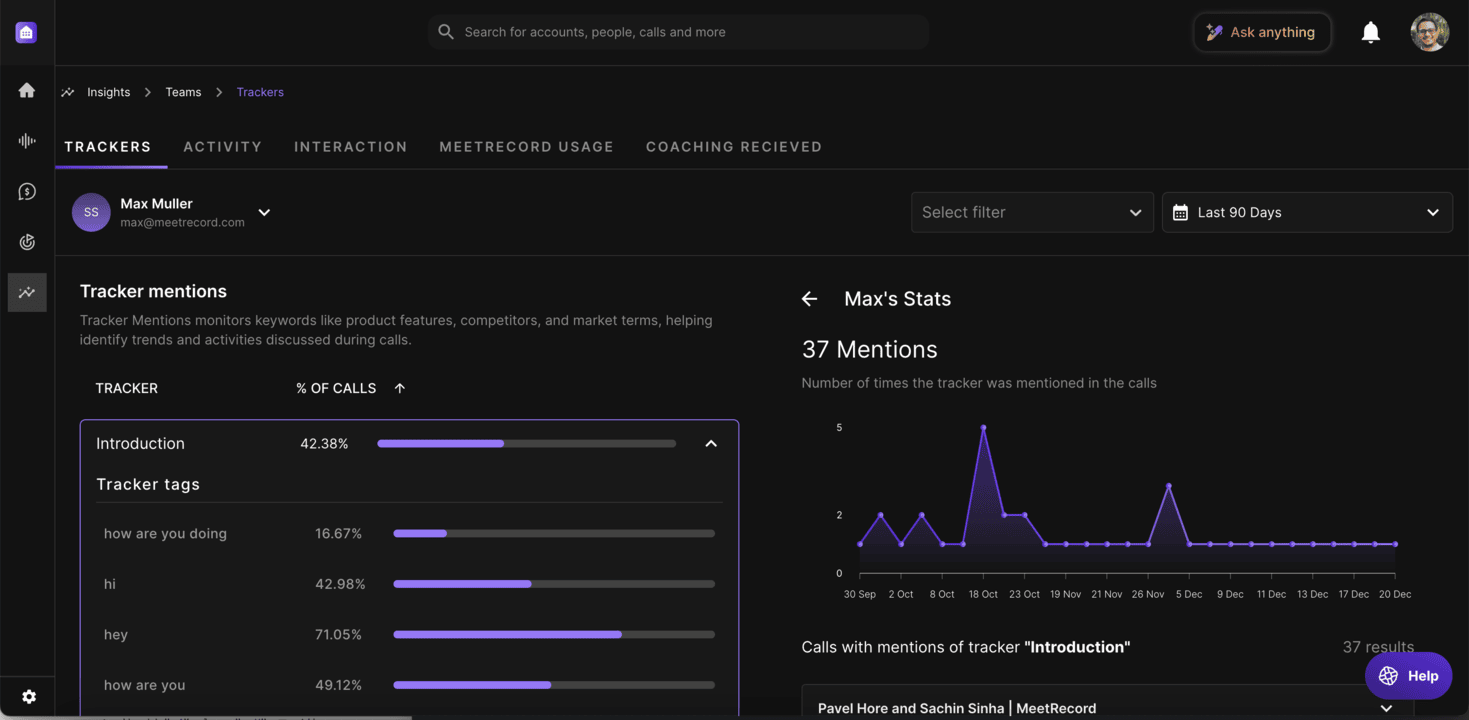
Navigate to Insights > Team to access performance data. Use the tabs across the top to switch between Activity, Interaction, Trackers, Coaching Received, and Outdoo Usage views.
Activity metrics
The Activity tab shows call volume and time per rep. Use it to understand how much calling activity is happening and how it varies across the team. Metrics include:
- Average call duration
- Weekly call volume per rep
- Total time spent on calls
Interaction metrics
The Interaction tab shows the quality of rep conversations, not just how many they had. Metrics include:
- Talk ratio — the balance between how much the rep talks versus the customer. The target range is roughly 43% rep, 57% customer.
- Longest monologue — how long reps speak without letting the customer respond. Monologues over 2.5 minutes typically signal a lost conversation.
- Longest customer story — how long customers speak without interruption. Longer customer stories usually mean the rep is asking good questions.
- Interactivity score — how frequently the conversation switches between rep and customer. A score of 5+ switches per call is a reasonable baseline.
- Patience — how long the rep waits after the customer finishes speaking. A 0.6 to 1 second pause is the target range.
- Question rate — how many questions the rep asks per hour. High-performing reps typically ask 18 or more questions per hour.
Responsiveness metrics
The email responsiveness metrics show how quickly the team is replying to customer emails:
- Percentage of emails replied to within 24 hours
- Percentage of emails replied to within 7 days
- Average response time for emails that required a reply
Topics and trackers
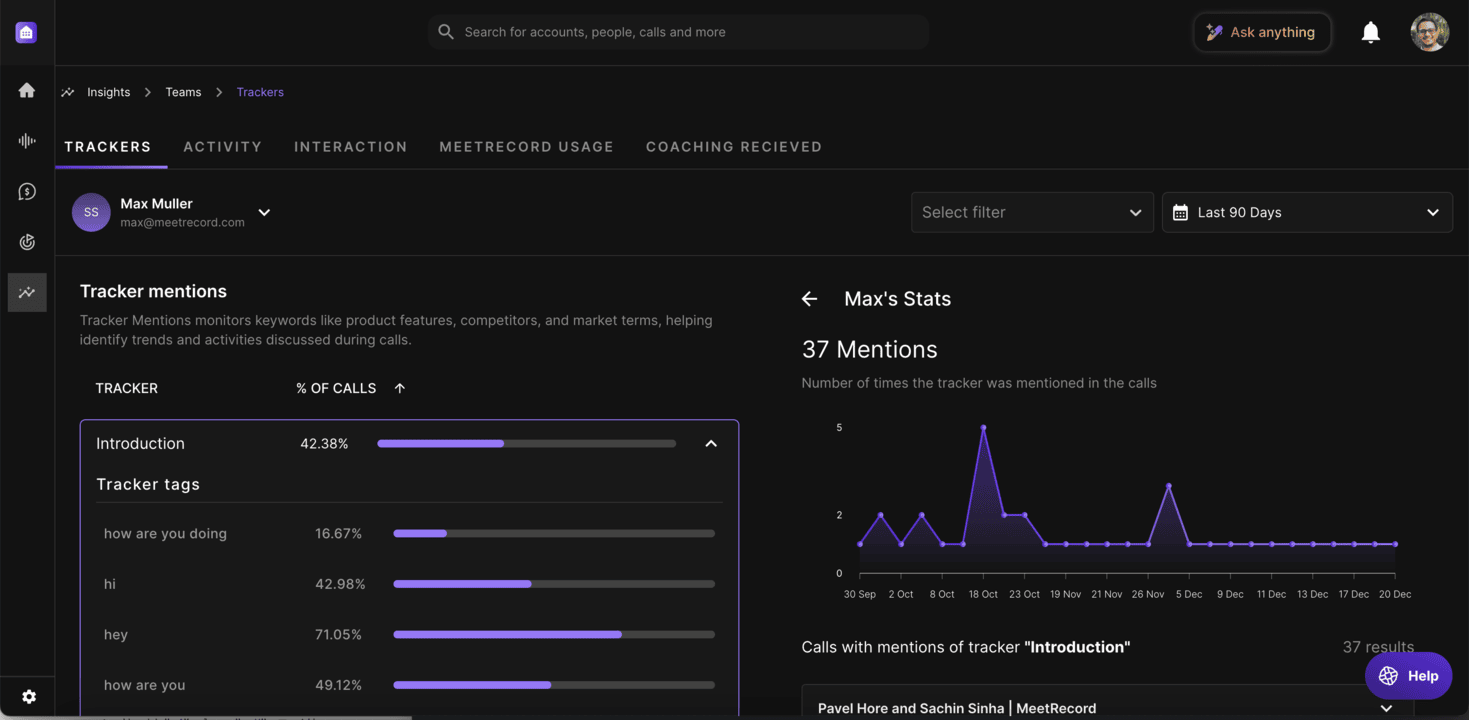
The Trackers tab shows how often specific topics, competitors, or keywords are mentioned across calls. Use this to see what is coming up in conversations and whether certain topics are associated with better or worse outcomes. Compare tracker mention rates across reps to find patterns worth coaching on.
Coaching received
The Coaching Received tab shows how much feedback each rep is getting — through scorecard evaluations, call comments, and offline notes. This helps managers spot reps who are going long stretches without any review.
Comparing reps
All views let you filter by rep, team, date range, and call type. You can see how a specific rep compares to their peers on any metric, and track whether their numbers are improving over time.
If you need help, contact us at support@outdoo.ai.