
How to Create a Call Blitz
Creating a Blitz is useful for teams looking to reinforce cold calling, discovery, objection handling, qualification, value articulation, renewal conversations, and more on a daily or weekly basis.
What You Can Do with Call Blitz
Call Blitz lets you:
- Run daily call drills that simulate real-world pressure
- Build continuous skill reinforcement habits
- Assign structured practice windows (for example, 10 to 15 minutes)
- Add multiple roleplay agents to a single session
- Control pickup rates for realistic outbound behavior
- Assign the Blitz to individuals, groups, or your entire team
- Launch adaptive practice cycles that provide instant feedback
Before You Begin
Make sure you have:
- At least one roleplay agent created
- Clarity on what skills the Blitz should reinforce
- A target team or group that will participate
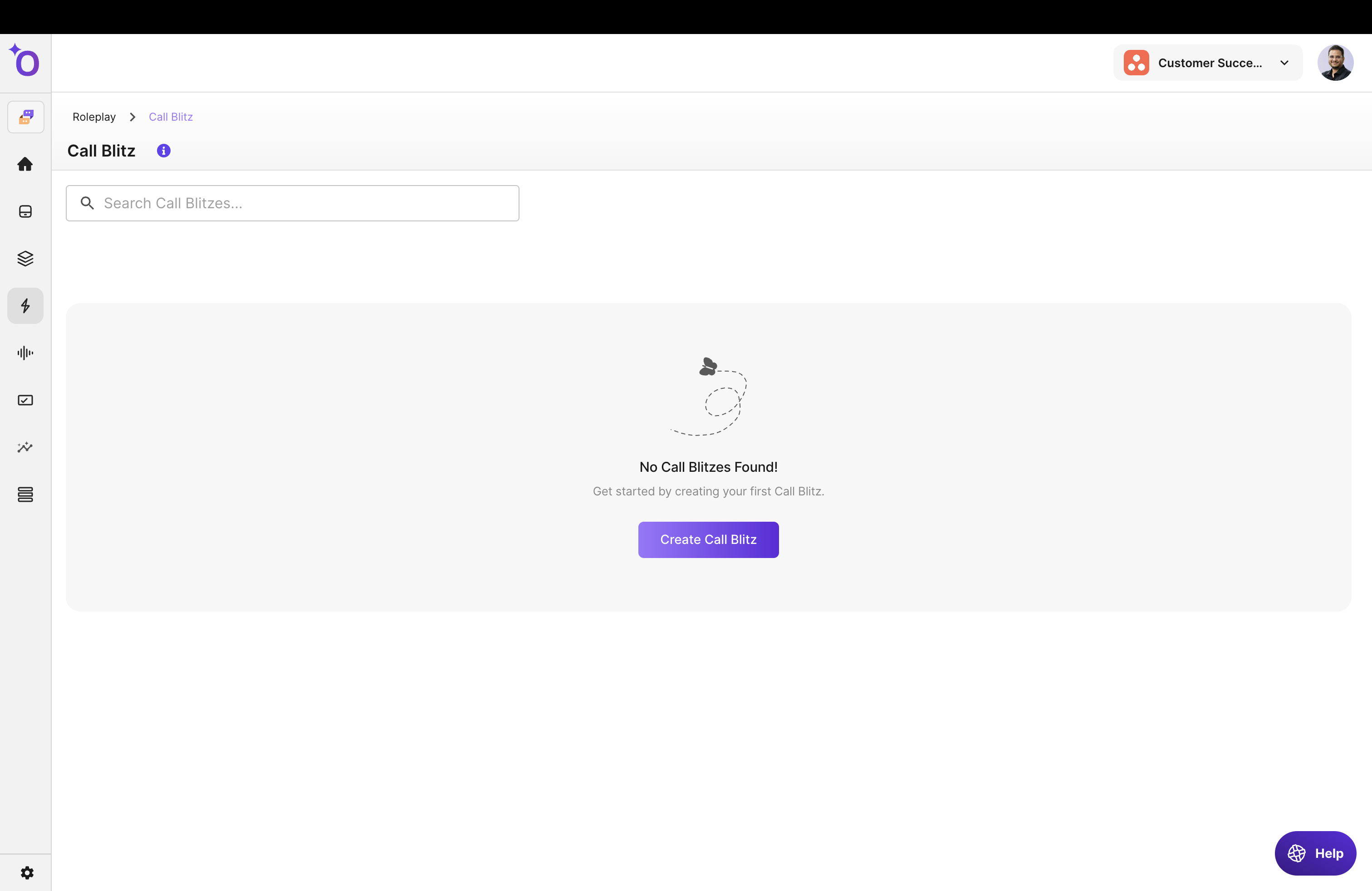
How to Create a Call Blitz
Follow these steps to set up your Blitz.
Step 1: Enter Title and Description
Give your Blitz a meaningful name so learners know what the session focuses on.
Examples:
- "15-Minute Objection Handling Drill"
- "Morning Discovery Call Warm-Up"
- "Weekly Call Confidence Booster"
Add a description that sets expectations for learners.
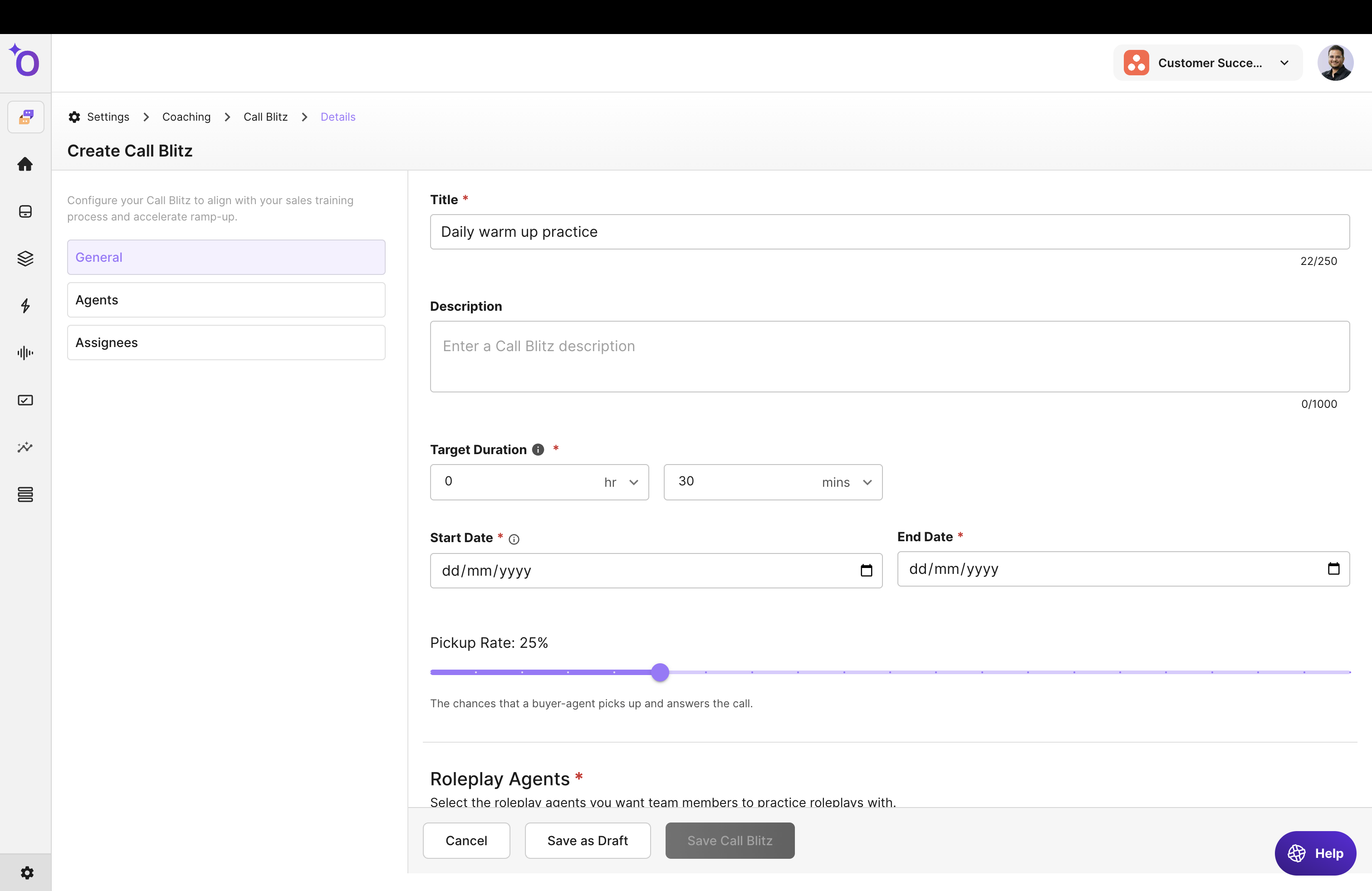
Step 2: Set Blitz Duration
Define how long the Blitz session should run. Common durations are 10 to 20 minutes. Shorter sessions keep practice focused and repeatable.
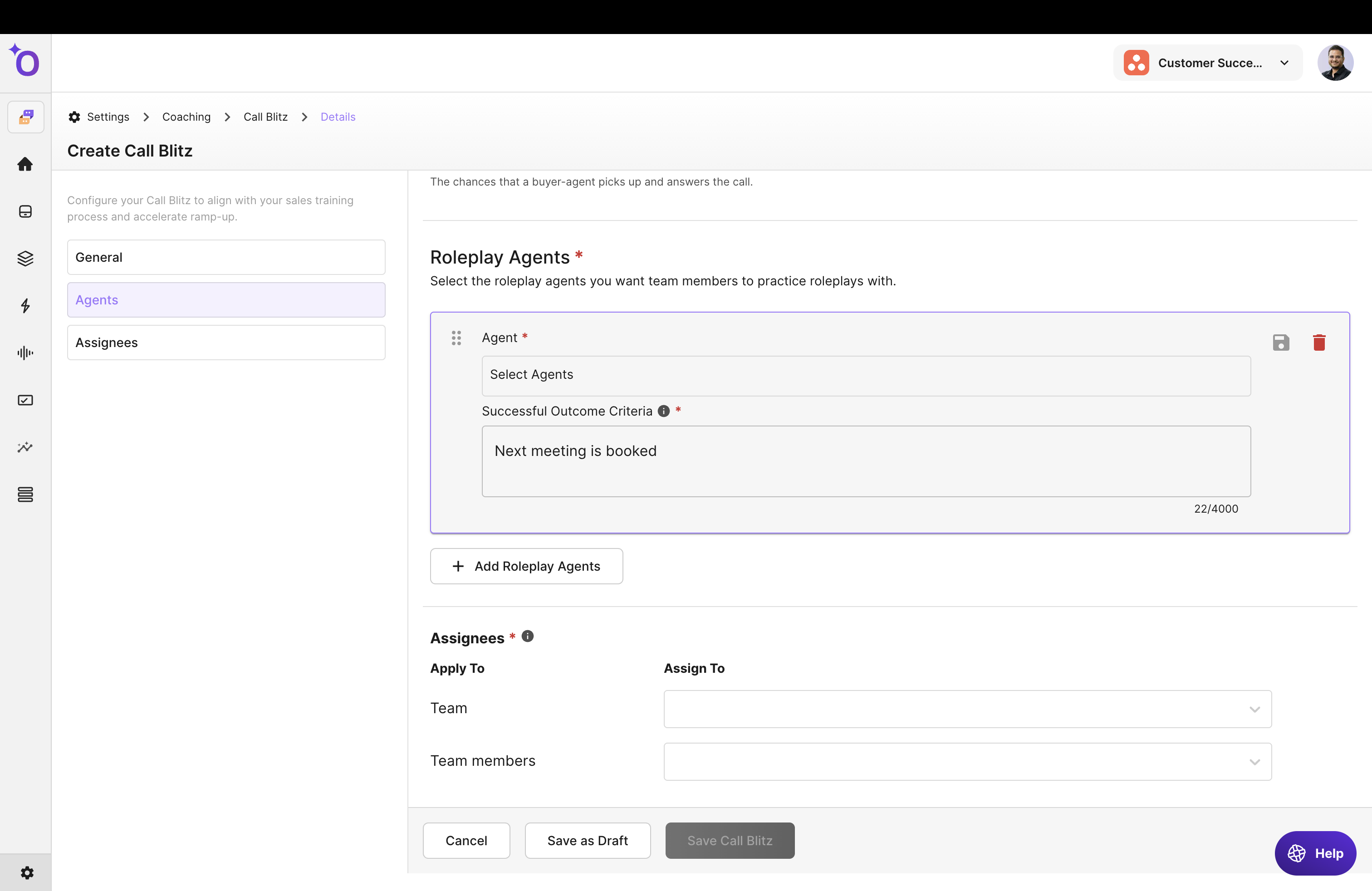
Step 3: Choose Program Dates
Setting | Description |
|---|---|
Start Date | When learners can begin the Blitz |
End Date | When the Blitz expires |
Call Pickup Rate | How frequently calls "connect" during the Blitz, simulating real outbound dynamics |
Pickup rate influences whether the agent answers the call immediately or after a delay.
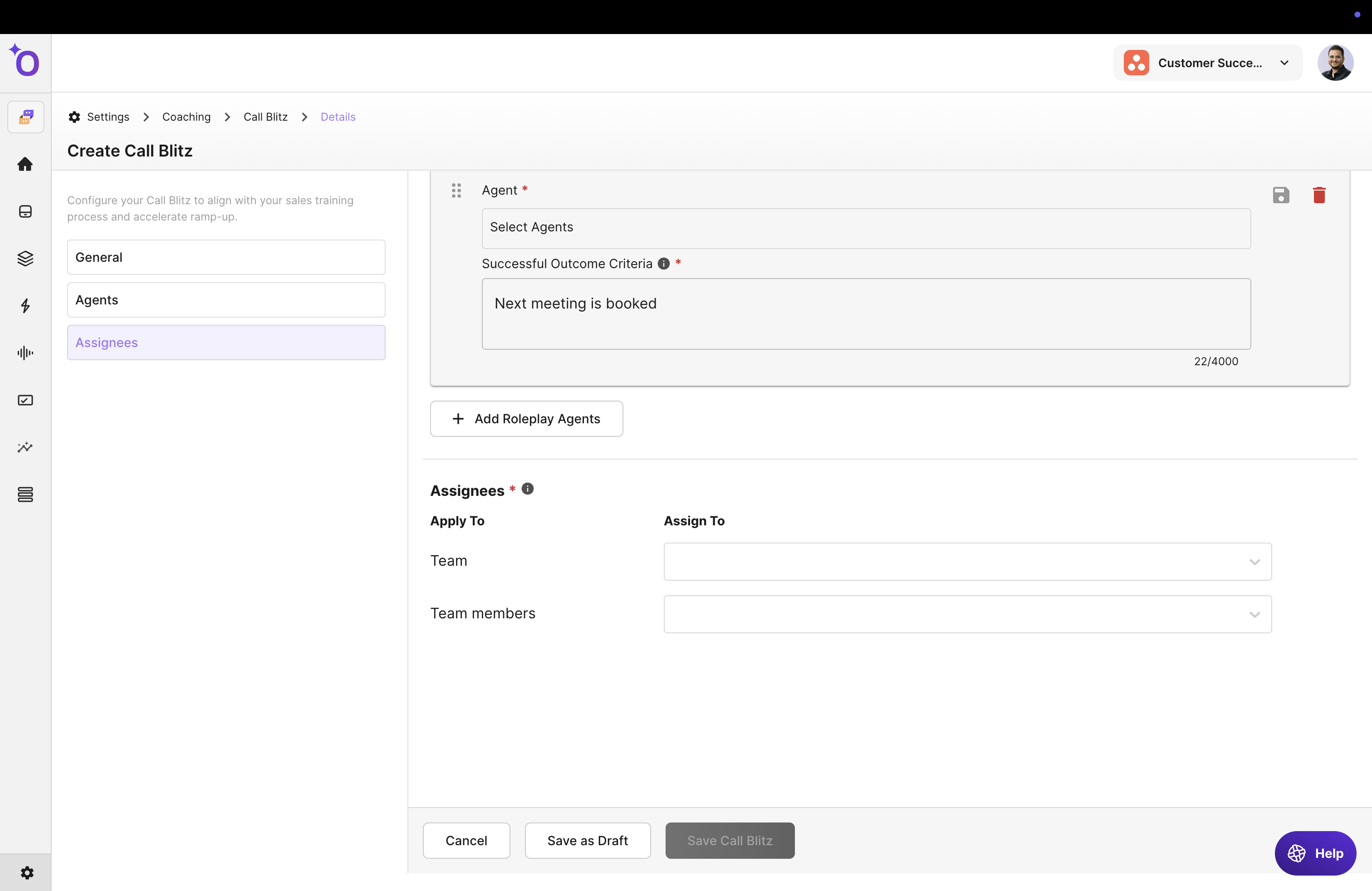
Step 4: Select Roleplay Agents
Choose which AI roleplay agents learners will encounter. These agents appear back-to-back during the Blitz.
Tips for selection:
- Use 2 to 4 agents per Blitz for best focus
- Mix call types (cold call, discovery, objection handling) for broader practice
- Use variations of the same persona to improve adaptability
Step 5: Assign the Blitz to Team Members
Choose who should participate:
- Entire team
- Specific groups
- Individual learners
Assignments let you track performance and completion.
Step 6: Launch the Blitz
Once everything is configured:
- Review settings
- Confirm duration, agents, dates, and assignments
- Click Launch
Your Blitz goes live and becomes available to learners on the start date.
What Happens Next
After launching:
- Learners can start the Blitz at any time within the date window
- They move through multiple calls in rapid succession
- The system provides adaptive feedback after each interaction
- Analytics track their performance across attempts