
Zoho and Outdoo AI
Learn how to integrate Zoho CRM with Outdoo AI to sync meeting data and CRM insights seamlessly for streamlined workflows.
Integrating Zoho CRM with Outdoo AI enables seamless syncing of meeting data and CRM insights.
Steps to Integrate Outdoo AI with Zoho CRM
- Log in to your Zoho CRM account with Super Admin privileges
- In Outdoo AI, go to Company Settings > CRM > All CRMs and locate Zoho CRM
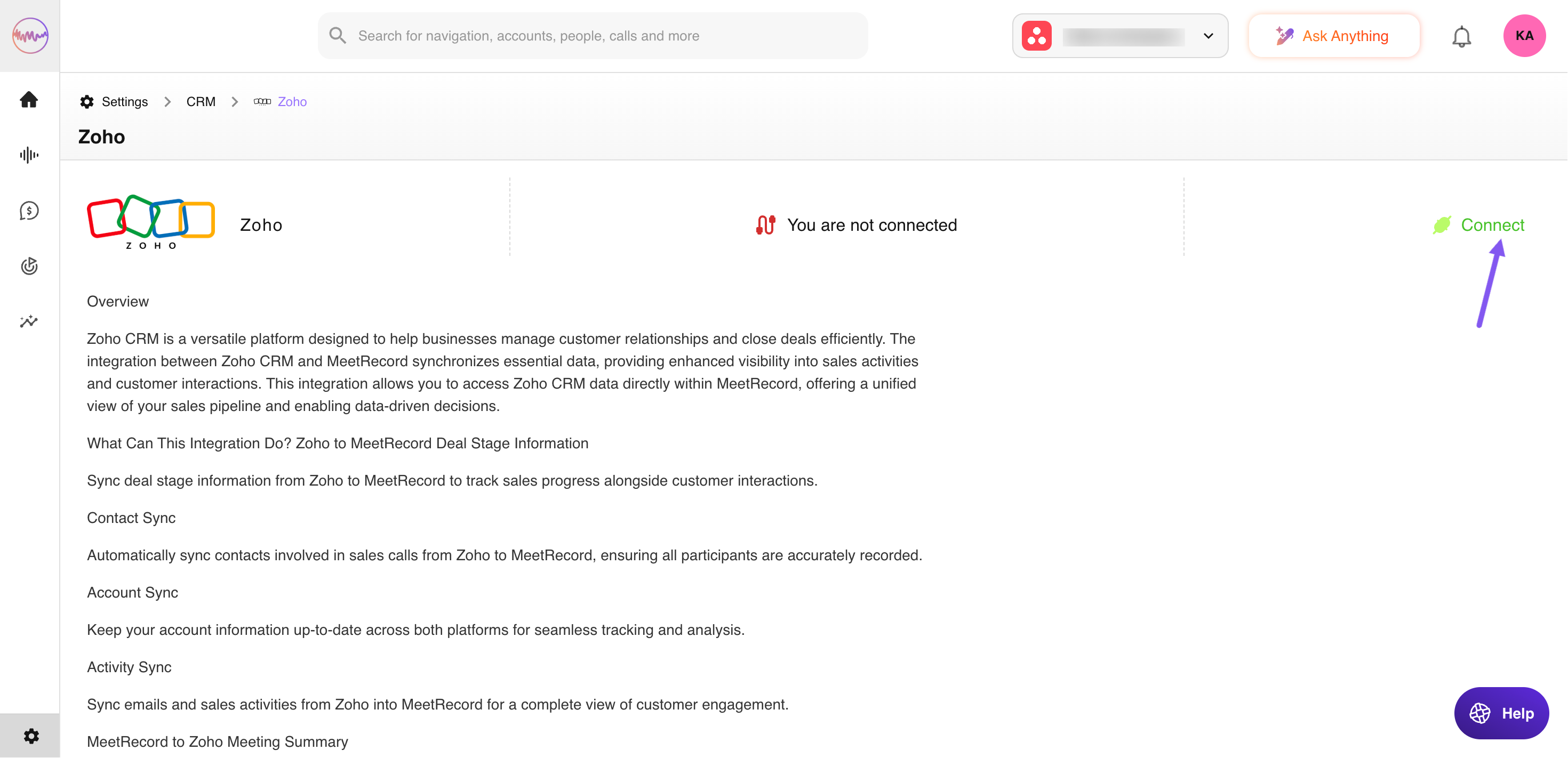
- Click Connect to begin the integration process
- You will be prompted to authorize Outdoo AI to access your Zoho CRM data. Follow the on-screen instructions to complete the integration
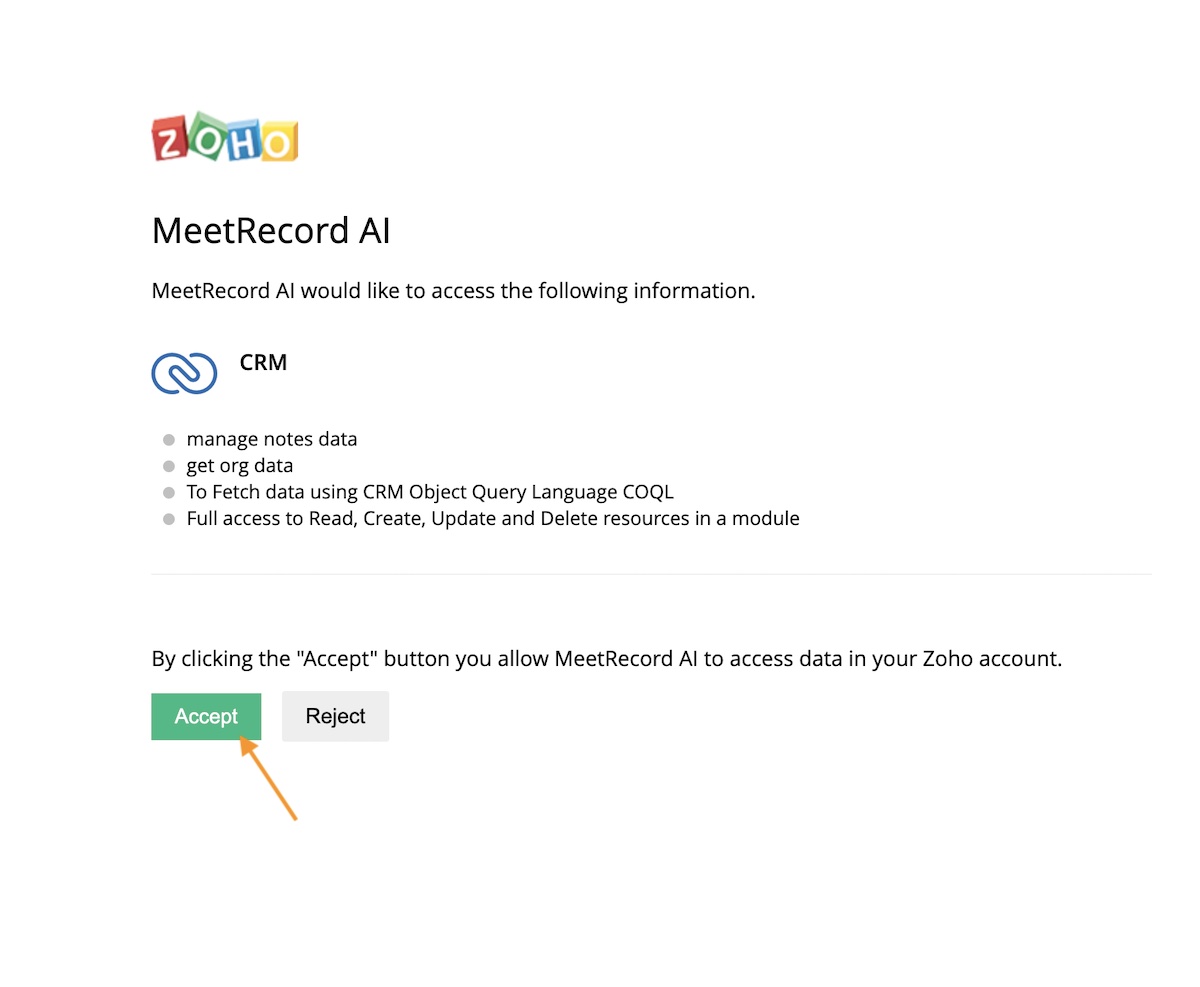
Once connected, you can use the integrated Zoho CRM and Outdoo AI tools to streamline your workflows.
If you have any questions or need further assistance, reach out to support@outdoo.ai.