
HighLevel and Outdoo AI
Learn how to integrate HighLevel with Outdoo AI to automatically share meeting summaries as notes and monitor deal progress for better sales insights.
The integration between HighLevel and Outdoo AI connects any sub-account with Outdoo AI. After setup, Outdoo AI automatically shares meeting summaries as notes within each deal. The system also monitors deal progress, providing insights to help you understand whether a deal is likely to succeed, stall, or become inactive.
Pre-requisites for HighLevel Integration
- You must have the HighLevel Unlimited plan with API access. Check HighLevel plans here
- You should have admin access to the sub-account
Steps to Integrate HighLevel
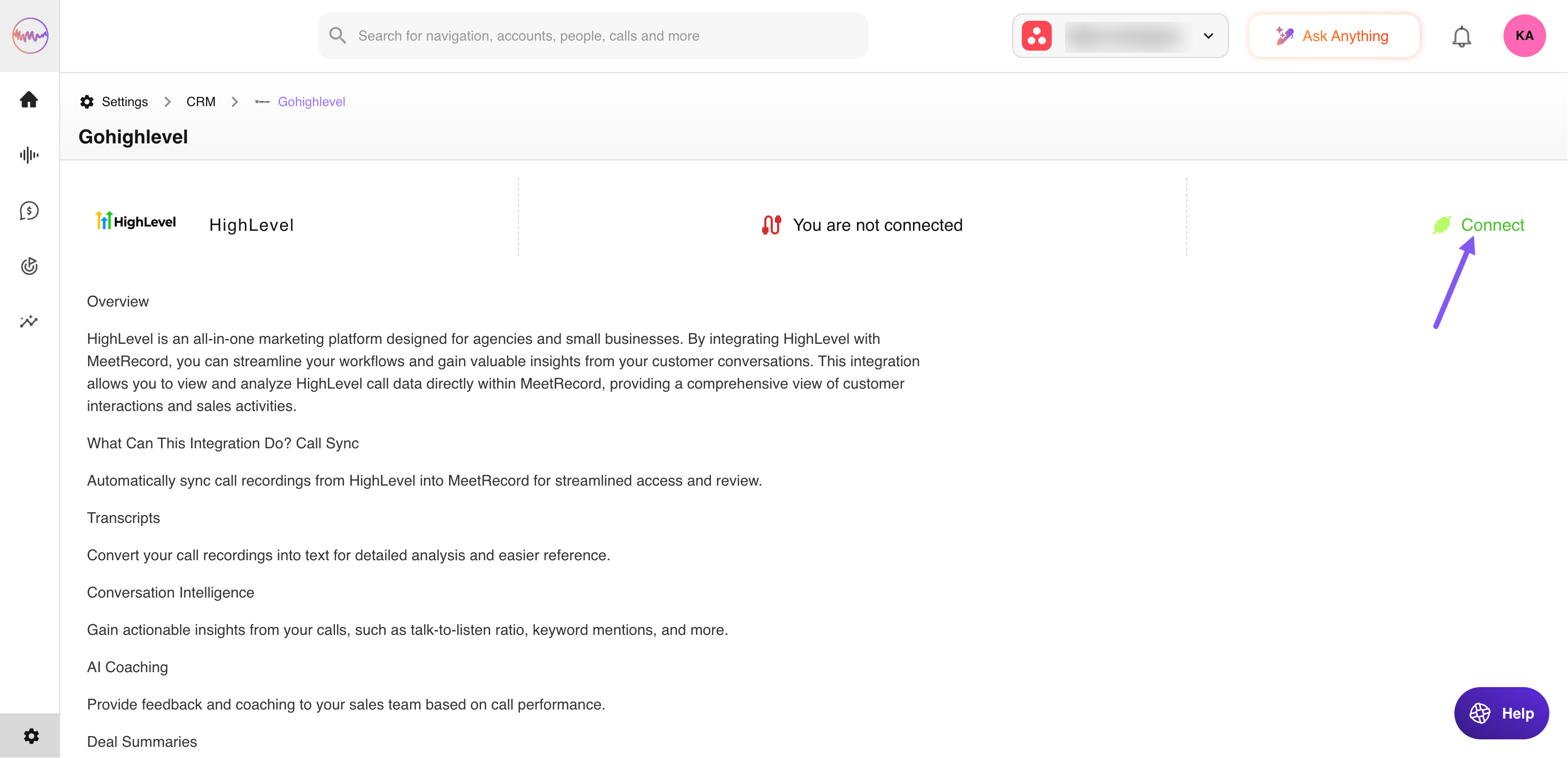
- Go to Company Settings > CRM > All CRMs and click on HighLevel
- Click on Connect
- Log in to HighLevel and select the sub-account you want to integrate. You will be redirected to the Outdoo AI Integrations page
The icon will change from "Connect" to "Connected" once the integration is complete.