
Why are my scores not accurate on Outdoo AI?
Learn how to troubleshoot inaccurate call scores by reviewing scoring parameters, weightages, and models, and how to access scoring configuration settings.
If call scores seem off, review the following areas.
- Check scoring parameters. Make sure the correct parameters are selected for scoring. Inaccurate or misaligned parameters can produce unexpected results.
- Review weightages. Verify the weightage assigned to each parameter. Adjusting weightages can improve the accuracy of the overall score.
- Change the scoring model if needed. If the current model does not reflect your scoring needs, consider switching to a different scoring model that better aligns with your goals.
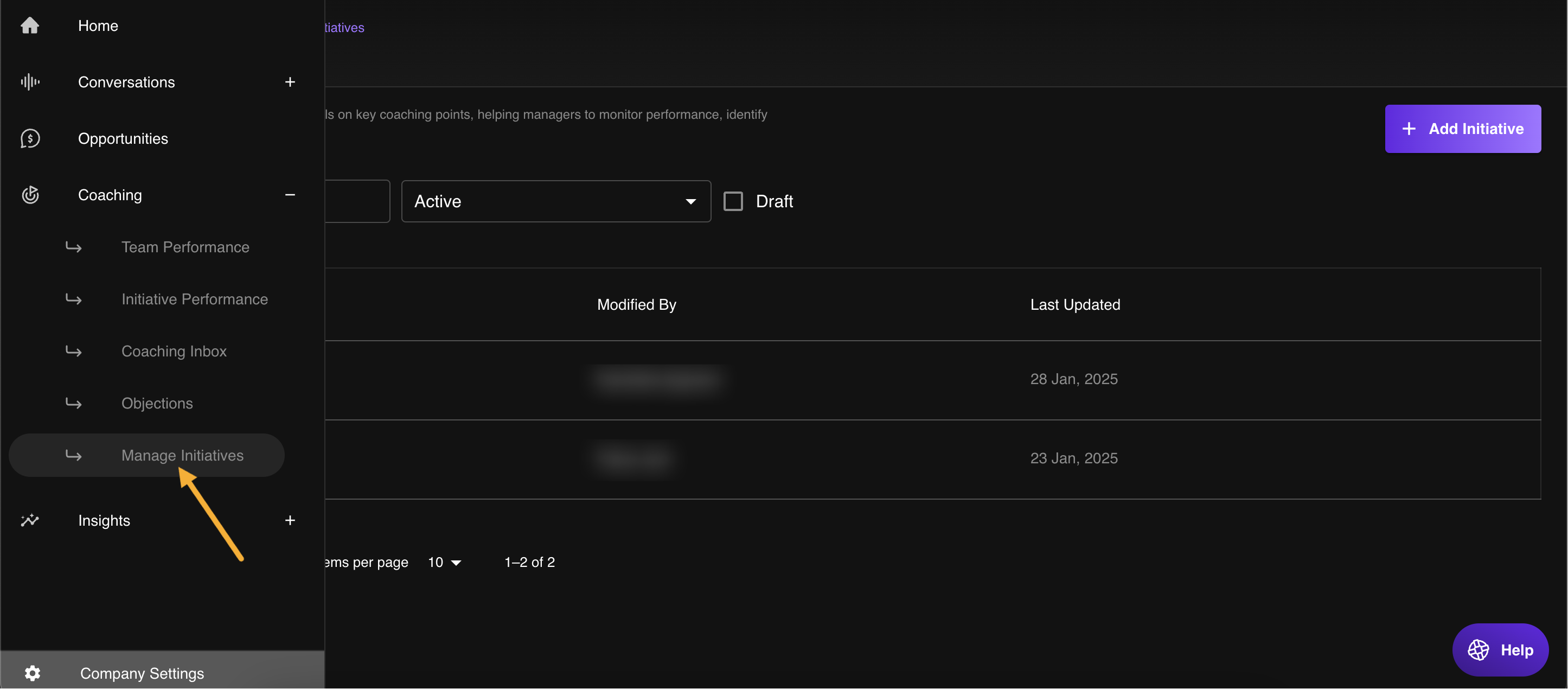
- Update scoring settings by going to Company Settings > Coaching > Manage Initiatives, or navigate to Coaching from the left-hand menu and select Manage Initiatives to review and edit scoring configurations.
If scores still seem off after reviewing these areas, contact the support team at support@outdoo.ai.