
Slack Integration with Outdoo AI
Overview
Slack is a common platform for internal team communication. The Outdoo AI integration with Slack lets you share conversation insights directly into Slack channels or direct messages, keeping sales and marketing teams aligned without switching tools.
What This Integration Does
Share Conversations with Your Team
You can share call snippets, full recordings, and transcripts directly from Outdoo AI to Slack, so the right people have context on key conversations.
Automatic Insights from Meetings
Outdoo AI automatically generates call summaries, captures customer requirements, and builds meeting minutes. These can be sent to your preferred Slack channels without any manual work.
Real-Time Updates
Conversation insights arrive in Slack as they are processed, so your team can act on them quickly.
How to Integrate Slack with Outdoo AI
Go to the Integrations Page
- Log into your Outdoo AI account.
- Navigate to Company Settings > Ecosystem.
Click Connect
- Find the Slack integration card.
- Click the Connect button.
Authorize Outdoo AI
- A new page will open asking for authorization.
- Click Allow to give Outdoo AI access to your Slack workspace.
Complete the Integration
- Once authorized, you will be redirected back to Outdoo AI.
- Slack will now appear as Connected under your Integrations list.
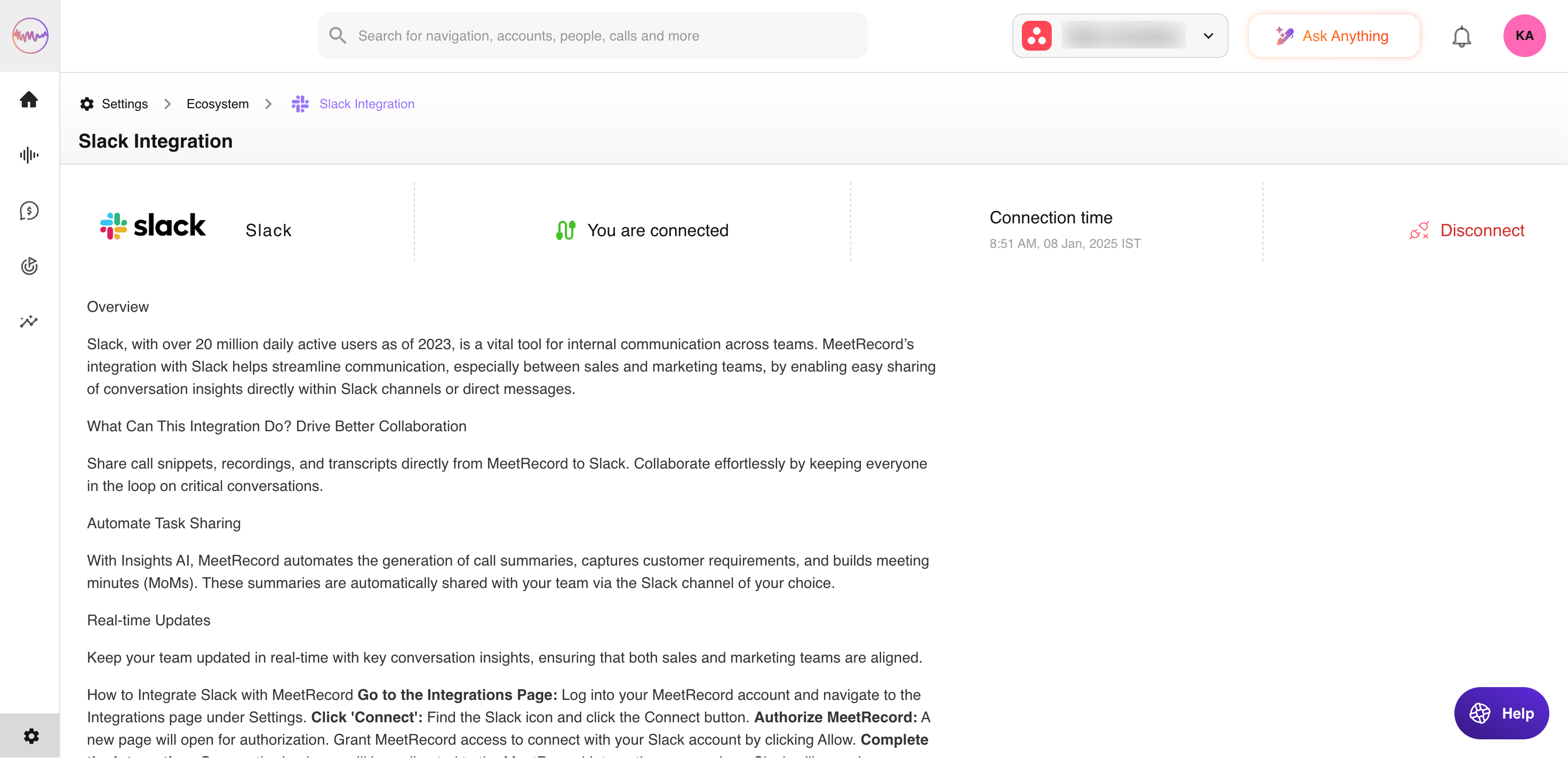
You can now share conversations, snippets, and summaries with your team via Slack.
Related articles
Hope article this was helpful, for any query please write to support@outdoo.ai