
Create or Manage Consent Profile
Learn how to create and configure consent profiles in Outdoo AI to manage recording notifications and compliance requirements for your team.
Steps to Create a Consent Profile
Navigate to Recording Consent Settings:
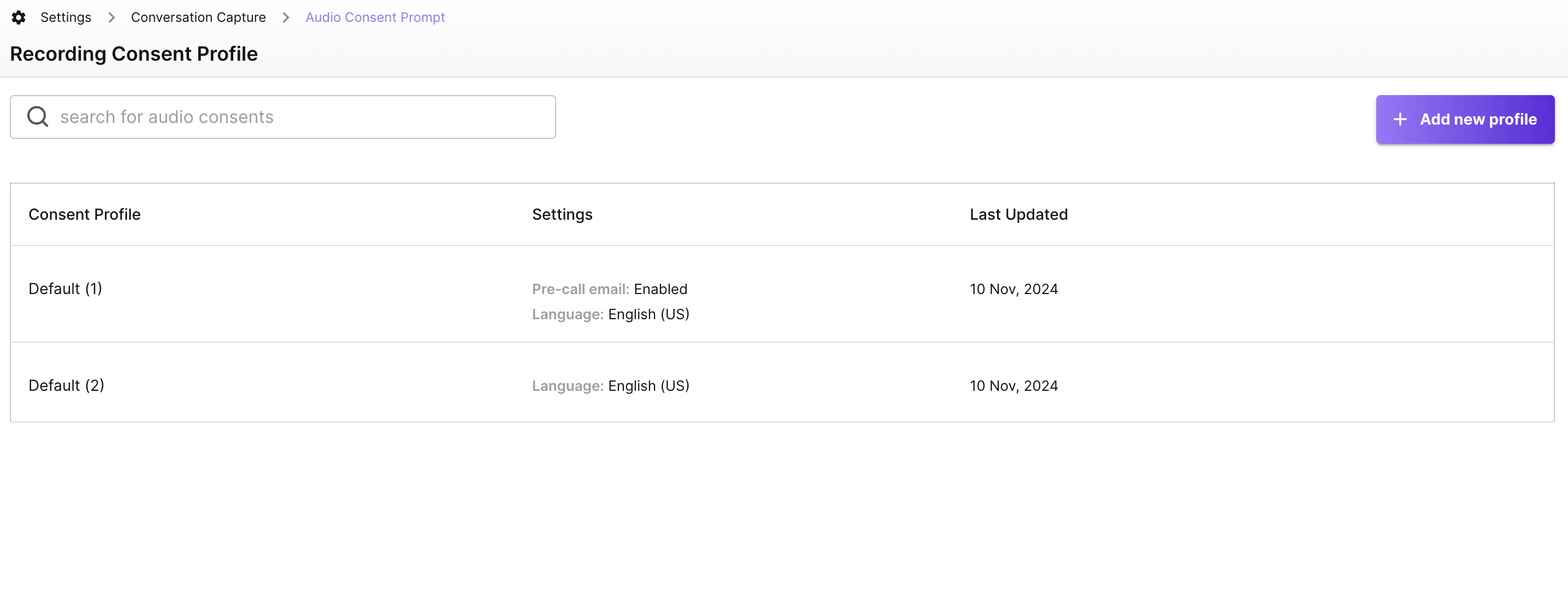
- Go to Settings > Conversation Capture > Recording Consent Profile in Outdoo AI
Add a New Profile:
- Click + Add New Profile to create a new consent profile
Name and Describe the Profile:
- Enter a meaningful name and description to identify the profile
Configure Consent Options
1. Pre-Call Email
- Click Enable to activate pre-call email notifications
- Configure the email content and settings to suit your organization's needs
2. Audio Prompt
- Click Enable to activate an in-call audio notification
- Customize the prompt for specific teams or languages
Finalize and Apply the Profile
Save the Profile:
- Click Add Profile to finalize and save the new consent profile
Assign Consent Profile:
- Go to Team management and assign the consent profile to the relevant team member