
Add transcript language for a user
Learn how to assign multiple transcript languages to users so Outdoo AI can capture multilingual sales conversations accurately.
A user handling multilingual sales calls may need transcripts in more than one language. You can assign multiple transcript languages to a user so Outdoo AI captures the complete conversation regardless of which language is spoken.
How to add a transcript language for a user
- Navigate to User Management.
- Select the user and scroll down to the Transcription Language section.
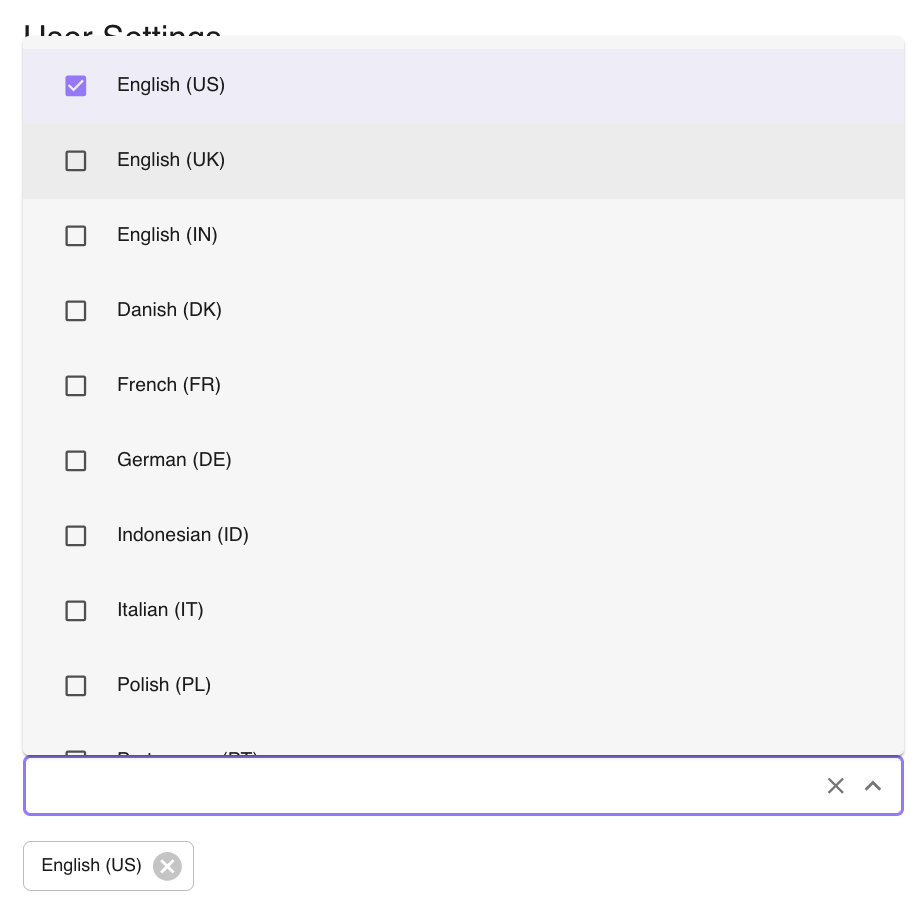
- Select one or more languages and click Save Details.
For any questions, reach out to support@outdoo.ai.