
Uploading Call Recordings for Analysis on Outdoo AI
Capture meetings happened outside Outdoo AI
If you have a meeting recording that was not captured by Outdoo AI but want to analyse it, you can easily upload it using the Shortcut widget. Here's how:
1. Go to the Home Page
- Navigate to the Outdoo AI home page.
- Locate the Shortcut widget prominently displayed on the page.
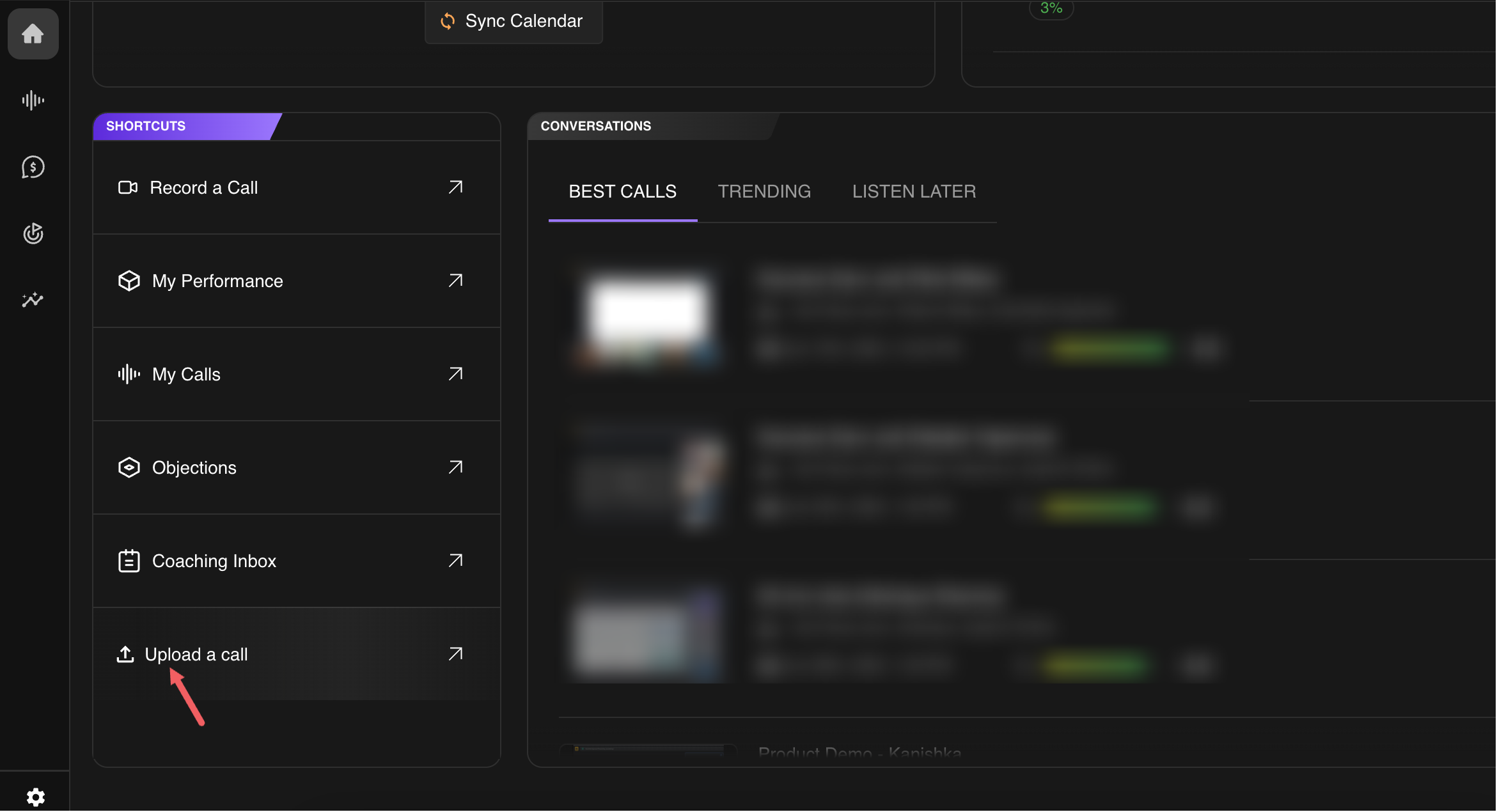
- In the Shortcut widget, click the Upload a Call option.
2. Choose Your Upload Source
Outdoo AI supports uploads from various sources, including:
- Google Drive
- Box
- OneDrive
- OneDrive Business
- Link (URL)
3. Upload and Process the File
- Select your file or paste the URL from the chosen source.
- Confirm the upload to start processing.
4. Analyze Your Call
- Once the upload is complete, Outdoo AI is ready to analyse the recording, providing transcripts and insights based on the initiatives you add them to.
Easily leverage Outdoo AI's analytical tools to extract valuable insights from your calls! If you need assistance, contact our support team on support@outdoo.ai