How to enable activity digests
Learn how to enable and customize activity digests in Outdoo AI, choosing between daily or weekly delivery via email, Slack, or other integrations.
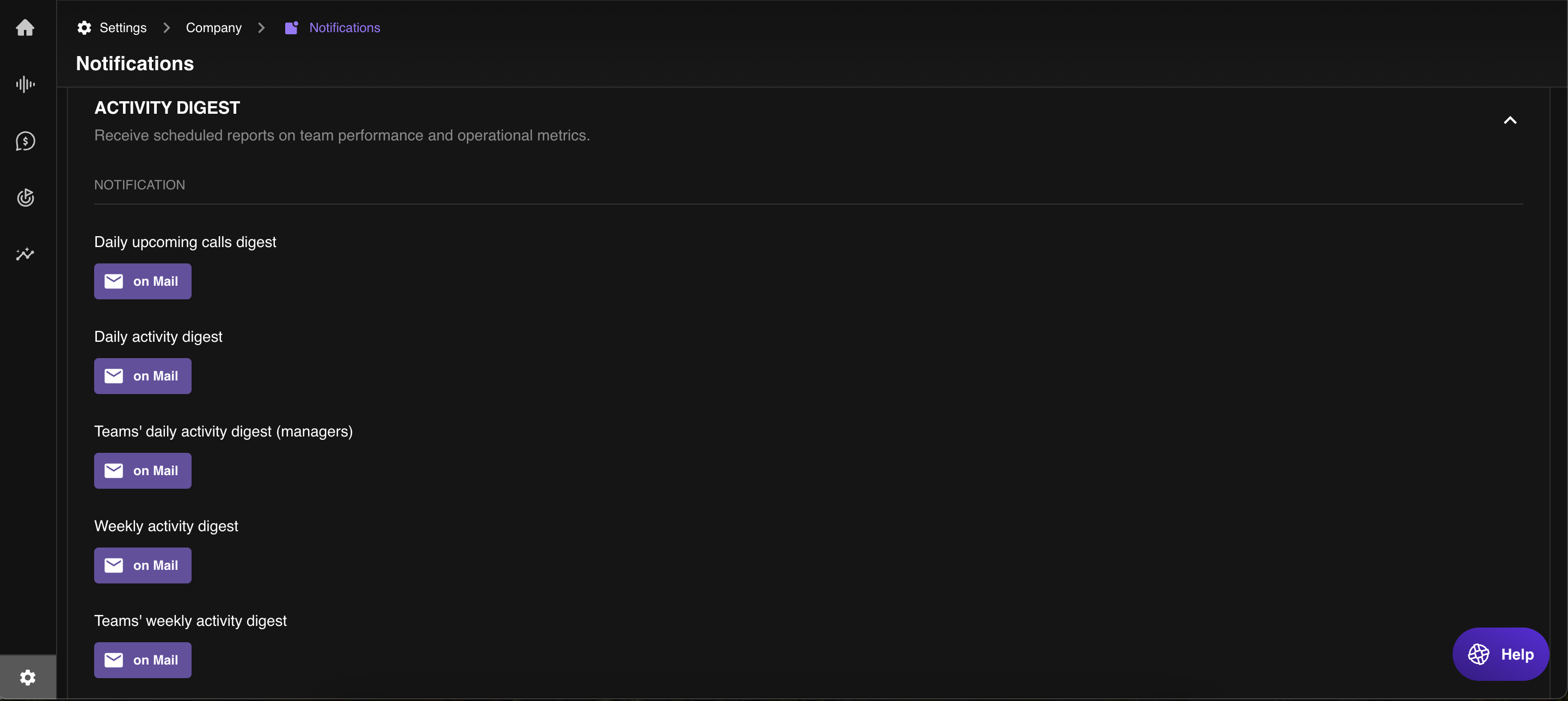
Follow these steps to enable and customise your activity digests:
- Navigate to Settings in Outdoo AI.
- Click Notifications and scroll down to find Activity Digest.
- Select the digest type you want (Daily or Weekly, Individual or Manager).
- Choose your preferred delivery method: Email, Slack, or another available integration.
- Save the changes to start receiving scheduled digests.