
How Managers Can Give Feedback on Roleplays
Managers can review roleplay calls and provide coaching in two ways: by adding timestamped comments during the recording, or by submitting a manager scorecard.
Method 1: Add timestamped comments
Managers can leave comments at a specific moment in a roleplay recording. This lets you point to exactly where something could have been handled differently.
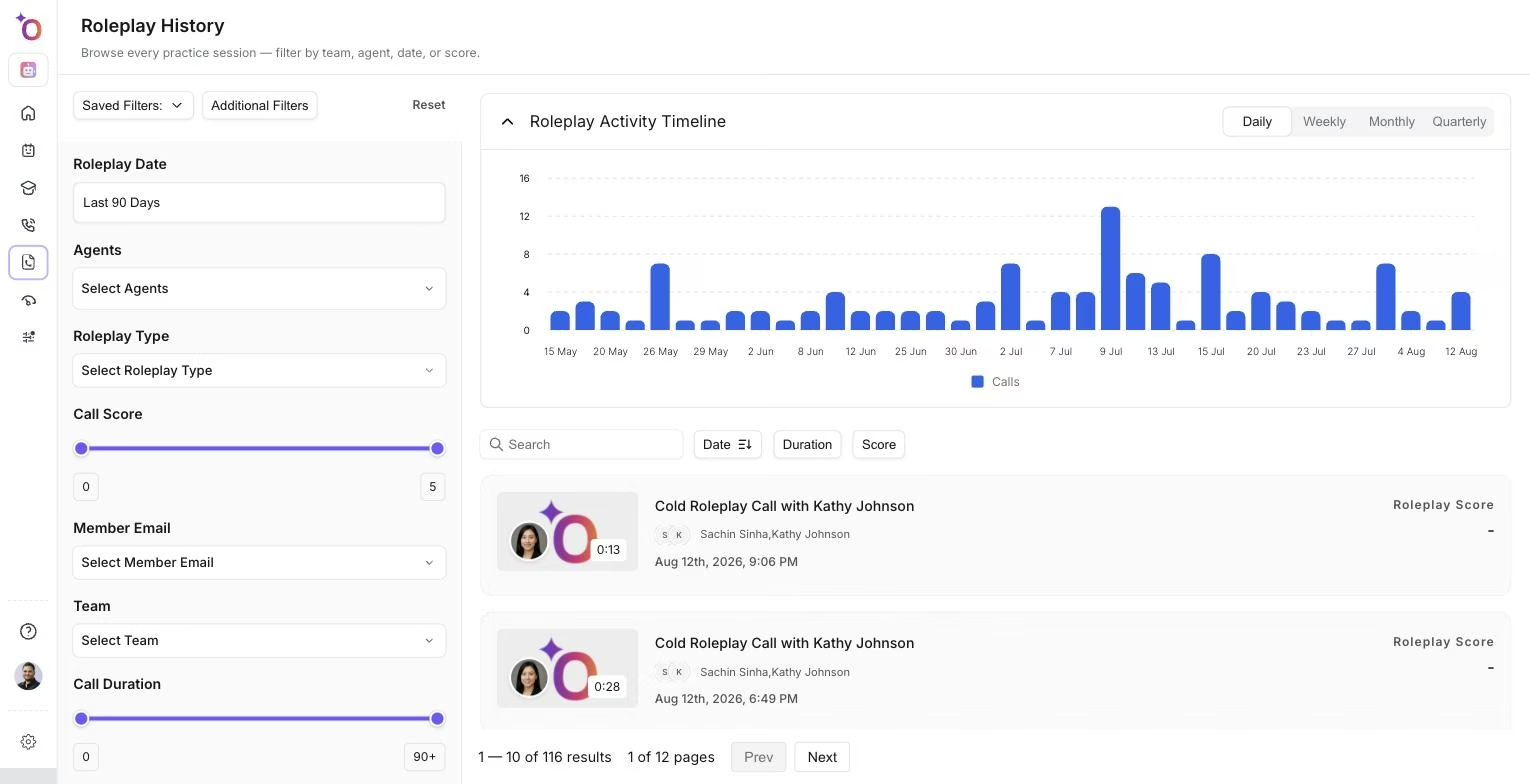 The roleplay history page, where managers find past sessions to open and comment on.
Steps
- Open the roleplay call recording.
- Navigate to the timestamp where you want to leave feedback (for example, 6:10).
- Add a comment at that moment.
- Choose the visibility setting: Visible to All so everyone in the account can see the comment, or Restricted so only the manager and the person who performed the roleplay can see it.
- Click Submit.
The participant receives an email notification informing them that their manager has added a comment at a specific timestamp. They can open the call and review the feedback directly at that point in the recording. This method works well for quick, contextual coaching tied to a specific part of the conversation.
Method 2: Submit a manager scorecard
Managers can review roleplays using a scorecard and provide ratings along with notes.
Steps
- Open the roleplay call.
- Select the scorecard you want to use.
- Rate each evaluation criterion. You can either start with a blank scorecard or pre-fill it with AI-generated scores and adjust them. For example, the AI may give a score of 4 and you may adjust it to 3 and add comments explaining the reason.
- Add any notes or feedback.
- Submit the scorecard.
Scorecard precedence
When both AI scores and manager scores exist for a roleplay, the manager's scorecard takes precedence. AI scores are excluded from analytics and overall calculations. Human evaluation always overrides automated scoring.
Related articles
- Creating a scorecard for the roleplay buyer bot
- Intro to Roleplay Agents
- Roleplay performance analytics