
Record an Internal Call
Learn how to manually record internal calls by adding external email addresses to invites, or request your tech admin to enable internal recording by default.
How to Manually Record an Internal Call
Add an external email address to the invitee list. Include an email address with an external domain in the calendar invite. This ensures the call meets the company's recording criteria.
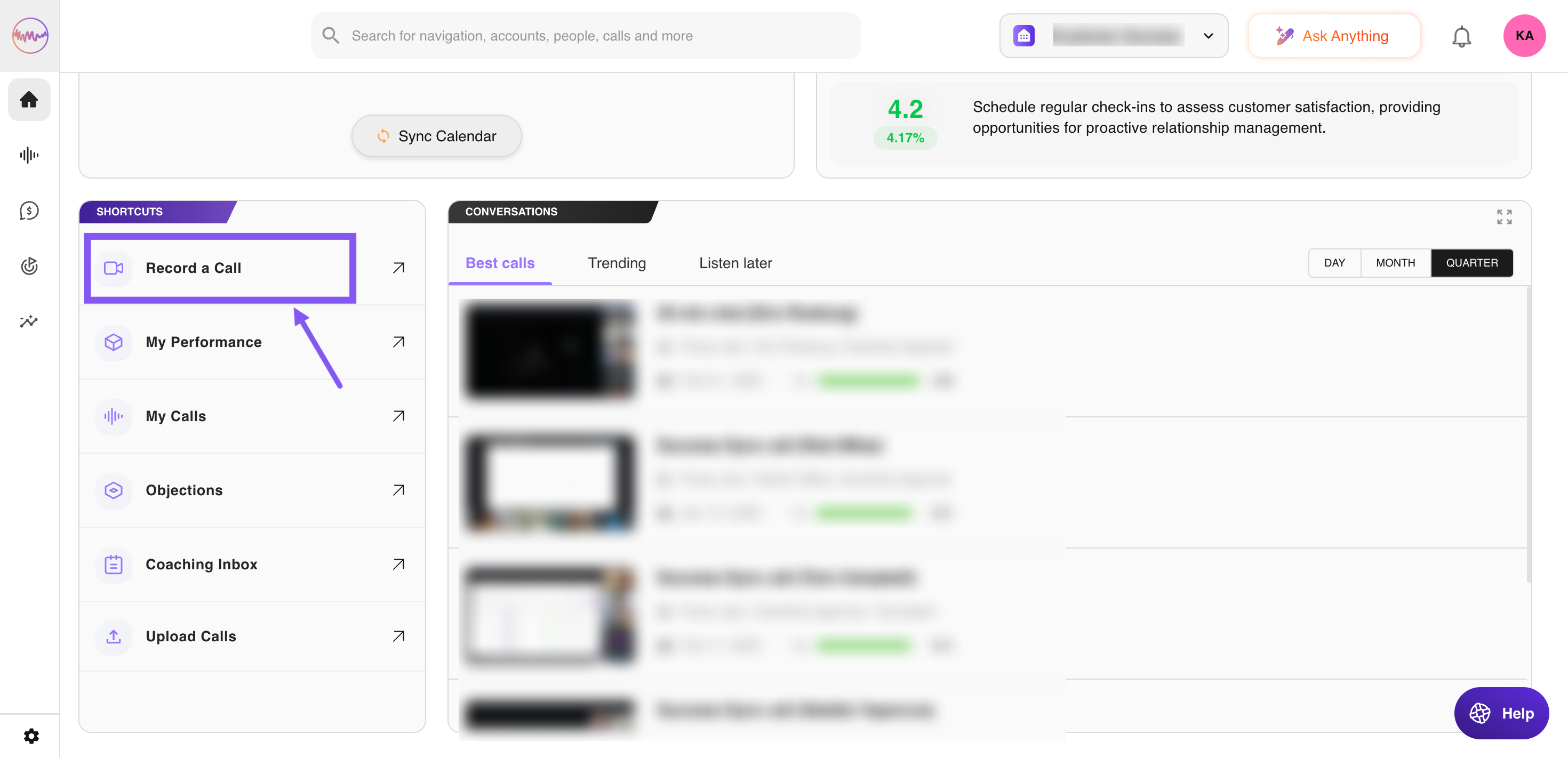
You can also schedule the call directly from the Outdoo AI homepage:
- Go to Homepage.
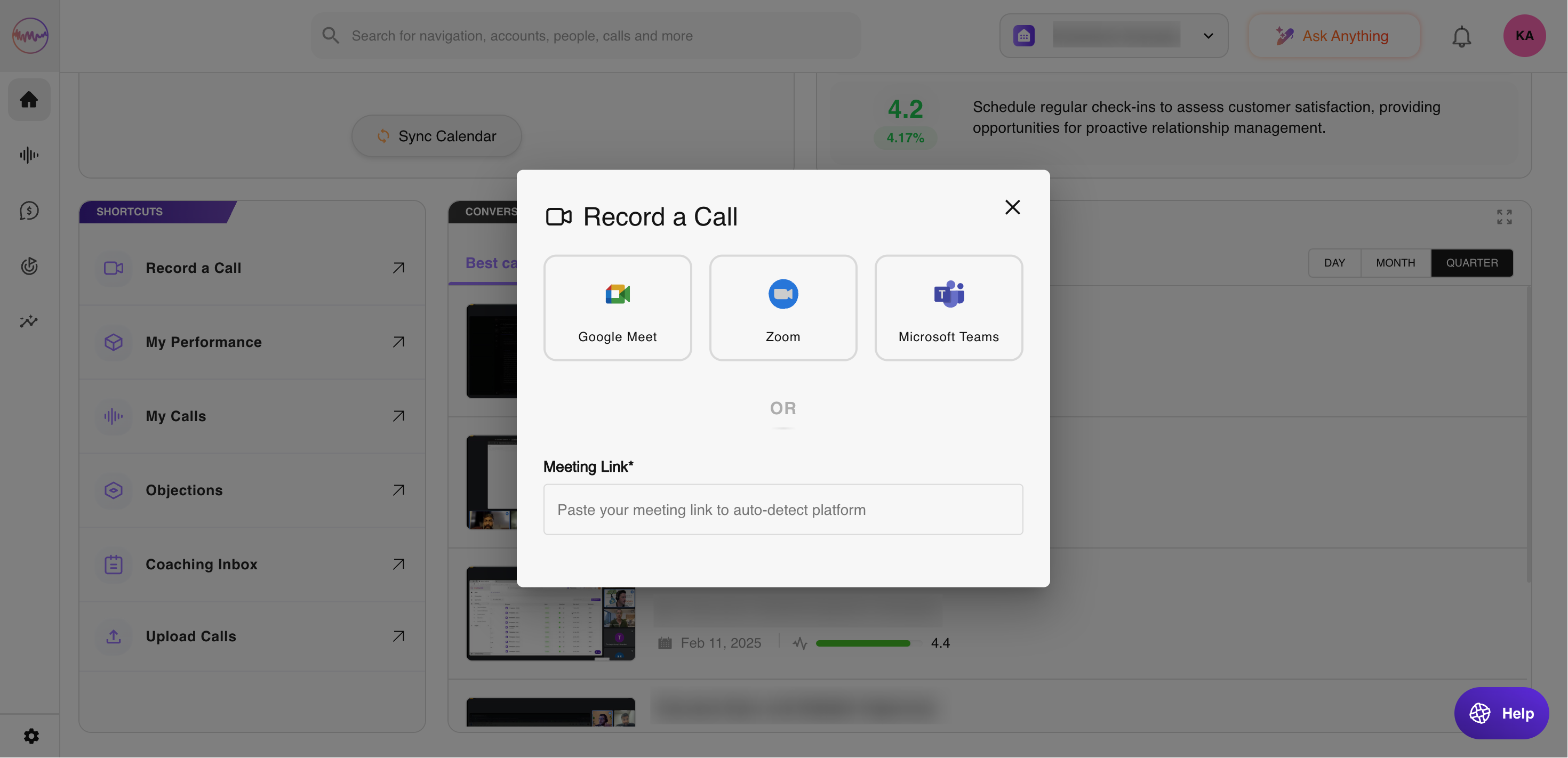
- Locate Shortcuts and click on Record a Call.
- Paste your meeting link.
For Regular Internal Call Recordings
If you need to record internal calls frequently, ask your tech admin to adjust the company's recording settings to allow internal calls to be recorded by default.
If you need any help, please contact support at support@outdoo.ai.