
Not receiving call summary emails? Here's how to fix it
Learn how to enable call summary email notifications in your individual or company-wide settings to ensure you receive emails after internal calls.
If you are not receiving call summary emails, follow the steps below to make sure the option is enabled in your settings.
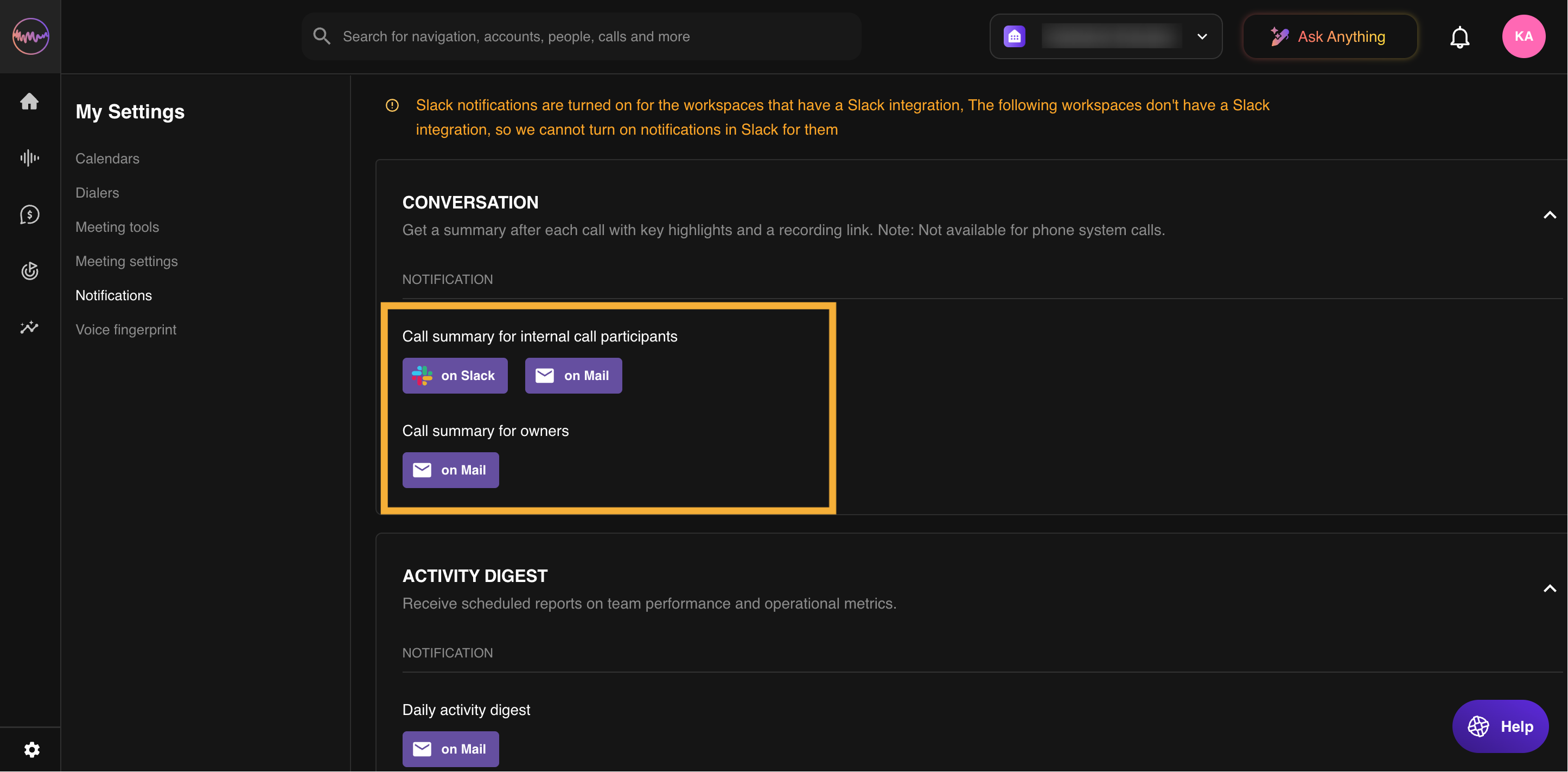
For individual users
- Click on your profile initials at the top right-hand side of the page.
- Select My Settings.
- Navigate to the Notifications tab.
- Ensure that Call Summary for Internal Call Participants is enabled.
For company-wide settings
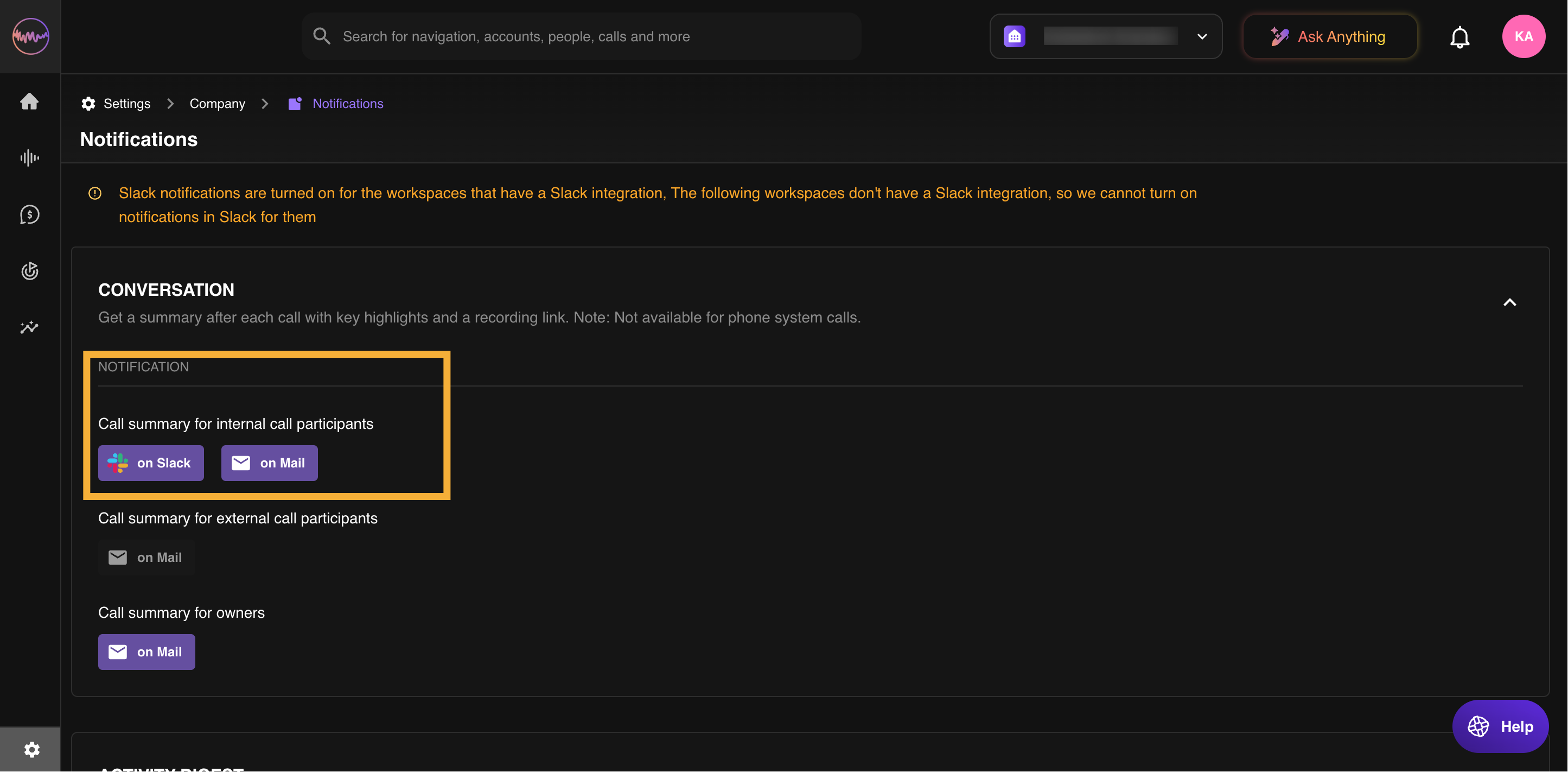
If the issue affects all users in your organization, an admin can check the company-level settings:
- Go to Company Settings.
- Locate Notification Settings.
- Ensure that Call Summary for Internal Call Participants is enabled.
If you have checked both settings and are still not receiving emails, contact our support team for further assistance.