
Record an Impromptu Call
Learn how to quickly add Outdoo AI to record calls whether they're scheduled, unscheduled, or already in progress using the Record a Call shortcut.
Here's how to quickly add Outdoo AI to a call, whether it's last-minute or already in progress.
If the meeting is on your calendar:
- If the meeting was scheduled 15 minutes before the scheduled time, Outdoo AI will automatically sync the call.
If the meeting is not on your calendar:
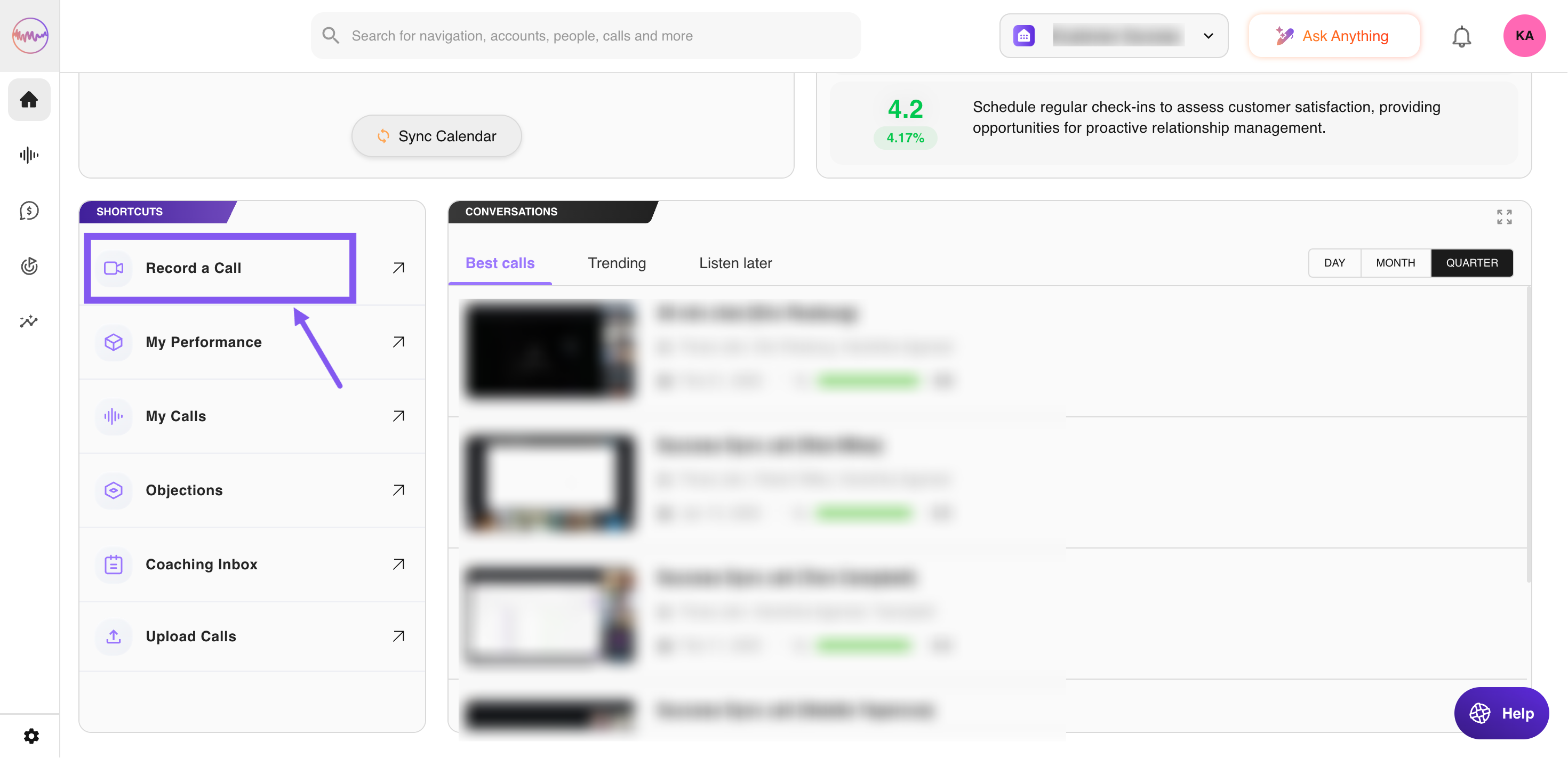
- Go to the homepage.
- Go to the Shortcuts section and click on Record a Call.
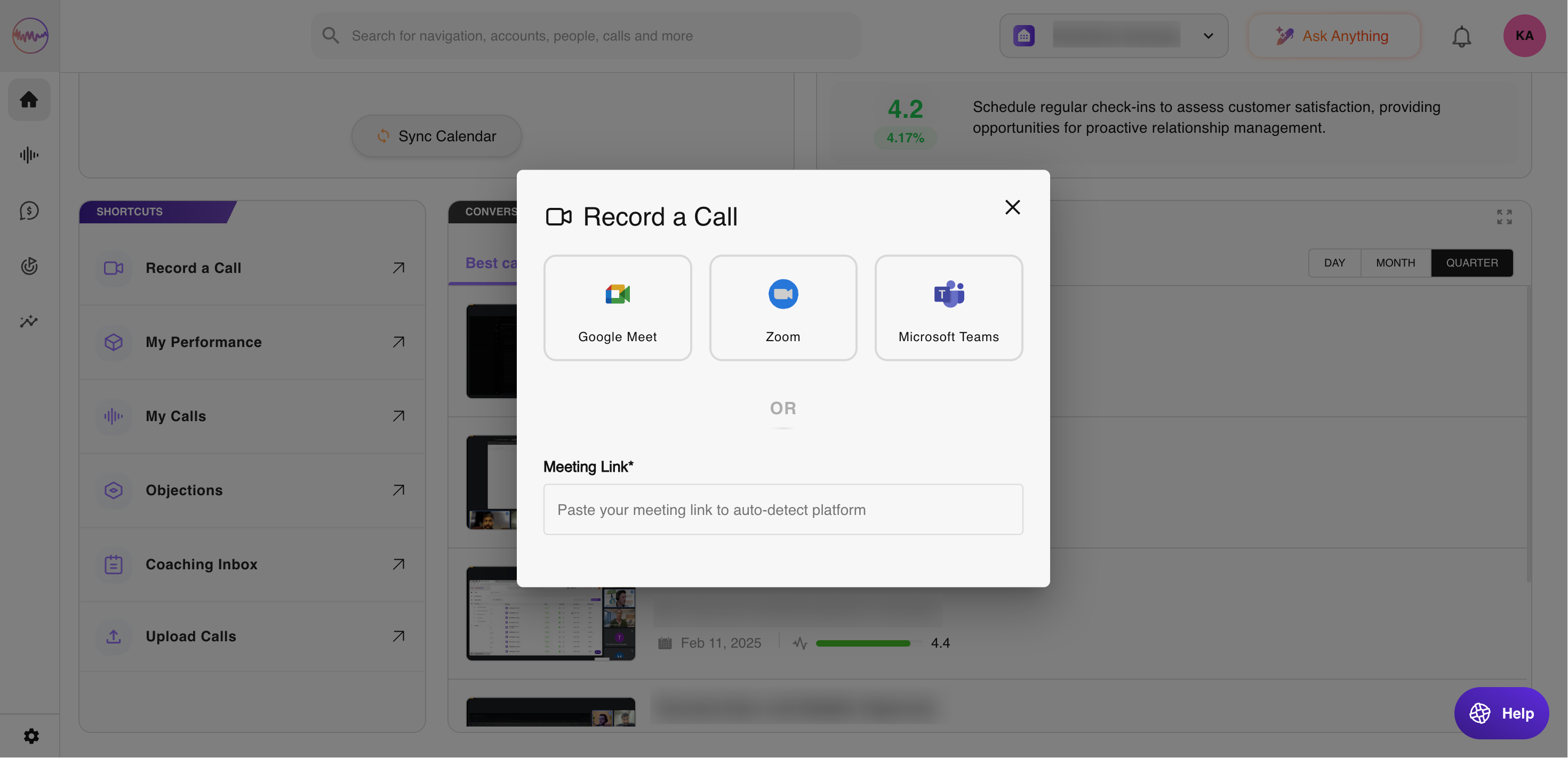
- Enter the meeting link and choose the meeting tool (in case it is not auto-selected).
If the meeting has already started:
- Go to the homepage.
- Go to the Shortcuts section and click on Record a Call.
- Enter the meeting link and choose the meeting tool (in case it is not auto-selected).
Note:
- Outdoo AI will join the call within 10 minutes after you've added the assistant or scheduled the recording from the homepage.
- Outdoo AI can join and record calls on any web conferencing system your company is configured to use.
If you need any help, please contact support at support@outdoo.ai.