
Outreach and Outdoo AI
Learn how to integrate Outdoo AI with Outreach dialer to capture call recordings and gain insights for coaching and improving your sales process.
Integrating Outdoo AI with the Outreach dialer gives you insights from your calls to improve your sales process. You can coach your team more effectively and make sure you don't miss customer insights.
Steps to Integrate Outreach Dialer
Note: You must be logged in to your Outreach account before starting.
- Go to Company Settings > Conversation Capture > Dialers, find Outreach, and click Connect on its card. You can also open the Outreach integration page directly. Each team member can also connect their own Outreach account under My Settings > Dialers.
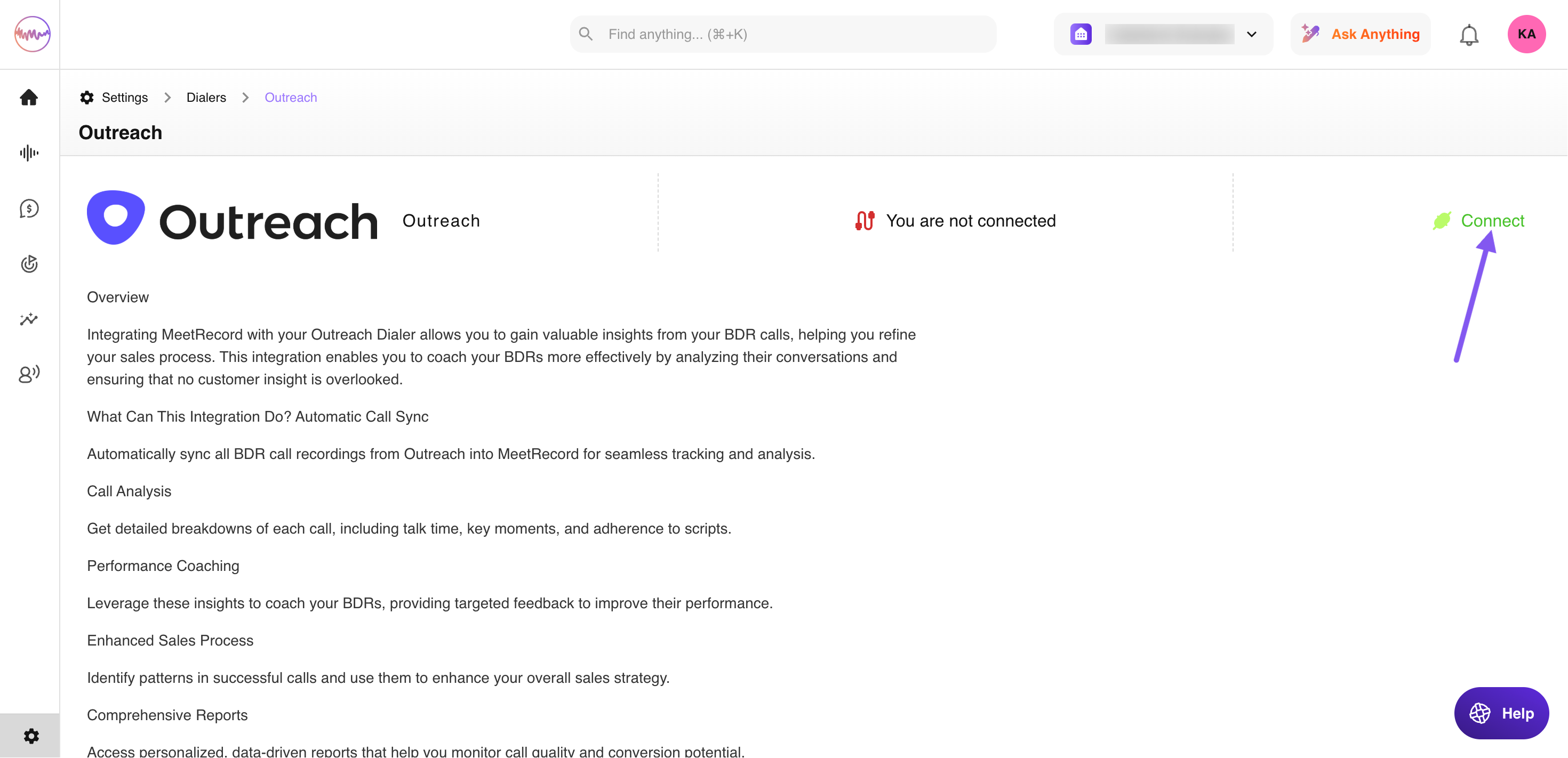

- On the Outreach integration page, click Connect.
- Authorize Outdoo AI in Outreach.
Outreach is now connected. Your call recordings will be available in Outdoo AI under Real Calls > History.
Hope this article was helpful. For any queries, please write to support@outdoo.ai