Customize your Outdoo AI notifications
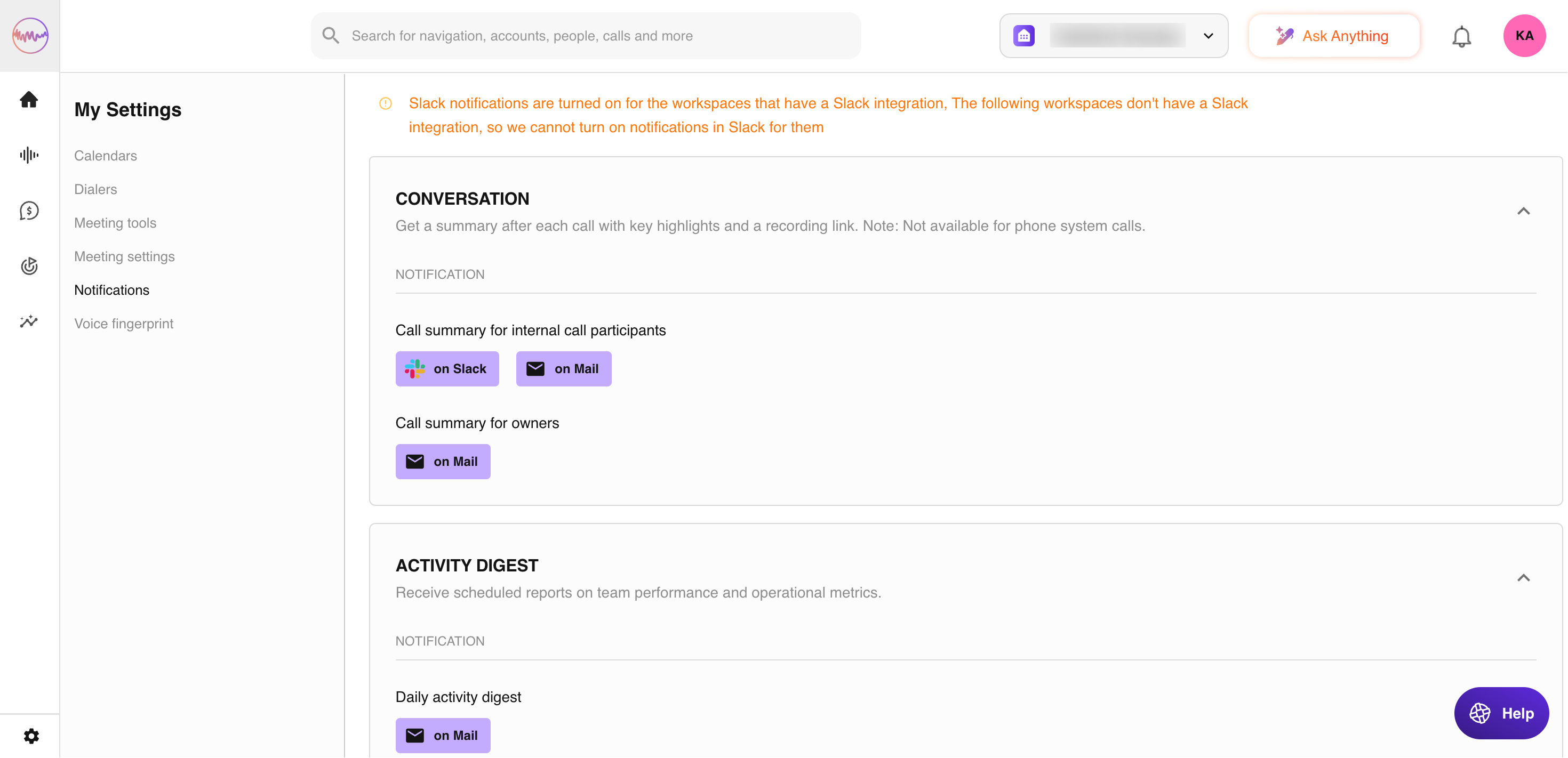
Where to go: Click your username > My Settings > Notifications
Note: Manage push notifications to your mobile device using the Outdoo AI mobile app (Beta). Your company's Outdoo AI administrator sets default notification settings for the organisation, but you can adjust them to fit your own preferences.
Managing your notifications
Select your preferences
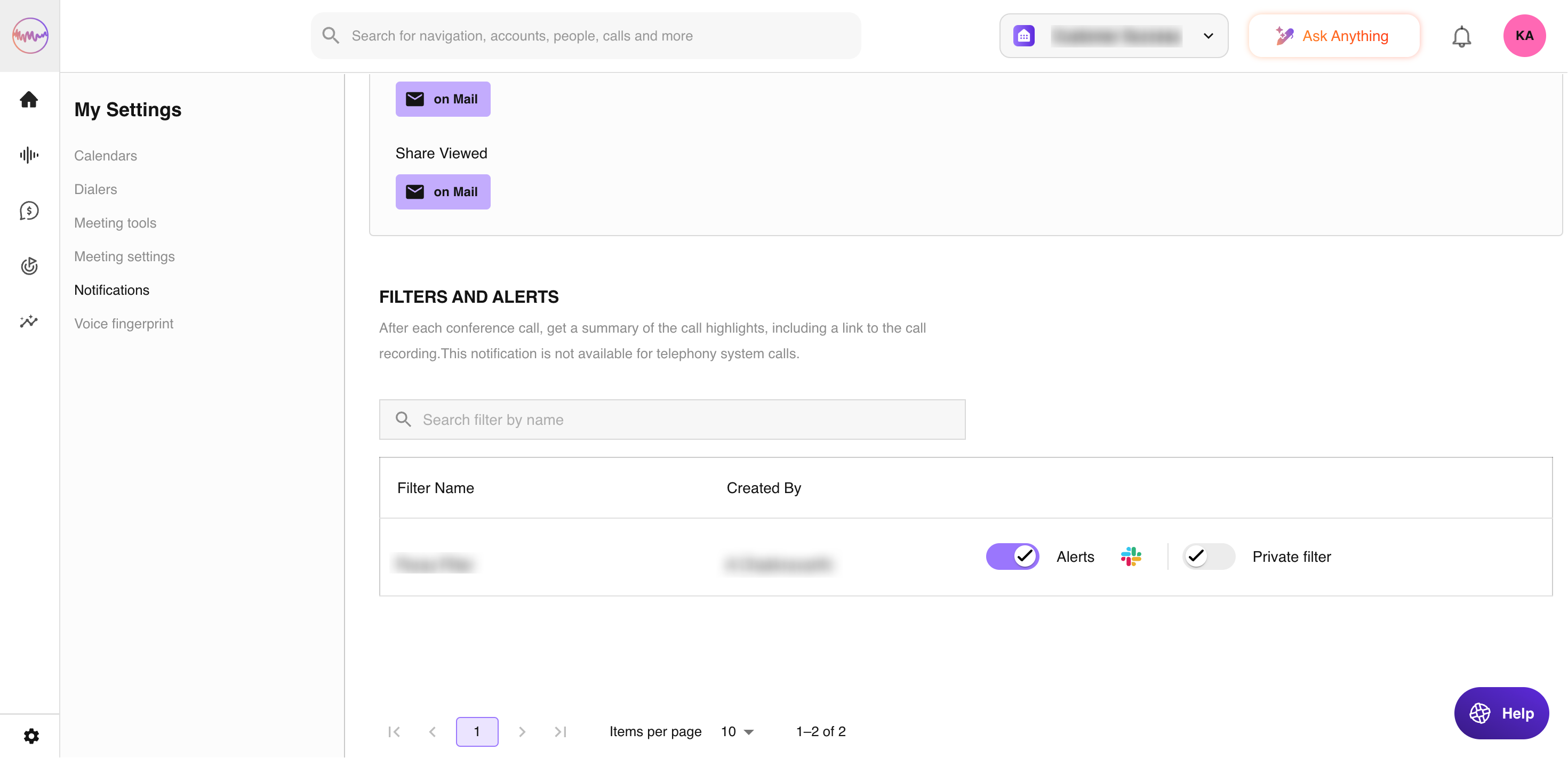
Two channels are available for notifications: Email and Slack. For each notification type, you can choose whether and how you want to be notified. If all checkboxes for a notification are unchecked, the toggle turns off automatically. Selecting any checkbox turns it back on.
Some channels may not be supported for certain notifications and will appear as inactive. Your preferences are saved automatically.
Notifications for filters and alerts
When you subscribe to a filter or stream, you will automatically receive email notifications for that filter.