
Salesloft and Outdoo AI
Learn how to connect your Salesloft dialer to Outdoo AI to capture, analyze, and coach on BDR calls with detailed conversation feedback.
A dialer integration with Outdoo AI lets you understand and analyze calls your team makes from Salesloft. Outdoo AI fetches recordings from these calls and analyzes them to show what has been working. You can coach team members on their script and give feedback at exact points in the conversation.
Steps to Integrate with Salesloft Dialer
- Go to Company Settings > Conversation Capture > Dialers, find Salesloft, and click Connect on its card. You can also open the Salesloft integration page directly.
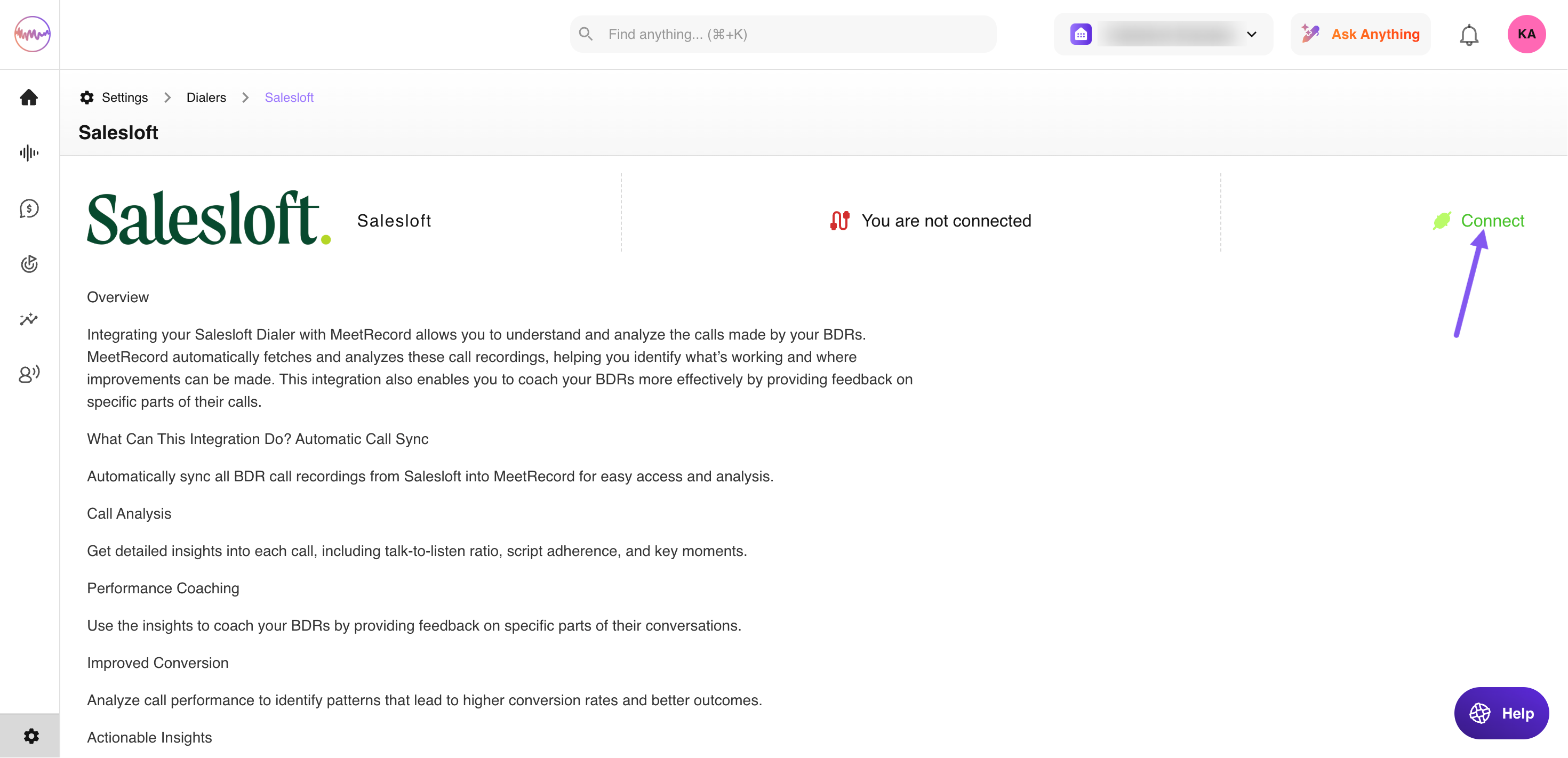

- On the Salesloft integration page, click Connect and authorize Outdoo AI in Salesloft.

Your dialer is now connected. Call recordings will appear in Real Calls > History.
Hope this article was helpful. For any queries, please write to support@outdoo.ai