
Custom Roleplay Type and Scenario
Outdoo provides built-in templates for common roleplay scenarios such as Cold Call, Warm Call, Check-In, and Follow-Up. If your business has different needs, you can create a custom bot type with its own tailored scenarios, such as Support Calls or Cancellation Calls.
Why create a custom roleplay bot type
A custom bot type lets you design scenarios that match your organization's own processes, train team members on call types such as cancellation handling or support escalation, and define custom rules, behavior, and mindset so the roleplay feels realistic.
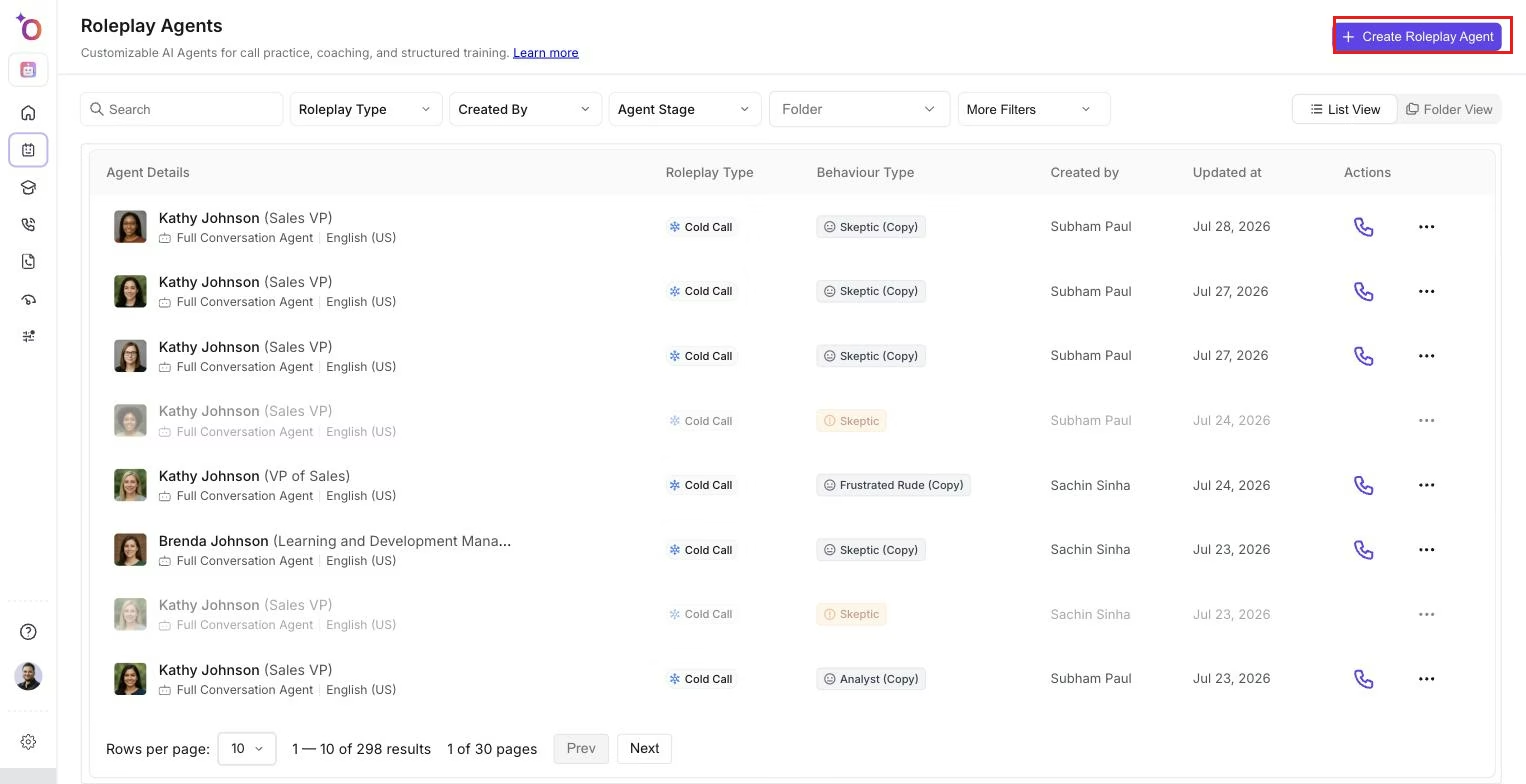 The agents list, where each agent's roleplay type and behavior are visible alongside its other details.
Example: cancellation call
A custom "Cancellation Call" bot type might include:
- Mindset: the customer is calling in to cancel a subscription
- Behavior: logical but urgent, aiming to resolve quickly
- Rules: the customer insists on canceling within a two to three day timeframe
Scenarios within this type could include canceling due to no usage of the product, or canceling due to dissatisfaction.
How to create a custom roleplay bot type
- Go to Company Settings > Manage Role Types.
- Click Add Roleplay Type.
- Enter a title (for example, "Cancellation Call"), a mindset describing customer intent (for example, "user wants to cancel subscription"), a behavior describing tone and urgency (for example, "logical with urgency"), and the rule state covering the key rules of the interaction.
- Go to Manage Scenarios under the new role type and add different customer situations, for example "canceling due to no usage" or "canceling due to product dissatisfaction." Add as many scenarios as needed to diversify the roleplays.
- Once the role type and scenarios are defined, create a bot either from a prompt or by starting from scratch.
Related articles
- Creating roleplay agents, overview
- Create a Roleplay Agent from a Prompt
- Create Variations of a Roleplay Agent