
Change Password
Learn how to change your password in Outdoo AI and understand the security requirements for creating a strong password.
Password rules
Your password must be at least 8 characters long and include:
- At least 1 letter
- At least 1 number
- At least 1 special character
- No spaces
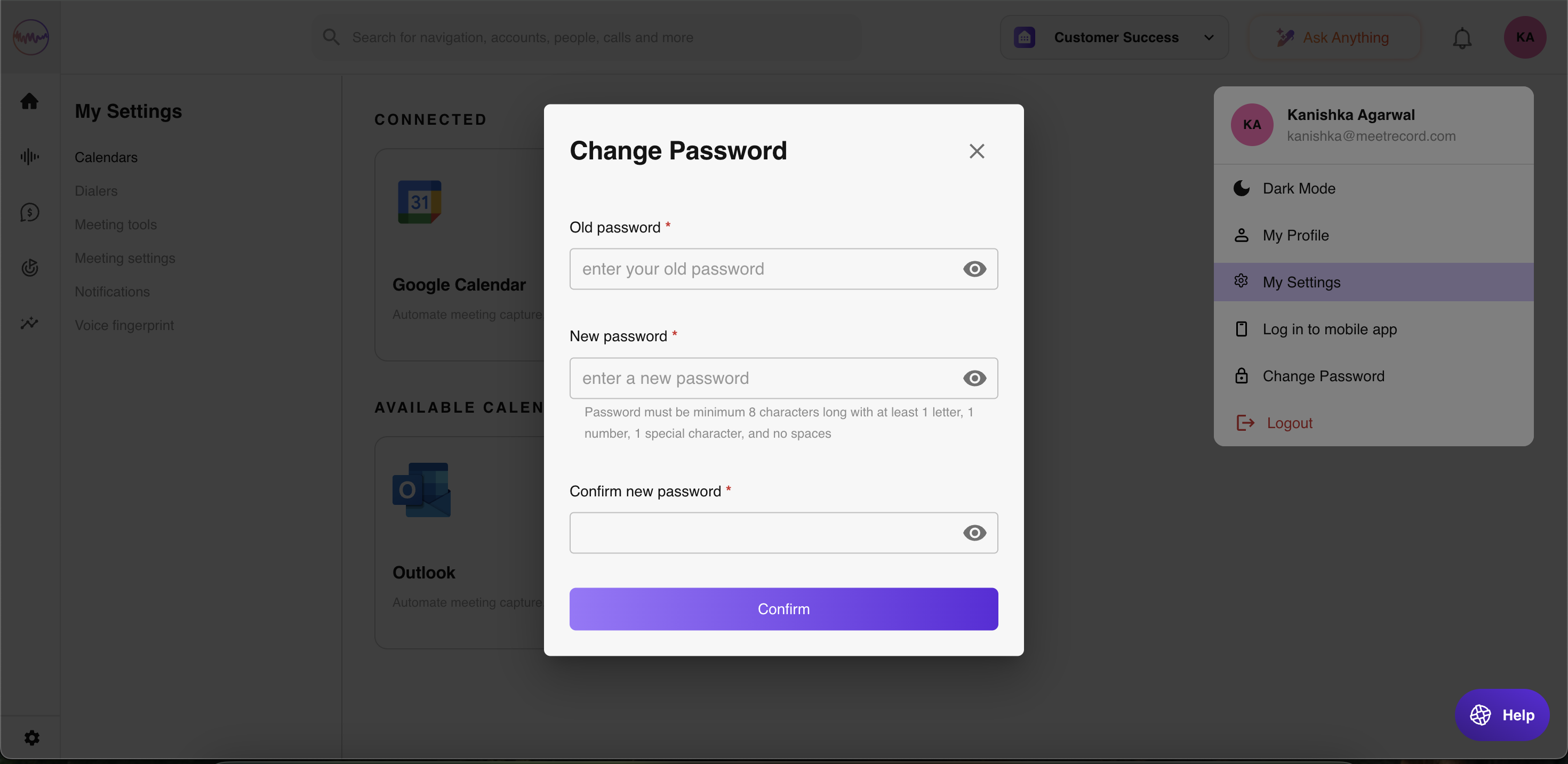
Change your password
- Open the user menu at the bottom of the left sidebar and select My settings.
- Open the Change password tab, or go straight to My Settings > Change password.
- Enter your old password and your new password. A checklist shows which rules the new password meets.
- Re-enter your new password to confirm it.
- Click Update.
If your company signs in with SSO (for example Google, Microsoft or SAML), your password is managed by that provider instead.
Hope this article was helpful. For any queries, please write to support@outdoo.ai