
Why aren't my calls being scored on Outdoo AI?
Learn why your calls aren't being scored and how to fix common issues like missing coaching initiatives, internal calls, or meetings that are too short.
There are a few reasons why meetings may not be scored. Check each of the following:
- Scorecard assigned: A scorecard must be assigned to the meeting. Without one, meetings cannot be scored.
- Internal calls: Calls between team members are not scored. If your meeting was internal, this is expected behavior.
- Meeting duration: Calls shorter than the Minimum call process duration (in seconds) set in Company Settings > Conversation Capture > Notetaker Controls are not processed or scored. The default is 120 seconds, and an admin can set any value from 20 to 1800 seconds.
Scorecard assignment
If calls are still not being scored, check that scorecards apply to the correct team, team member, category, or deal stage.
To verify or update this:
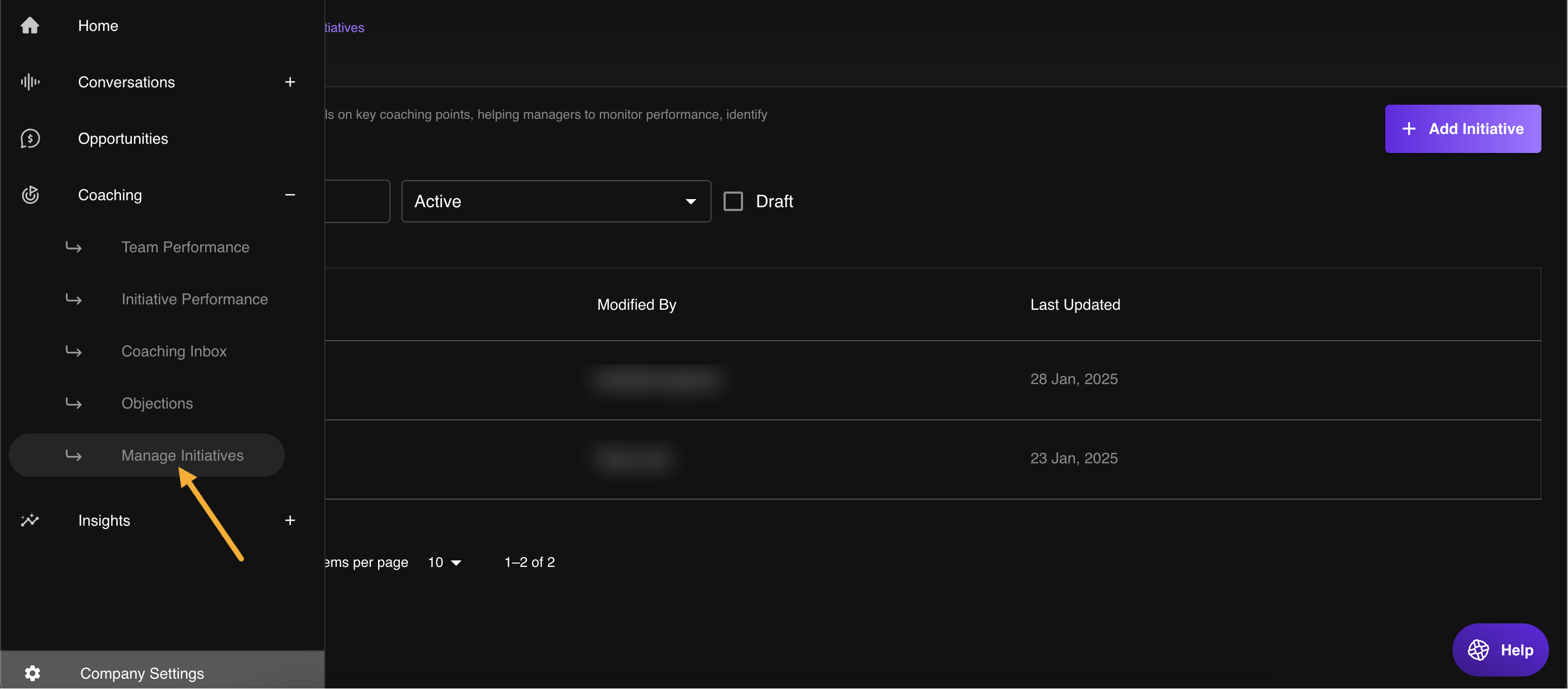
- Go to Manage > Scorecards from the sidebar.
- Open the scorecard and check Apply to on Scorecard Details. A scorecard set to Roleplay Agent only scores practice sessions, not real calls.
Hope this article was helpful. For any queries, please write to support@outdoo.ai