
How to Create Roleplay Bots from Recorded Calls
You can easily turn your real conversations into Roleplay Bots within the AI Roleplay app. This guide walks you through the step-by-step process.
1. Open the AI Roleplay App
- Make sure you’re inside the AI Roleplay app of Outdoo before starting.
2. Upload Your Call Recordings
- In the Shortcuts widget, click Upload Calls.
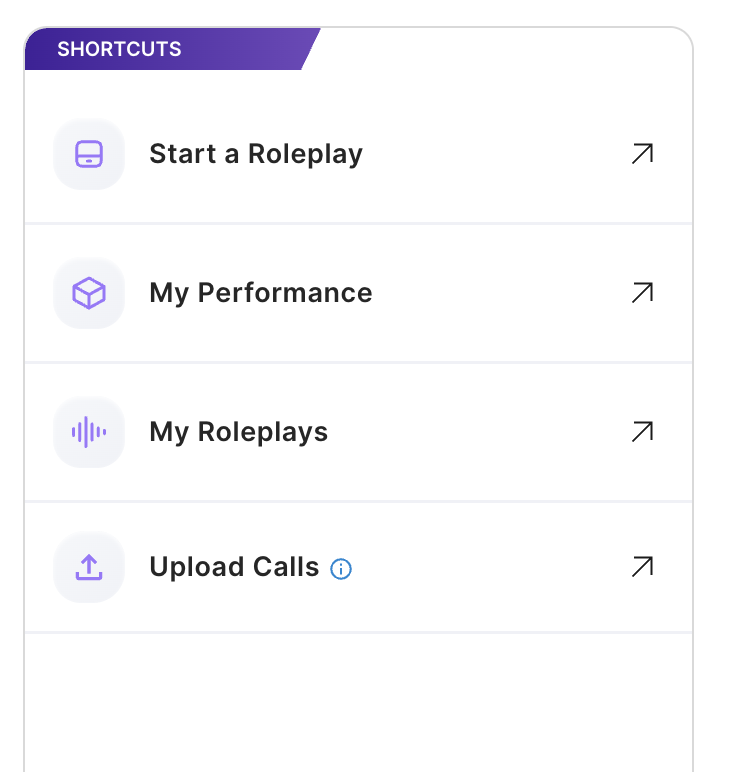
- Select one or more audio files (e.g.,
.mp3recordings). - Click Upload.
- You can upload multiple recordings at once.
- Processing typically takes 10–15 minutes.
3. Create a Buyer Bot
- Once your calls finish processing:
- Go to the Buyer Bots section.
- Click Add Buyer Bot.
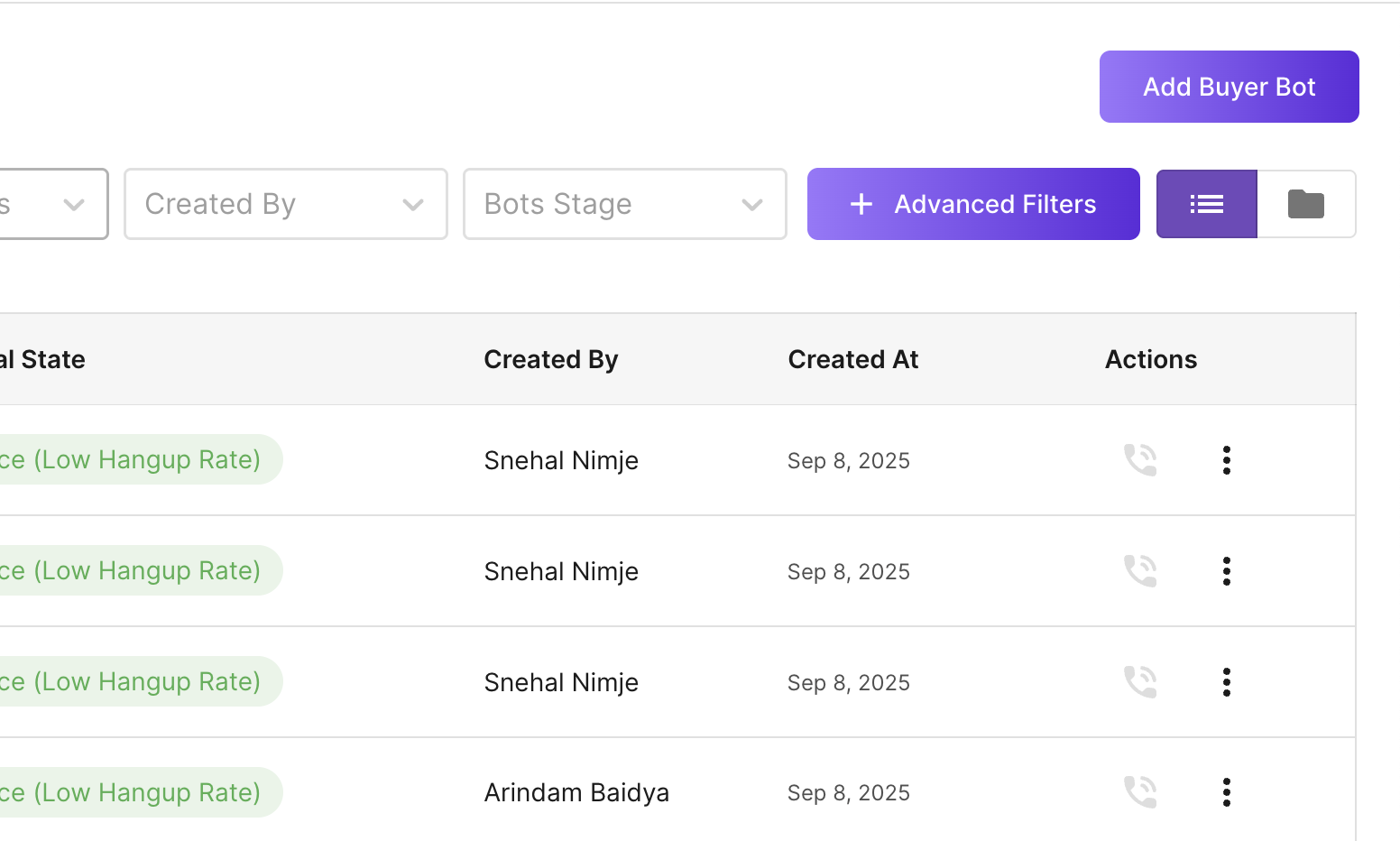
- Choose From Calls and then select Upload Calls.
- Click Confirm.
- Select the previously uploaded call from the list.
4. Data Privacy
- All uploaded calls are automatically scrubbed for PII (Personally Identifiable Information) before being used in Roleplay Bots.
5. Complete the Bot Creation Wizard
- After selecting your call:
- Follow the standard Bot Creation wizard steps.
- Customize your Roleplay Bot as needed.
- Save, and your Roleplay Bot is ready for use.
✅ You’ve now successfully created a Roleplay Bot from a recorded call!